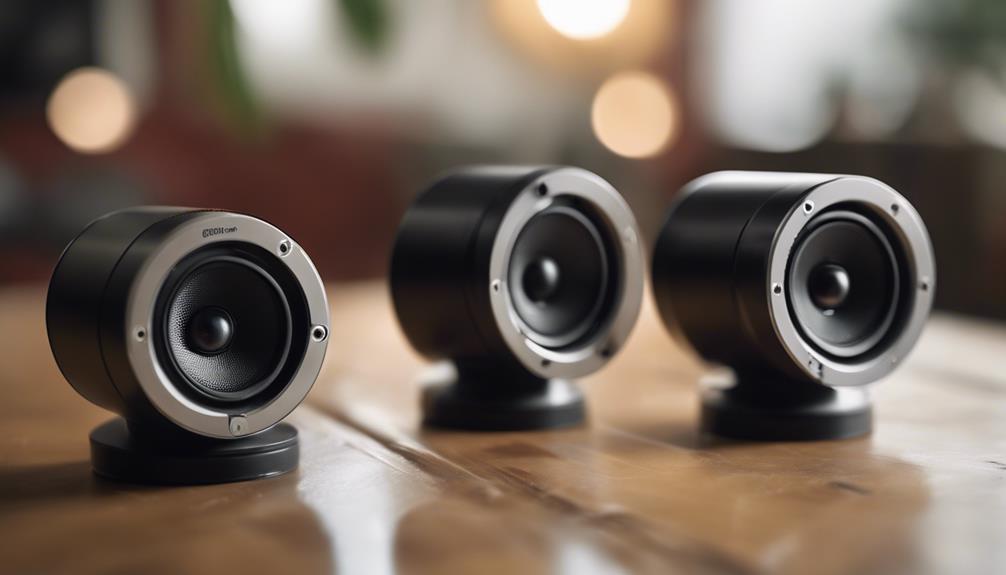

Spy camera speakers combine the appearance and function of a compact speaker with a concealed camera. The concept is intended for discreet monitoring, but the most important consideration is not simply how well a device blends into a room. Image quality, audio performance, connectivity, data security, installation, and privacy obligations all affect whether a speaker-style camera is appropriate for a particular situation.
What to Look for in a Speaker-Style Camera
Because these products are designed to resemble ordinary electronics, it can be difficult to judge their surveillance capabilities from appearance alone. Compare the following features before choosing a device:
- Video quality: Look for clear footage with enough detail to identify relevant activity. A wide viewing angle may cover more of a room, but it can also make distant subjects appear smaller.
- Audio recording: An integrated microphone may capture nearby sound, although clarity depends on distance, background noise, and the device’s design.
- Storage: Check whether recordings are saved locally, transferred to a phone or computer, or stored through a connected service. Understand how long footage remains available and how it can be deleted.
- Power: Battery-powered units are easier to position but require charging. Plug-in models can operate for longer periods but may be less flexible to place.
- Wireless access: Wi-Fi or another wireless connection may support remote viewing and alerts, but it also creates security considerations that should not be overlooked.
Motion Detection and Low-Light Recording
Motion detection can make surveillance footage easier to manage by triggering recording when movement occurs instead of capturing continuously. This can reduce unnecessary clips and simplify review. Before relying on the feature, check whether sensitivity and activity zones can be adjusted. Otherwise, normal movement, changing light, or activity outside the area of interest may create frequent false alerts.
Night vision or low-light recording can extend the camera’s usefulness after dark. Performance varies, however, and a feature described as night vision does not necessarily guarantee clear identification in complete darkness. Test the device in the intended location and lighting conditions before depending on it for security monitoring.
Remote Monitoring and Mobile Controls
A companion mobile app can provide live viewing, playback, notifications, and access to camera settings. These controls are convenient when you need to check a location without being physically present. They are also a point of potential vulnerability.
Use a strong, unique account password, secure the home network, install available software updates, and avoid sharing access credentials. If the device supports encryption, account protection, or two-step verification, enable those options. Review the app’s permissions and understand where recordings are transmitted or stored before connecting the camera to a personal network.
Placement and Sound Quality
A speaker-style camera should be positioned where its lens has an unobstructed view of the area it is meant to monitor. Avoid placing it behind objects, near strong light sources, or at an angle that leaves important areas outside the frame. The device should also remain stable so that small movements do not make footage difficult to review.
Do not assume that a concealed microphone will produce professional-quality audio. Speaker housing, distance, room acoustics, and background noise can all affect recordings. If audio is not necessary for the intended purpose, disabling it may reduce privacy risks and simplify compliance with applicable rules.
Setup and Troubleshooting
Follow the manufacturer’s instructions during installation and test the camera before completing its placement. Confirm that:
- the live view shows the intended area;
- recordings are saved and can be played back;
- motion alerts work at the selected sensitivity;
- the speaker, microphone, and camera operate as expected; and
- the device remains connected from its final position.
Common problems include weak wireless signals, missed motion events, poor low-light footage, and depleted batteries. Moving the device closer to the network, adjusting detection settings, improving the lighting, or changing the power arrangement may help. Keep the instruction manual available for model-specific troubleshooting rather than assuming every speaker camera works in the same way.
Privacy and Legal Responsibilities
Concealed recording can affect the privacy rights of anyone within view or hearing range. Laws governing video and audio recording vary by location and may impose different requirements depending on whether people have a reasonable expectation of privacy, whether sound is recorded, and whether notice or consent is required.
Use a speaker camera only for a legitimate, lawful purpose. Avoid private areas such as bedrooms and bathrooms, do not use the device to monitor people without appropriate authority or consent, and display notice where required. Secure recordings, limit access to authorised users, and delete footage when it is no longer needed.
Final Buying Advice
The best speaker-style camera is not necessarily the smallest or most discreet model. Prioritise dependable video, suitable storage, secure remote access, reliable power, and controls that are simple to configure. Most importantly, confirm that the device’s placement and recording practices respect local privacy requirements. Used transparently and responsibly, a camera integrated into a speaker can support legitimate security monitoring without turning convenience into an avoidable privacy problem.