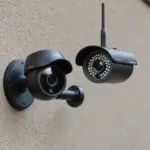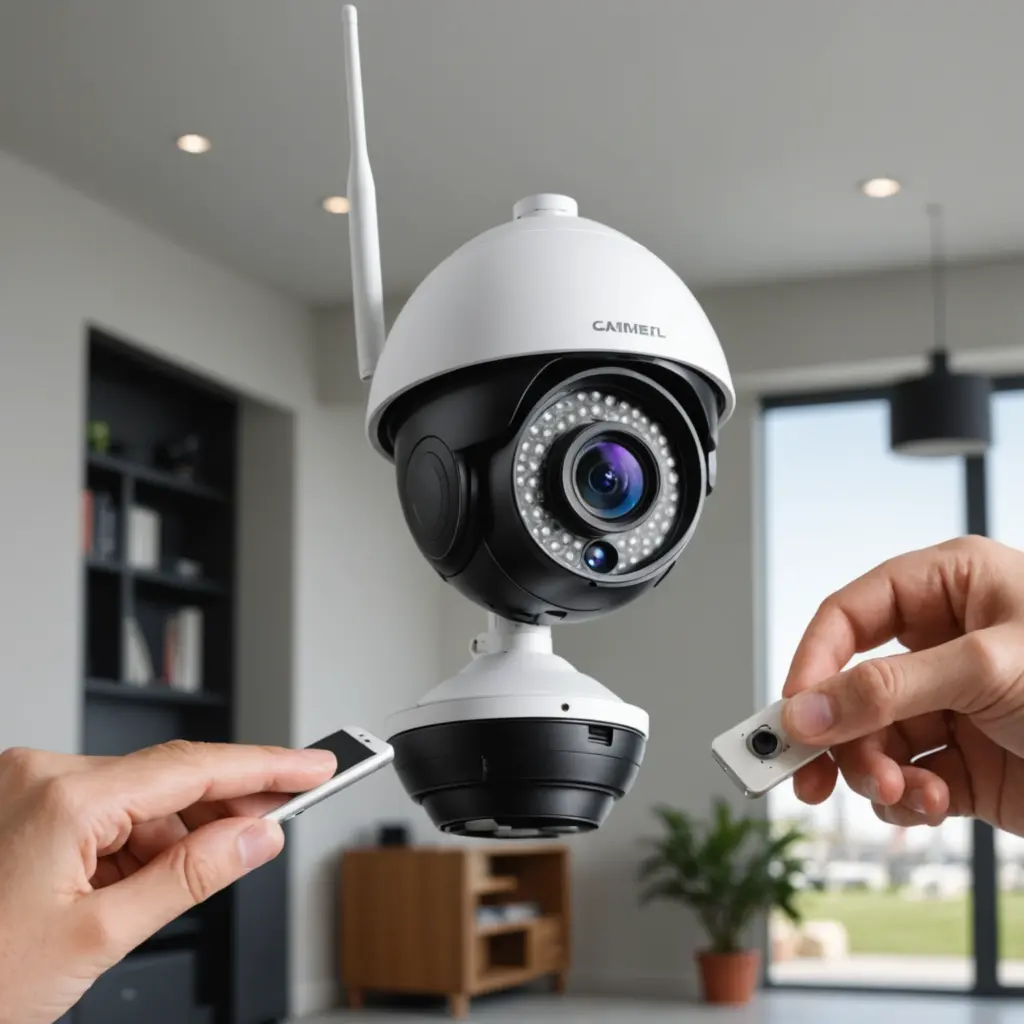

Wireless camera range is not a single fixed number. A camera may work reliably across several rooms, across a yard, or over a much larger outdoor property—but the result depends on the wireless technology, obstacles, antenna design, video settings, and interference around the installation.
Manufacturer range figures are usually measured in favorable conditions, often with a clear line of sight. In a home or business, walls, floors, trees, vehicles, and nearby wireless equipment can reduce the usable distance considerably. The best way to judge range is to treat published specifications as a starting point and test the camera in its intended location.
What determines wireless camera range?
Obstacles and line of sight
Radio signals travel most effectively when the camera and receiver have a clear path between them. Interior walls, ceilings, concrete, brick, metal, and glass can weaken the signal. Outdoor obstructions such as trees and buildings can have a similar effect. Materials containing metal or water tend to be especially challenging because they can absorb or reflect radio energy.
A camera installed close to a receiver may perform poorly if several dense walls sit between them, while a camera farther away may work well when both devices have a clear outdoor path.
Wireless frequency
Frequency affects both range and throughput. A 2.4 GHz Wi-Fi connection generally travels farther through a building than 5 GHz Wi-Fi, although it may encounter more congestion from other wireless devices. A 5 GHz connection can provide higher data rates and may perform better in a busy 2.4 GHz environment, but its useful range and ability to pass through obstacles are usually more limited.
Some dedicated camera systems use lower-frequency bands, such as sub-GHz connections. These can offer better penetration and longer outdoor range than typical Wi-Fi systems, depending on the equipment, antennas, power, and local conditions.
Antennas, power, and interference
Antenna quality, orientation, transmitter power, and receiver sensitivity all affect the connection. Directional antennas can concentrate the signal toward a distant receiver, but they must be aligned correctly. Nearby Wi-Fi networks, cordless phones, microwaves, and other radio equipment can also cause interference or reduce available bandwidth.
Video settings matter as well. High-resolution streams and high bitrates require more bandwidth. At the edge of the camera’s coverage, reducing resolution, bitrate, or compression quality may produce a more stable feed.
Typical ranges by camera technology
The following figures are approximate and should not be treated as guarantees:
- 2.4 GHz Wi-Fi cameras: Often provide roughly 30 to 90 feet indoors, depending on the number and construction of walls. Outdoors, a clear line-of-sight connection may reach several hundred feet with suitable networking equipment and antennas.
- 5 GHz Wi-Fi cameras: Can support high-throughput video but generally have a shorter range and weaker obstacle penetration than 2.4 GHz systems.
- Dedicated sub-GHz systems: Some systems can reach approximately 1,000 to 3,000 feet outdoors with a clear line of sight. Actual performance depends heavily on antenna gain, transmit power, receiver design, and regulations.
- Analog wireless cameras: These can have modest range and are more vulnerable to interference and image noise. They are less common in newer installations.
- Cellular cameras: These do not rely on a direct radio link to a nearby recorder. Their practical range depends on mobile network coverage, signal quality, data availability, and the camera’s service plan.
Ways to extend a camera’s usable range
Start by choosing technology suited to the site. A mesh Wi-Fi system or centrally located access point can help cover multiple rooms or floors. For a large outdoor area, a dedicated long-range system, wireless bridge, or directional antenna may be more appropriate than a standard indoor router.
Placement is equally important. Mount the camera and receiving equipment as high as practical, reduce the number of walls in the signal path, and keep antennas away from large metal objects. If using directional antennas, aim them carefully toward each other.
Repeaters and range extenders can fill coverage gaps, although every added wireless link may introduce another potential point of failure. Adjusting resolution or bitrate can also improve stability when the camera is operating near the edge of its coverage. For battery-powered models, remember that weak signals and repeated transmissions may increase power consumption.
How to test wireless camera range
Test the complete system in the locations where it will actually be used. Power the camera and receiver in their planned positions, then monitor live video and recordings rather than checking only whether the camera appears connected.
- Walk through the coverage area and note weak spots, delays, and dropped video.
- Test movement, low-light scenes, and the highest video quality you intend to use.
- Check performance at different times of day if interference may change.
- Use a Wi-Fi analyzer or signal-strength tool to identify congestion and weak signal areas.
- For battery cameras, observe battery drain during periods of poor connectivity.
Leave a safety margin instead of positioning the camera at the absolute limit of the connection. Seasonal foliage, weather, new neighboring networks, and changes to the property can affect performance later.
Security and privacy considerations
A longer transmission range can unintentionally extend monitoring beyond the area you intend to observe. Aim cameras carefully and avoid recording places where people reasonably expect privacy. Also protect the connection with strong, unique passwords, encrypted wireless modes where available, current firmware, and a separate network or VLAN for internet-connected cameras.
In practice, reliable range matters more than the largest number on a product box. Select the right wireless technology, optimize placement and antennas, reduce unnecessary bandwidth demands, and test the system under real conditions before completing the installation.