
Wireless spy cameras can provide flexible monitoring without the installation work associated with wired systems. They may be useful for protecting property, checking an unattended home, monitoring a small business, or documenting suspected package theft. However, a discreet camera should never be treated as a licence to record people without proper consent. The best choice combines dependable video performance with secure connectivity, practical power options, and responsible use.
What makes a wireless spy camera useful?
Wireless models are easier to position because they do not require a video cable running back to a recorder. Most connect through Wi-Fi, while battery-powered designs can be placed in locations where permanent power is inconvenient. Some models also support local memory, cloud storage, or both, allowing you to choose how recordings are retained.
The right camera depends on its intended purpose. An indoor camera used occasionally may prioritise compact design and simple app controls, while a camera protecting an unattended property may need longer battery life, reliable notifications, and weather-resistant construction.
Features to compare before buying
Video quality and low-light performance
Resolution is only one part of image quality. A 1080p camera can be adequate for general monitoring, while 2K or 4K models may provide more detail when the camera is positioned farther from the area being observed. Check the field of view as well as the resolution so that important areas are not left outside the frame.
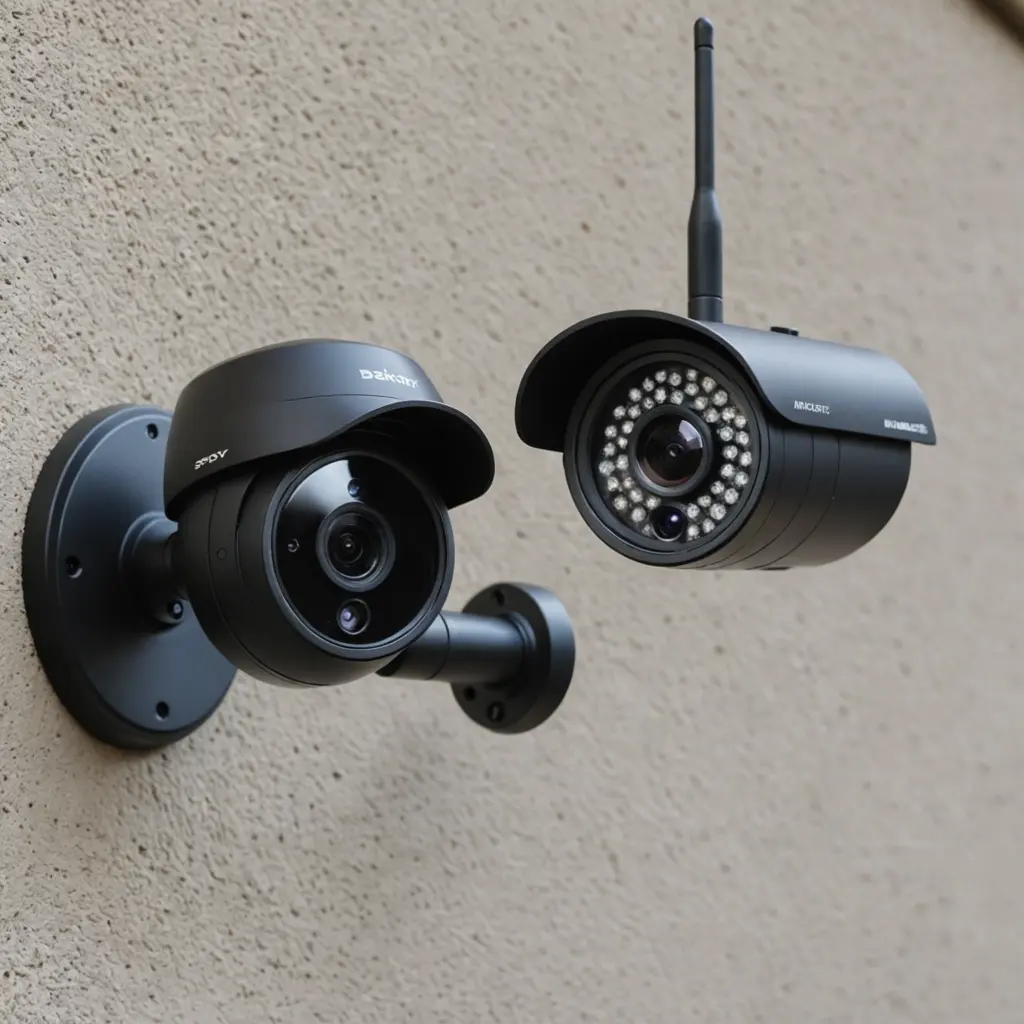
For evening or low-light recording, look for infrared night vision or another suitable low-light mode. Test footage should remain clear enough to identify relevant activity rather than simply showing that movement occurred.
Connectivity and account security
Stable Wi-Fi is essential for live viewing, alerts, and cloud uploads. Before installation, confirm that the intended location receives a reliable signal. In larger or crowded properties, newer Wi-Fi standards or a well-planned mesh network may improve consistency, particularly when several cameras share the same connection.
- Use a strong, unique account password.
- Enable multi-factor authentication when it is available.
- Choose devices that receive firmware and security updates.
- Review app permissions and disable features you do not need.
Power, storage, and notifications
Battery life varies with motion activity, video quality, live viewing, and wireless signal strength. Motion-triggered recording can reduce unnecessary power use, but a busy location may still require frequent charging or a permanent power source. Some outdoor models may support solar charging, although performance depends on placement and available sunlight.
Local microSD storage can reduce reliance on subscriptions, while cloud storage may preserve footage if the camera is damaged or removed. Check retention periods, storage limits, subscription costs, and whether recordings can be exported. Customisable alerts are also valuable: notification rules that distinguish people, pets, or general movement can reduce unnecessary interruptions where supported by the device.
Suitable uses and important privacy boundaries
Appropriate uses may include monitoring an entrance, protecting inventory, checking a vacation property, or documenting activity around private property. The legal position depends on location and circumstances, so do not assume that wireless operation makes recording lawful.
- Tell affected people when consent or notice is required.
- Do not place cameras in bathrooms, changing areas, or other highly private spaces.
- Treat audio recording with particular caution because consent requirements may be stricter than for video.
- Limit the camera’s view to the area necessary for the stated security purpose.
- Protect stored footage and delete it when it is no longer needed.
When the situation is unclear, obtain advice from a qualified local legal professional before installing a covert device. For homes and workplaces, visible cameras and clear policies may be more appropriate than concealed monitoring.
Installation and maintenance checklist
Choose a position with a clear view, dependable wireless coverage, and enough height to discourage tampering. Avoid pointing the lens toward areas where people reasonably expect privacy. After installation, test daytime and nighttime footage, motion detection, alert delivery, and playback from outside the local network if remote access is important.
Review the system regularly rather than assuming it will work indefinitely. Apply firmware updates, inspect battery levels, confirm that the clock is accurate, and verify that storage has not filled up. Periodically export important footage and check that cloud recordings have not expired under the provider’s retention policy.
Planning the real cost
The purchase price is only part of the budget. Include cloud subscriptions, replacement batteries, memory cards, charging equipment, and possible network upgrades. A less expensive camera may be suitable for occasional indoor checks, while a premium model can be worthwhile when clearer night footage, dependable alerts, or stronger manufacturer support is important.
Prioritise the features that match the monitoring task instead of paying for specifications you will not use. Secure software support, dependable power, and usable recordings are generally more valuable than a long feature list. With careful selection and respect for privacy, a wireless camera can provide practical property protection without creating unnecessary legal or ethical risks.