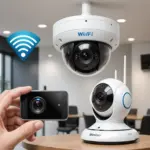

Wireless spy cameras are compact video devices that send footage without a direct cable connection to a recorder. Depending on the model, they may stream video over Wi-Fi, use another radio connection, or save recordings locally for later review. Their small size and flexible placement can be useful for property security and other legitimate monitoring needs, but these same characteristics create important privacy, security, and legal responsibilities.
How wireless spy cameras work
A typical wireless camera contains an image sensor, lens, processor, wireless transmitter, and a power source. It may send live video to a mobile app, cloud service, local network storage, or network video recorder. Some devices also record to a microSD card, allowing footage to be stored without continuous internet access.
Power arrangements vary. A camera may use a rechargeable battery, replaceable batteries, or an external power adapter. Wireless transmission removes the need for a video cable, but it does not eliminate the need for power. Battery-operated models require regular charging, while continuously powered cameras need a suitable outlet or another compatible power source.
Common designs and placements
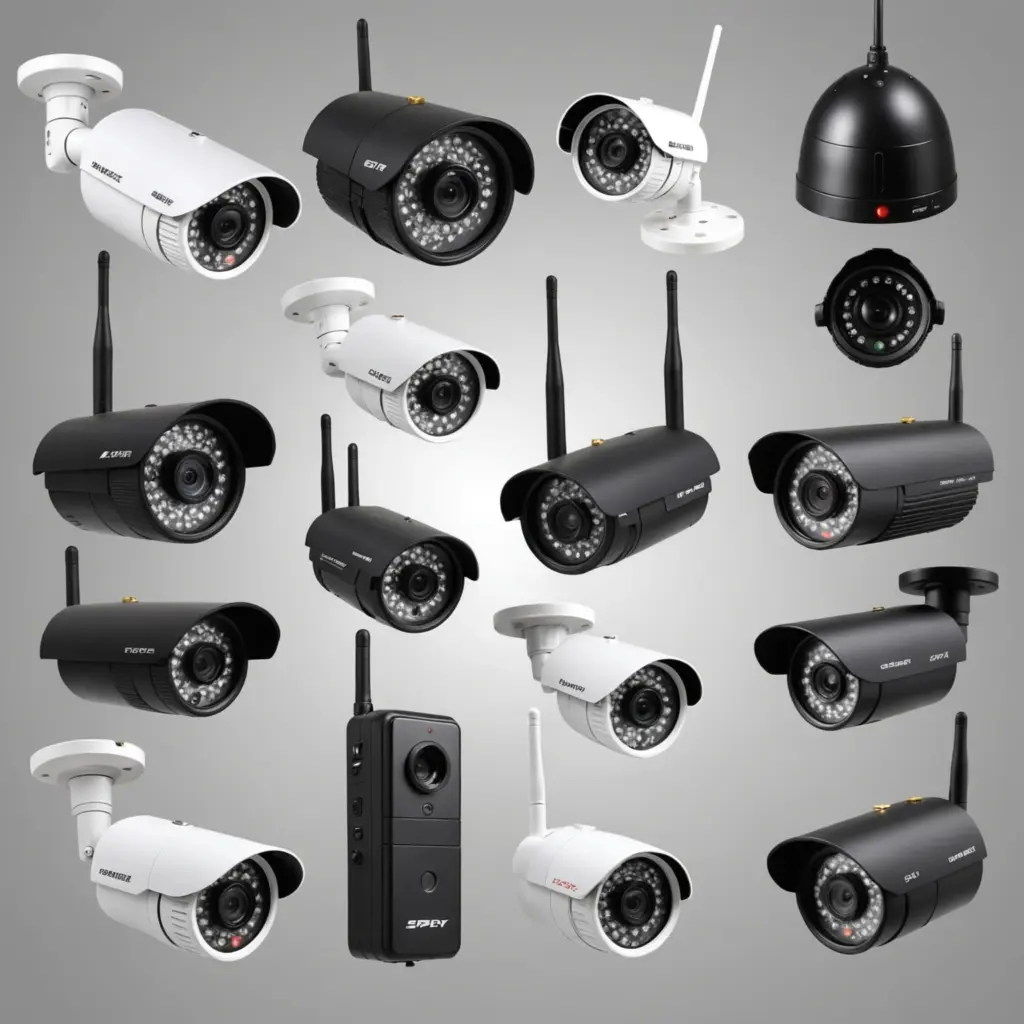
Wireless cameras are available in several form factors. Some are small standalone units designed to sit on a shelf or other surface. Others have minimal bodies and small lenses intended for discreet placement. There are also products styled as everyday objects, along with wearable, indoor, and outdoor designs.
The best design depends on the environment and the purpose of monitoring. Indoor cameras may prioritize compact size and simple installation, while outdoor models generally need protection from weather and may require a larger battery or external power arrangement. Regardless of appearance, the camera should be placed only where recording is lawful and appropriate. Disguising a device does not remove consent or privacy obligations.
Features worth comparing
- Image quality: Higher-resolution video can make details easier to identify, but image quality also depends on lighting, lens design, compression, and camera placement.
- Low-light performance: Night vision can help in dark areas. Infrared illumination may reflect from glass, mirrors, or other nearby surfaces, so test the camera in its intended location.
- Battery life: Runtime depends on recording frequency, motion detection, wireless conditions, and temperature. Consider how often the device can realistically be recharged.
- Connectivity: Check whether the camera supports your network and whether its effective range is sufficient. Walls, interference, and distance can reduce reliability.
- Storage: Local memory, network storage, and cloud recording each involve different costs, access methods, and privacy considerations. Cloud services may require a subscription.
- Motion detection: Adjustable sensitivity and detection zones can reduce unnecessary recordings and alerts.
- Security controls: Look for firmware updates, encrypted communications, strong account protection, and the ability to change default credentials.
- Software quality: The mobile app or web portal affects setup, live viewing, notifications, playback, and access management.
Installation and configuration tips
Before installing a camera, identify the specific area that needs coverage and confirm that recording there is permitted. Position the device with a clear view of the intended area and within the reliable range of the wireless network. Avoid aiming directly at bright windows, since backlighting can obscure subjects.
After connecting the camera, configure recording schedules, motion sensitivity, detection zones, notification rules, and storage preferences. Test both daytime and nighttime performance. If alerts are too frequent, adjust sensitivity or exclude areas with regular movement. For battery-powered devices, establish a charging routine and make sure the camera can be serviced without difficulty.
Security maintenance is equally important. Replace default passwords, use a strong unique account password, enable available encryption or multi-factor protection, and install firmware updates from the manufacturer when appropriate. Limit access to people who genuinely need it, and review stored footage regularly rather than retaining it indefinitely.
Privacy, legal, and ethical responsibilities
Rules for recording audio and video differ by jurisdiction. In general, people have stronger privacy expectations in areas such as bathrooms, bedrooms, changing rooms, and other private spaces. Recording without consent in these locations may be unlawful. Workplace, rental-property, caregiver, and short-term accommodation uses can also involve specific notice, consent, or data-protection requirements.
Use a camera for a clearly defined, legitimate purpose, such as protecting property or documenting an identified safety concern. Where possible, choose visible surveillance and provide clear notice instead of relying on concealment. Do not use a camera to intrude on private activities, monitor people without a lawful basis, or collect more footage than necessary. If the intended use involves employees, tenants, guests, children, caregivers, or shared spaces, obtain appropriate legal advice before recording.
Making a responsible choice
A wireless spy camera should be evaluated as both a security device and a connected computer. Compare its image quality, power requirements, network compatibility, storage model, alert controls, and security features. Just as importantly, define where it may be used, who can access the footage, how long recordings will be retained, and how people will be informed. Careful planning can improve useful coverage while reducing false alerts, unauthorized access, and unnecessary invasions of privacy.