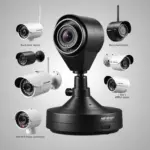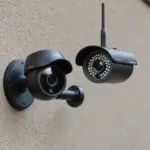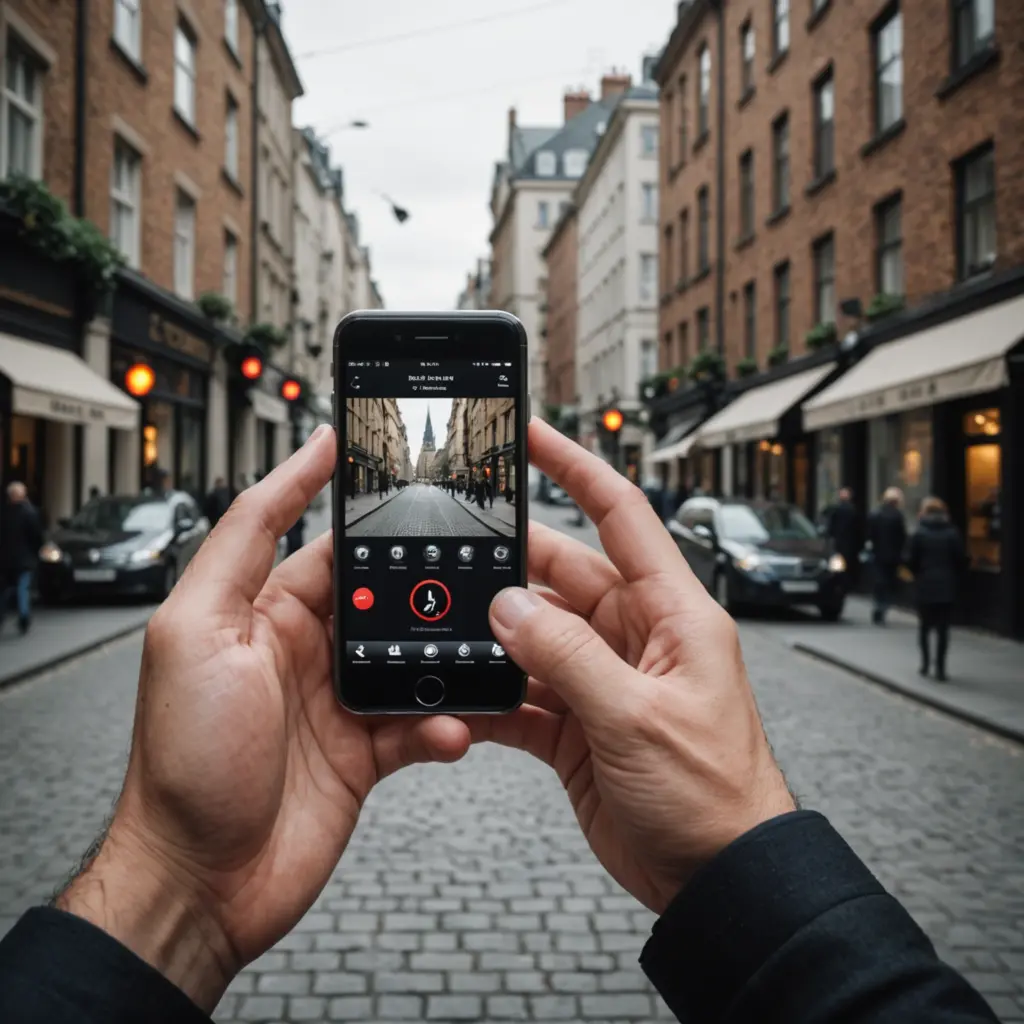

Wireless spy cameras that connect to a phone app can provide convenient remote monitoring for homes, children, small businesses, and temporary security needs. Instead of checking footage at the camera, you can use an app to view a live stream, receive motion alerts, review recordings, and adjust settings from almost anywhere with an internet connection.
The best choice depends on more than camera size or image quality. Wireless reliability, app security, storage options, subscription fees, and ease of setup all affect whether a camera remains useful after installation. Any discreet camera should also be used responsibly and in accordance with privacy and recording laws. Inform people when required, and never use a camera in places where people reasonably expect privacy.
How phone-app spy cameras work
A wireless camera captures video and sends it over Wi-Fi or, on some models, a cellular connection. The footage may travel directly to your phone, pass through the manufacturer’s cloud service, or be saved to a microSD card or another local storage device. The companion app usually provides live viewing, playback, notifications, and camera controls.
Many home models use 2.4 GHz Wi-Fi because it generally provides useful range through walls. Dual-band models may also support a faster band that can help reduce congestion when the network and camera are compatible. Before buying, check which connection the camera requires and whether your router can provide a stable signal in the intended location.
Phone app features worth prioritising
A camera is only as practical as the app that controls it. Look for an app that is clear, stable, and capable of handling the features you actually need.
- Reliable remote access: Live video should load consistently without repeated sign-ins or unexplained connection failures.
- Useful motion alerts: Adjustable sensitivity and activity zones can reduce notifications caused by irrelevant movement.
- Playback controls: Scrubbing through recordings, searching events, and downloading clips should be straightforward.
- Flexible video quality: The option to lower resolution can reduce mobile-data use when detailed video is unnecessary.
- Night vision: Check whether the camera can capture useful footage in low-light conditions and whether night mode can be adjusted in the app.
- Two-way audio: This can be useful for communicating with people near the camera, provided the feature is appropriate for the setting.
- Multiple-user access: Temporary or limited sharing is preferable to giving another person your main account password.
- Multi-camera support: If you plan to add more cameras, confirm that the app can manage them without becoming difficult to navigate.
Storage, subscriptions, and total cost
The purchase price is only part of the cost. Some cameras offer basic app access at no additional charge but place cloud recording, longer video history, advanced alerts, or higher-resolution playback behind a monthly plan. Over time, these fees may cost more than the camera itself.
Local storage can reduce recurring costs. Models that support microSD cards or network-attached storage may allow you to retain recordings without relying entirely on a cloud subscription. However, local storage also requires you to manage the card or storage system and consider how footage is protected if the camera is stolen.
Also compare the warranty, return policy, firmware-update record, and customer support. A low-cost camera may be poor value if the app is unreliable, setup is difficult, or security problems are not addressed. Include the cost of memory cards, replacement batteries, mounting accessories, and installation when comparing models.
Security and privacy settings
Connecting a camera to the internet creates security responsibilities. Use a strong, unique password for both the camera account and the associated email account. Enable two-factor authentication when available, and install firmware and app updates promptly.
Review the app’s permissions and disable access that is not needed for the camera’s functions. If your router supports it, placing cameras on a separate guest or device network can help isolate them from computers and personal devices. You may also disable universal plug and play if remote access through that feature is unnecessary.
Before choosing cloud storage, read the provider’s information about retention, access, deletion, and data handling. For sensitive monitoring, a camera with local-storage options and clear privacy controls may be a better fit than one that depends entirely on cloud recording.
Installation and wireless performance
Place the camera where it has a strong, consistent Wi-Fi signal. Thick walls, large metal objects, and long distances from the router can cause delayed video, missed alerts, or failed recordings. A mesh Wi-Fi system or a model with an external antenna may help in larger spaces.
After installation, test the camera from outside the home or business network. Confirm that live view, recording, playback, motion alerts, and audio work as expected. If the camera is battery powered, check runtime under normal motion activity and use scheduling or power-saving settings where appropriate.
Choosing the right camera for your situation
For general home monitoring, prioritise a dependable app, adjustable motion detection, night vision, and storage that fits your budget. For temporary use or travel, simple pairing, battery operation, and local recording may matter more than advanced cloud features. Businesses may need several cameras, multiple-user permissions, stronger network options, or compatibility with an existing surveillance system.
The strongest overall choice is not necessarily the camera with the most features. Select a model whose app is easy to use, whose wireless connection suits the installation area, and whose storage and subscription costs remain acceptable over time. Test the app during the return period, secure the account immediately, and treat privacy as an essential feature rather than an optional extra.