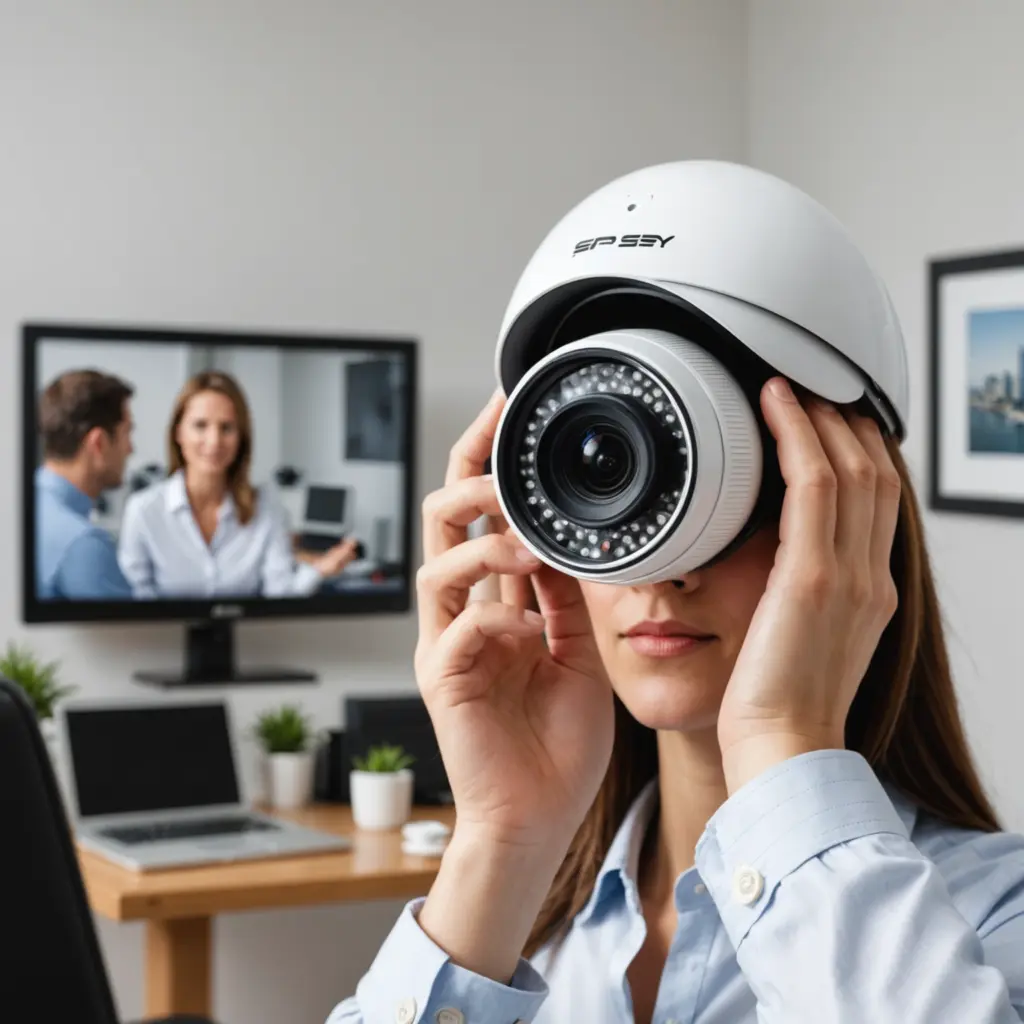

A wireless outdoor camera can make it easier to monitor entrances, driveways, gardens, and other areas around a property without running video cables through walls or across the yard. The best choice depends on more than image quality alone. Reliable connectivity, power, storage, weather resistance, and responsible placement all affect how useful a camera will be in everyday use. Exploring discreet monitoring uses can help you understand how wireless outdoor cameras support flexible security setups.
Why choose a wireless outdoor camera?
Wireless models are generally simpler to install and easier to reposition than wired systems. Many connect to a home Wi-Fi network and let you view live footage or receive motion alerts through a mobile app. This can be useful for checking a front door, watching a garage entrance, monitoring pets, or keeping an eye on a remote part of the property.
Wireless cameras are available as individual units or as part of a larger security camera system. Battery-powered and solar-assisted models can be especially practical where running power cables would be difficult. However, wireless does not mean maintenance-free: Wi-Fi strength, battery life, software updates, and storage arrangements should all be considered before buying.
Features that matter most
Image quality and night vision
Choose a resolution that provides enough detail for the area being monitored. A camera covering a narrow doorway may need less coverage than one overlooking a wide driveway. Night vision or infrared capability is important if the camera must work after dark. Also check the camera’s field of view and whether it can be tilted, panned, or digitally zoomed.
Weather protection
Outdoor equipment should be designed to withstand rain, dust, and changing temperatures. Look for a clearly stated weather-resistance rating, such as IP65 or IP67, and follow the manufacturer’s installation guidance. A weather-resistant camera can still perform poorly if its lens is regularly exposed to glare, water droplets, or direct obstructions.
Motion detection and alerts
Motion alerts are most useful when they can be adjusted. Sensitivity controls, activity zones, and options to ignore parts of the image can help reduce notifications caused by passing vehicles, moving branches, or other routine activity. Before choosing a model, check whether important alert features are included or restricted to a paid service.
Power and connectivity
Battery cameras are convenient for locations without nearby electrical power, but they need periodic charging. Solar accessories may reduce how often the battery requires attention when the camera receives enough sunlight. For any Wi-Fi camera, test signal strength at the intended mounting location before completing the installation. A weak connection can lead to delayed alerts, interrupted viewing, or missing footage.
Storage and access
Some cameras save recordings to a microSD card or another local device, while others use cloud storage. Local storage can reduce ongoing subscription costs, although the camera or card may be vulnerable if someone removes the equipment. Cloud storage can provide off-site access and backup, but it may involve recurring fees. Compare retention periods, download options, account security, and the total cost over time. For broader property monitoring, consider expanded wireless coverage with a multi-camera surveillance setup.
Single camera or multi-camera system?
A single camera is often sufficient for one entrance, a small yard, or a specific area of concern. A multi-camera arrangement makes more sense when you need coverage of several doors, a driveway, a side passage, or different angles around a larger property.
- One camera: suitable for a focused monitoring area and usually simpler to install and manage.
- Four-camera system: a practical starting point for covering several exterior approaches around many homes.
- Six-camera system: useful when a property needs additional angles or has a larger perimeter.
Packaged systems may include a network video recorder, shared storage, or a single management application. Compare the included equipment carefully, since features such as higher resolution, longer recording history, advanced detection, and extra storage can significantly affect the price.
Placement and responsible use
Mount the camera high enough to discourage tampering, but keep it accessible for battery changes and maintenance. Aim it at practical access points rather than directly toward bright lights, which can create glare. Test the view during both daytime and nighttime conditions, and check that the image includes the area you actually need to monitor.
Use outdoor cameras responsibly. Do not position them toward places where people reasonably expect privacy, such as neighboring homes, private yards, or indoor areas outside your control. Recording and notification requirements can vary by location, so consider applicable laws and disclose surveillance when required. Discreet placement should never be used to bypass privacy protections.
Budget and where to buy
Prices vary according to resolution, weather protection, power options, storage, smart detection, and whether the camera is sold individually or in a kit. When calculating the total cost, include batteries, solar accessories, memory cards, installation hardware, cloud subscriptions, and any required recorder.
Security cameras are available from electronics retailers, specialist security suppliers, manufacturer stores, and established online marketplaces. Buy from a reputable or authorized seller when possible so you can access warranty support, replacement parts, software updates, and a clear return policy.
Final selection checklist
The best wireless outdoor camera is the one that fits the location and the way you intend to use it. Before purchasing, confirm the camera’s image quality, night performance, weather rating, Wi-Fi requirements, power source, storage method, alert controls, and ongoing costs. Careful placement and privacy-conscious use are just as important as the hardware itself.