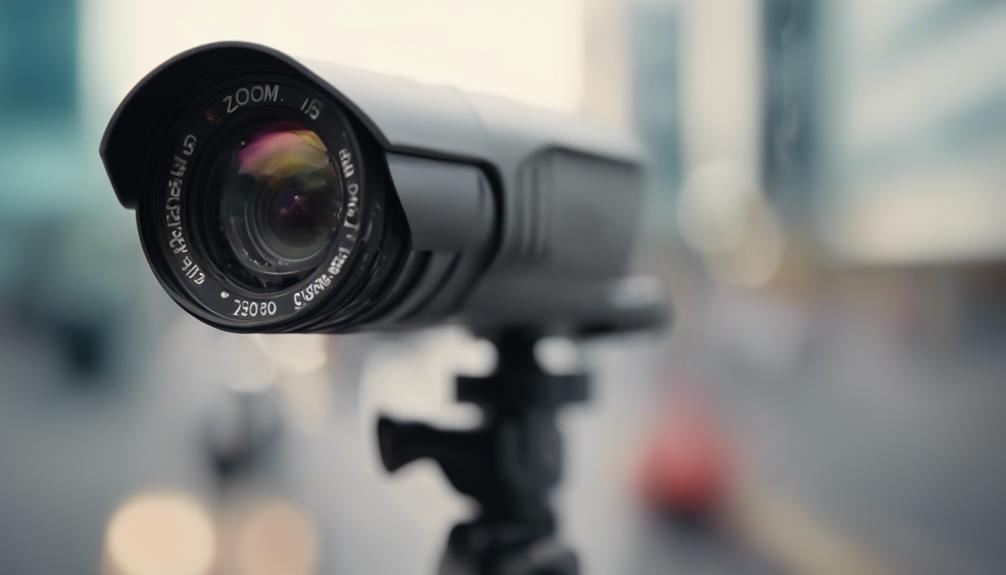

An 8-camera wireless surveillance system can provide broad coverage for a home, small business, rental property, or remote site without requiring network cable runs to every camera. The best results come from planning the layout, checking wireless connectivity, selecting suitable camera types, and deciding how footage will be stored before installation begins. An eight-camera wireless surveillance system supports discreet surveillance uses like monitoring inventory, entrances, and remote property safety.
What an Eight-Camera Wireless System Includes
A typical system combines eight cameras with a wireless network, a network video recorder (NVR), or a cloud recording service. Depending on the product, cameras may connect directly to the property’s Wi-Fi network or use a dedicated wireless connection to a recorder or base station.
Wireless transmission does not always mean wireless power. Many cameras still require a nearby electrical outlet. Battery-powered models can be useful where wiring is difficult, but battery life and recharge intervals must be included in the maintenance plan. Some systems may also support hybrid arrangements, allowing wired and wireless cameras to operate together.
Recording may be stored on an NVR hard drive, uploaded to the cloud, or handled through both methods. Mobile applications commonly provide live viewing, playback, motion notifications, and system status alerts.
Why Choose Eight Cameras?
Eight cameras offer a practical middle ground between a small four-camera installation and a much larger commercial system. A carefully planned layout can cover entrances, driveways, yards, loading areas, corridors, and other locations where activity is most likely to occur.
- More complete coverage: Multiple viewpoints can reduce blind spots around a building and its perimeter.
- Flexible camera selection: Wide-angle cameras can monitor open areas, while narrower views can focus on doors, gates, or service areas.
- Room for future changes: Spare viewing capacity makes it easier to adjust coverage as the property or its use changes.
- Centralized management: A recorder or app can bring live views, alerts, and recorded footage into one system.
Eight cameras do not automatically guarantee complete protection. Walls, landscaping, lighting, camera height, and overlapping fields of view all affect the quality of coverage.
Planning Camera Placement
Begin with a simple site survey. Mark the main entrances, secondary doors, vehicle access points, valuable equipment, storage areas, and sections of the property that are difficult to see from inside. Decide which locations need continuous recording and which can rely on motion-triggered events.
- Place cameras at entrances where they can capture a clear approach and useful facial detail.
- Use elevated positions for wider perimeter views, while avoiding angles that only show the tops of people’s heads.
- Point cameras away from direct sunlight, reflective surfaces, and strong lights that can wash out the image.
- Overlap important views so that one camera can help show what happened outside another camera’s field of view.
- Check the wireless signal at each proposed location before permanently mounting equipment.
If a camera has a weak connection, consider moving the router or recorder, improving the wireless network, or choosing a different mounting position. A strong image is not useful if the connection frequently drops or fails to save footage. Alongside an eight-camera wireless setup, a visible deterrence option can discourage intruders before they investigate further.
Outdoor and Discreet Monitoring Considerations
For outdoor use, select cameras designed for exposure to rain, dust, sunlight, and the temperature range expected at the property. Weather resistance, night vision performance, and glare control are especially important for cameras mounted outside.
Some projects may involve discreet monitoring, such as observing inventory, entrances, or remote property areas. Any concealed camera must still provide an unobstructed field of view and adequate lighting. Small or hidden cameras may have limitations in low-light performance, recording duration, and audio quality.
Covert surveillance requires particular care. Do not place cameras in areas where people reasonably expect privacy, such as bathrooms or changing rooms. Audio recording may require consent under applicable law, and rules for notifying employees, tenants, guests, or visitors vary by location. Use discreet equipment only for a legitimate, lawful security purpose and obtain legal advice when the situation is unclear.
Storage, Alerts, and Everyday Operation
Before installation, decide how much recorded footage is needed and whether local or cloud storage better suits the property. Review motion settings carefully to reduce unnecessary alerts from moving branches, passing vehicles, or changing light. For business use, establish who can view recordings and how footage will be handled if an incident occurs.
Mobile access can help property owners check live views and receive notifications while away, but accounts should be protected with strong, unique passwords and any available security controls.
Maintenance Checklist
- Update camera, recorder, and app software when appropriate.
- Clean lenses and inspect outdoor mounts periodically.
- Check recording storage, cloud subscription status, and system time.
- Test motion alerts and remote viewing after network changes.
- Recharge or replace batteries before they run low.
- Review user permissions and remove access that is no longer needed.
With thoughtful placement, reliable connectivity, suitable storage, and respect for privacy, an 8-camera wireless surveillance system can provide adaptable coverage for residential, commercial, and remote properties.