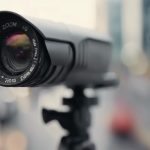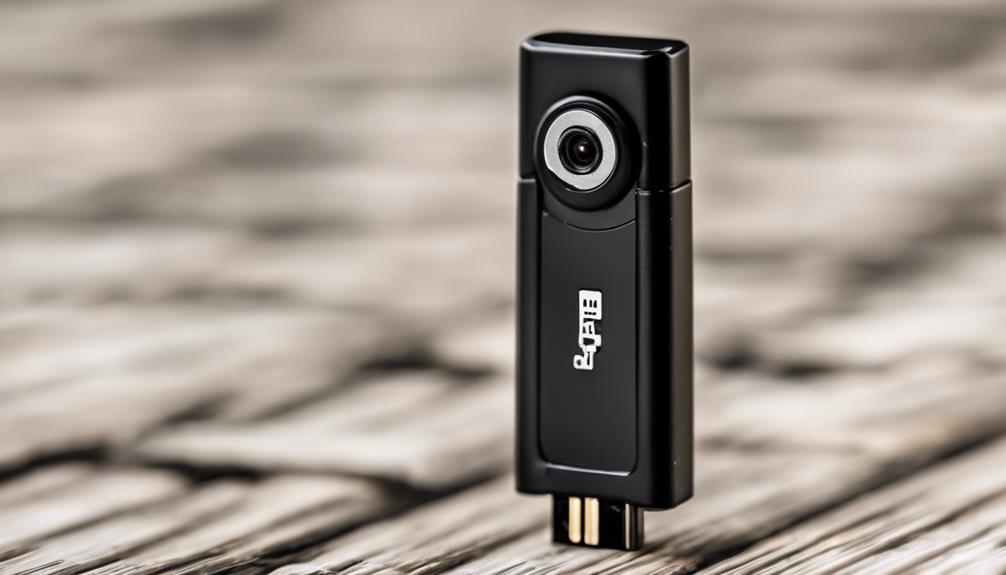

An outdoor IP security camera can provide clear video, remote access, and flexible coverage for homes and small businesses. Unlike traditional analogue CCTV, an IP camera sends video over a network, allowing it to connect with mobile apps, recording software, network video recorders, and other security devices. Consider external surveillance concerns when assessing applications for concealed cameras to ensure legal and privacy compliance.
The right choice depends on more than image resolution. Outdoor cameras must also withstand changing weather, provide useful coverage in low light, protect recorded footage, and integrate reliably with your network. Careful planning before installation can make the system easier to maintain and more effective in daily use.
What is an outdoor IP security camera?
An IP security camera, sometimes called a network camera, converts video into digital data and transmits it through an Ethernet or wireless network. This makes it possible to view live footage remotely and manage multiple cameras from a central application or recorder.
Outdoor models generally use weather-resistant housings and may include infrared night vision, motion detection, wide dynamic range, and built-in microphones or speakers. Ethernet models can connect directly to a local network, while Power over Ethernet (PoE) cameras can receive power and data through one network cable when used with compatible equipment.
Features to compare before buying
Image quality and lens coverage
Choose resolution based on the area being monitored rather than selecting the highest available specification automatically. A camera covering a driveway, entrance, or gate may need more detail than one monitoring a broad garden or perimeter. The lens angle is equally important: a wide lens covers more space, while a narrower view may show greater detail at a specific distance.
Wide dynamic range can help when a scene contains both bright sunlight and deep shadows. This is particularly useful near doors, windows, and building entrances. Test the proposed camera position at different times of day if possible, since glare and backlighting can affect usable footage.
Night vision and motion detection
Infrared night vision helps a camera record in low-light conditions, but performance depends on distance, obstructions, and the amount of ambient light. Motion detection settings should allow you to define activity zones and adjust sensitivity. Person detection may help reduce unwanted alerts, although every detection feature should be tested after installation.
Weather protection and physical security
Outdoor equipment needs a housing designed for exposure to rain, dust, and temperature changes. Check the manufacturer’s weather-resistance information and protect cable connections with suitable covers, junction boxes, or conduit. Mount the camera firmly and consider whether its position leaves the cable, reset button, or storage device vulnerable to tampering. For discreet indoor monitoring, consider a compact cube-style option alongside your external IP security camera setup.
PoE, cabling, and network planning
PoE can simplify an installation by combining power and data on a single Ethernet cable. A compatible PoE switch, injector, or midspan device may be needed, depending on the existing network. Before running cable, plan the route from the camera to the network equipment and identify places where cables could be damaged, exposed to water, or interfered with.
Use appropriate outdoor-rated cabling and weatherproof connection points. Long cable runs should be planned carefully, and shielded cable may be useful where electrical interference is a concern. For larger installations, keeping cameras and recording equipment on a separate network segment can help limit access to other devices.
Standalone camera or complete IP CCTV system?
A single camera may be enough for a front door, driveway, side passage, or another focused area. Standalone cameras commonly support remote live viewing and event notifications through an app.
Multiple cameras are usually easier to manage with a network video recorder (NVR). An NVR can centralise recordings, provide consistent timestamps, and simplify searches across several camera feeds. Decide whether you need continuous recording, motion-triggered clips, local storage, cloud backup, or a combination of these options. Your storage plan should reflect how long footage needs to be retained and how quickly important clips must be retrieved.
Privacy and responsible placement
Position outdoor cameras to monitor your own property and avoid unnecessary views into neighbouring homes, private gardens, or other areas where people may reasonably expect privacy. Recording audio can raise additional legal and consent issues. Rules for surveillance differ by location, so check applicable laws and any workplace, tenant, visitor, or signage requirements before recording.
A discreet installation is not automatically an appropriate one. If a camera is concealed or placed inside another outdoor fixture, the same privacy and legal responsibilities still apply. Use low-profile equipment to reduce vandalism or visual impact, not to record people secretly in private spaces.
Security and maintenance checklist
- Replace default usernames and passwords before connecting the camera to the internet.
- Enable two-factor authentication and encrypted connections when supported.
- Keep camera, recorder, router, and mobile-app software updated.
- Clean the lens and inspect weather seals, mounts, and cable entries regularly.
- Review motion zones and night vision after seasonal changes or landscaping work.
- Limit remote access to the people who need it and use a separate surveillance network where practical.
- Test recordings, timestamps, alerts, and backups instead of assuming they are working.
A well-designed outdoor IP security camera system balances coverage, image quality, reliable networking, secure access, and respect for privacy. Whether you install one PoE camera or build a multi-camera NVR system, thoughtful positioning and routine maintenance are just as important as the camera’s advertised features.