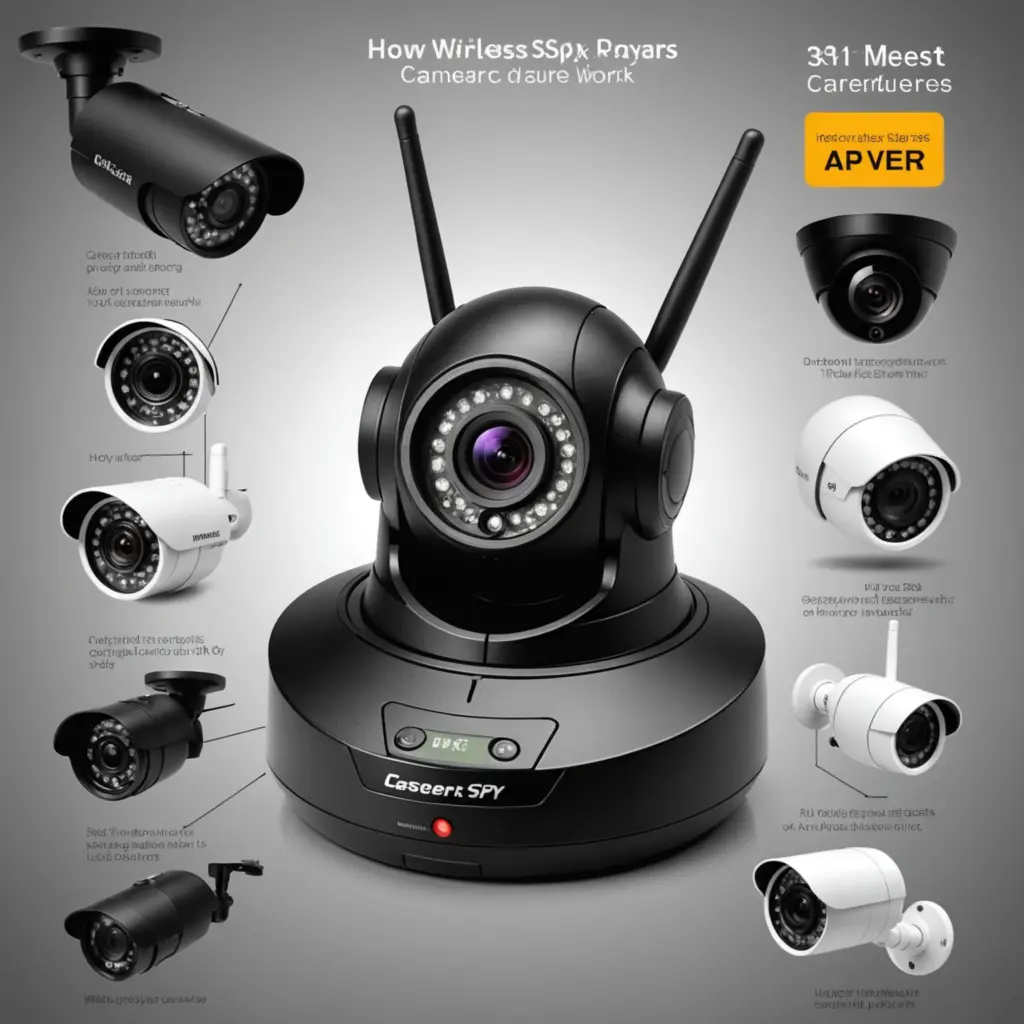

Wireless spy cameras combine a small camera module with video processing, wireless communication, storage, and a power source. Although they are often associated with discreet monitoring, the same technology is used in ordinary home-security cameras and other compact surveillance devices. Understanding how the parts work together can help you compare models, plan an installation, protect recorded footage, and use a camera lawfully and respectfully.
What is inside a wireless camera?
The process begins when light enters the lens. The lens focuses that light onto an image sensor, commonly a CMOS sensor, which converts it into an electronic signal. An onboard processor then turns the signal into a digital video stream. To make the files easier to transmit and store, the camera compresses the footage using a video codec such as H.264 or H.265.
A typical device may include:
- Lens and image sensor: Capture the scene and determine much of the camera’s image quality.
- Processor: Handles image processing, compression, motion detection, and other camera functions.
- Wireless communications: Sends video through Wi-Fi, a dedicated radio link, or a cellular network, depending on the design.
- Storage: Saves recordings to a microSD card, a network recorder, or a cloud service.
- Power system: Uses a rechargeable battery, replaceable battery, mains power, or another wired source.
- Optional sensors and lighting: Motion or sound detection and infrared illumination can support event recording and low-light viewing.
How video is transmitted
Most consumer wireless cameras connect to a local Wi-Fi network. The camera sends compressed video to a router, which then allows an authorised phone, computer, network video recorder, or cloud service to access it. This arrangement is convenient, but performance depends on signal strength, distance from the router, interference, and congestion on the network.
Some cameras use a dedicated radio-frequency connection to a supplied receiver rather than joining a standard Wi-Fi network. Others use cellular connectivity, which can be useful where Wi-Fi is unavailable but may involve a data plan, additional cost, and greater delay. The connection method affects more than convenience: weak signals and limited bandwidth can produce delayed live viewing, dropped frames, or interrupted uploads.
Why live video can be delayed
A camera must capture, process, compress, transmit, and display each part of a video stream. Each stage adds a small amount of delay. Network congestion or packet loss can increase that delay and reduce image quality. Lowering the resolution or frame rate can reduce the amount of data being sent, while a stronger network connection may improve reliability. Continuous high-definition streaming generally requires more bandwidth than short motion-triggered clips.
Power and battery life
Battery operation makes installation easier, but it limits how long a camera can work between charges. Continuous recording and live streaming consume considerably more energy than occasional event recording. Night vision, wireless transmission, frequent motion alerts, and high-resolution video can also shorten operating time.
To conserve energy, many battery-powered cameras enter a sleep mode and activate when their motion or sound detection feature is triggered. When assessing a claimed battery life, consider how often the camera will detect activity, how frequently it will transmit clips, and whether the device operates in darkness. A camera intended for uninterrupted monitoring may be better suited to a dependable wired power source than to a small battery.
Where footage is stored
Local storage keeps recordings on the camera or within the property. A microSD card can be practical and may avoid recurring cloud fees, but footage can be lost if the camera or card is damaged, removed, or stolen. A network video recorder provides another local option for multiple cameras.
Cloud storage allows remote access and can preserve footage if the camera is taken, but it depends on an internet connection and the provider’s account, security, and retention policies. Before choosing a service, review how accounts are protected, who may access recordings, how long files are retained, and whether a subscription is required.
Security and privacy precautions
A wireless camera is connected equipment and should be configured accordingly. Use a strong, unique account password, enable multi-factor authentication when available, keep the camera and companion app updated, and secure the home router. Review default settings, sharing permissions, alert recipients, and remote-access features. Encryption can help protect video while it travels across a network or is stored, but the exact protections vary by product, so check the manufacturer’s documentation rather than assuming every camera offers the same level of security.
Lawful and responsible placement
Camera laws differ by location, and audio recording may be subject to separate consent requirements. Avoid placing cameras in spaces where people reasonably expect privacy, such as bathrooms or changing areas. Do not record neighbours, visitors, household members, or workers without considering applicable consent and notice rules. For home security, visible placement, clear communication with occupants, and limited coverage of necessary areas can reduce privacy risks.
Choosing a suitable device
Compare cameras by more than size. Consider image quality, low-light performance, connection type, storage options, power requirements, security controls, and the reliability of the supporting app or service. For entry points and common areas, motion-triggered recording may balance coverage and battery life. For continuous monitoring, a stable power source and dependable network connection are usually more important than the smallest possible design.
Wireless spy cameras are best understood as compact networked cameras with specific trade-offs. Knowing how they capture, compress, transmit, store, and protect video makes it easier to select an appropriate device and deploy it without sacrificing security, privacy, or trust.