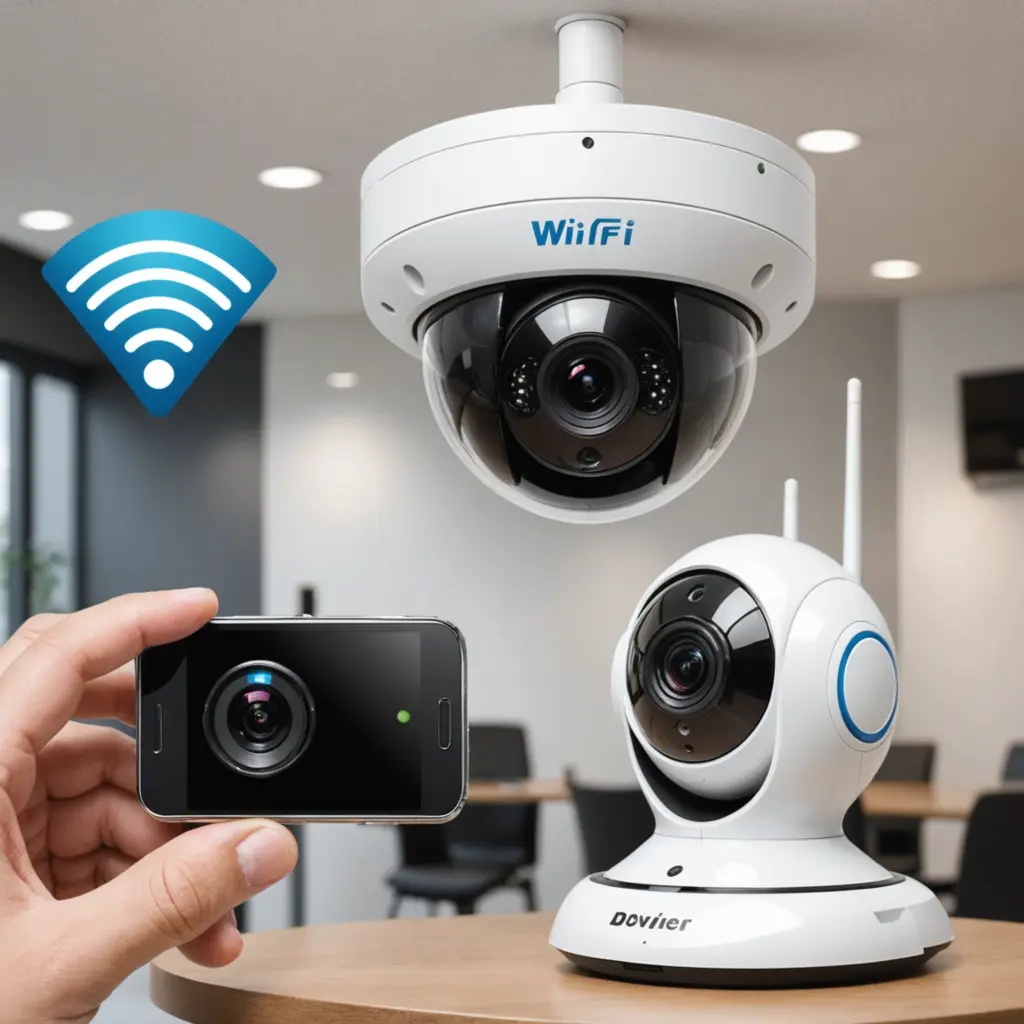

Choosing between a WiFi and non-WiFi spy camera comes down to how you want footage to be accessed, where the camera will operate, and how much dependence you are comfortable placing on a wireless network. WiFi models prioritise remote viewing and alerts, while non-WiFi cameras generally focus on local recording, simpler operation, and reduced network exposure.
Before using any concealed or discreet camera, check the laws that apply to your location and respect consent and privacy requirements. Cameras should not be used to record people in private areas or for purposes that violate applicable regulations.
What is the main difference?
A WiFi camera connects to a wireless network and may communicate with a mobile app or cloud service. Depending on the model, this can allow live viewing, remote settings, motion notifications, and access to recorded clips without physically handling the camera.
A non-WiFi camera works independently of a network. It typically saves footage to a microSD card or internal memory, so recordings must be reviewed by removing the storage or connecting the device to another system. This makes the setup less connected, but also means there is no remote access when you are away.
WiFi camera advantages and drawbacks
Benefits
- Remote viewing: Check a live feed or review recordings through a compatible app.
- Motion alerts: Receive notifications when the camera detects activity, subject to the device and app settings.
- Convenient access: Footage can often be viewed without removing the camera or its memory card.
- Connected features: Some models support scheduled recording, cloud storage, or integration with other smart-home devices.
Limitations
- Network dependence: Walls, interference, router placement, and weak coverage can affect streaming and alerts.
- Higher power use: Maintaining a wireless connection and transmitting video may reduce battery life compared with offline recording.
- More configuration: The camera, app, network, and account may all require setup and occasional troubleshooting.
- Additional privacy considerations: Connected devices can create risks if passwords, firmware, accounts, or cloud services are not properly secured.
- Possible subscription costs: Cloud recording and advanced features may require an ongoing service plan, depending on the product.
Non-WiFi camera advantages and drawbacks
Benefits
- Offline operation: The camera can record without joining a wireless network.
- Fewer connectivity problems: Performance is not affected by router range, network congestion, or wireless interference.
- Reduced network exposure: Because the device is not transmitting over WiFi, it avoids many network-related access concerns.
- Simple deployment: Local recording can be useful where a dependable WiFi connection is unavailable.
Limitations
- No live remote view: You generally need physical access to retrieve or review footage.
- Manual file management: Recordings may need to be copied, stored, and deleted manually.
- Storage limits: Once local storage is full, the camera may overwrite older footage if loop recording is enabled.
- Physical security still matters: Anyone who obtains the camera or memory card may be able to access its recordings.
Power, storage, and reliability
Power requirements should be considered alongside connectivity. WiFi transmission can place additional demands on a battery, making continuous power or more frequent charging important for some installations. A non-WiFi camera may be more practical for offline recording, particularly when a network signal is unreliable, although battery life still depends on recording quality, frame rate, motion detection, and the device itself.
Storage follows a similar trade-off. WiFi cameras may send clips to a cloud service or let you download them remotely, while non-WiFi models normally depend on internal storage or a memory card. Check how each option handles full storage, automatic overwriting, and file transfer before relying on it for important recordings.
Security and privacy checklist
WiFi models should be protected with a strong, unique password and any available account security controls, such as two-factor authentication. Keep the camera and its app updated when security updates are provided, and review which accounts or services can access the footage.
Offline cameras remove some network-related risks but do not remove privacy responsibilities. Protect the device and its storage from unauthorised access, limit who can review recordings, and retain footage only as long as there is a legitimate reason to keep it.
Which type should you choose?
A WiFi camera is generally the better fit when immediate alerts, remote viewing, and connected features are more important than minimal setup or lower network exposure. It can suit lawful monitoring in a home or workplace where you need to respond to events without being physically present.
A non-WiFi camera may be preferable when offline recording, straightforward operation, or independence from a wireless network matters most. It can also be practical in areas with poor coverage, provided you can safely access the device and retrieve its footage.
In either case, compare battery or power requirements, storage capacity, app and cloud dependencies, security controls, and local surveillance laws. The best choice is the one that meets the legitimate monitoring need without creating unnecessary privacy, maintenance, or security problems.