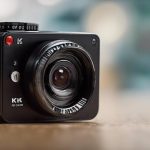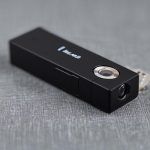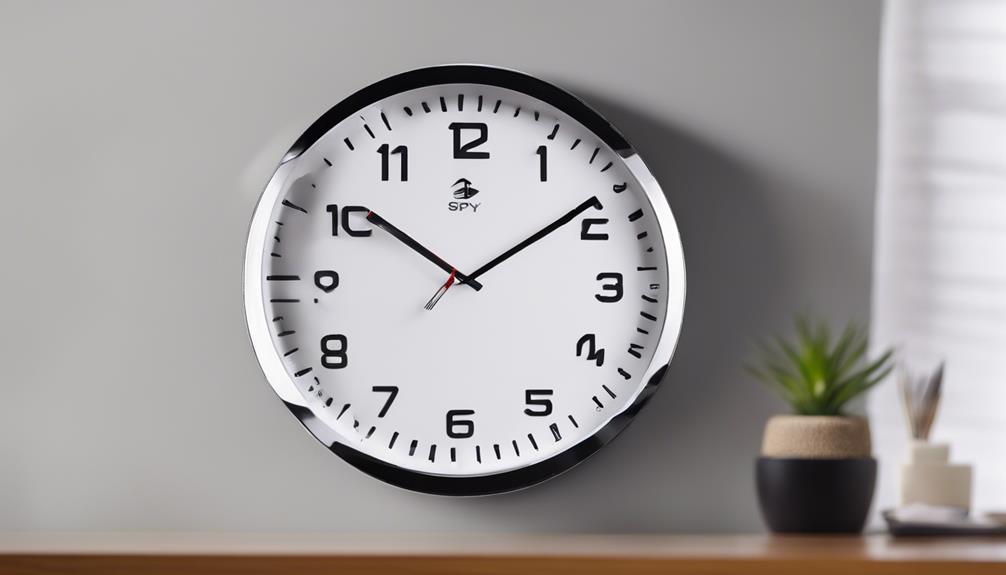

A surveillance camera with a microphone records sound as well as video, providing context that images alone may not capture. Voices, alarms, impacts, machinery, and other background sounds can help explain what happened during an incident. Audio-enabled cameras can be useful in homes, businesses, offices, and industrial settings, but they also require careful attention to placement, storage, security, and privacy.
How a surveillance camera with a mic works
A camera with audio combines a visual sensor with either a built-in microphone or a connection for an external microphone. In an IP camera, the microphone signal is converted to digital audio and transmitted with the video stream to a network video recorder, computer, or cloud service. Depending on the model, audio may be recorded continuously, captured only when motion occurs, or accessed through a live-view application.
Some models also support two-way audio. These cameras include a speaker that lets an authorised user listen remotely and speak through the camera. This can be useful for communicating with someone at an entrance or checking on activity in a monitored room. Confirm that the camera, recorder, app, and network connection all support the feature before relying on it.
Audio features to compare
The right audio specification depends on the environment and the type of sound you need to capture. Consider the following features when comparing a CCTV camera with a microphone:
- Microphone type: Omnidirectional microphones capture sound from multiple directions and suit general room monitoring. Directional microphones can focus more closely on a doorway, counter, or other defined area.
- Noise reduction: Digital noise suppression, automatic gain control, and echo cancellation may improve speech clarity in busy locations.
- Two-way audio: If remote communication is important, check whether the camera has a built-in speaker or requires a separate audio device.
- Audio format and bitrate: Higher-quality audio can use more network bandwidth and storage. Choose settings that match the available connection and retention requirements.
- External microphone support: An input for an external microphone can provide better placement or improved pickup when the camera must be installed far from the main sound source.
- Connection method: Check how power, audio, and data are delivered. Some IP cameras use a single network connection, while other systems require separate audio wiring or compatible recording equipment.
Common uses for audio-enabled cameras
At home, a security camera with a mic can help a user hear activity near an entry point, identify an alarm, or communicate with someone remotely. In retail environments, recorded audio may help clarify a disagreement or provide additional context during an incident review. Offices, workshops, and industrial areas may use audio to identify equipment alarms or document events alongside video.
Audio can also support specialised detection tools, such as systems that respond to particular sounds. However, these functions should be treated as supplementary information rather than a substitute for human review or other security measures.
Placement and installation tips
Good microphone placement is often more important than choosing the highest available audio setting. Position the camera reasonably close to the area of interest, while keeping it away from air-conditioning outlets, loud machinery, busy roads, and other persistent noise sources.
- Test recordings at the distances and sound levels you expect in normal use.
- Use a directional microphone when general room noise makes speech difficult to understand.
- For outdoor installations, select weather-resistant equipment and use suitable wind protection where available.
- Check for echo in rooms with hard surfaces and adjust the microphone or speaker position if two-way audio is used.
- Review storage settings so audio retention matches the intended purpose and available capacity.
Network security also matters. Protect camera accounts with strong, unique passwords, restrict access to authorised users, and use encrypted connections where supported. Separating camera traffic from other devices through suitable network controls can provide an additional layer of protection.
Privacy and legal responsibilities
Audio recording can create greater privacy concerns than video because conversations may be captured unintentionally. Laws and consent requirements differ by location and by the setting being monitored. Before installing a camera with a microphone, check the rules that apply to your area and seek professional advice when the system will record employees, customers, tenants, visitors, or members of the public.
Avoid placing audio-enabled cameras in areas where people reasonably expect strong privacy. Where recording is permitted, provide any notices or consent required by local rules, limit access to recordings, and establish a clear retention and deletion policy. Disable the microphone if audio is not necessary for the security purpose. These steps reduce unnecessary collection of personal information and help keep the system proportionate to its intended use.
Choosing the right surveillance camera with a mic
Start by defining what you need the audio to accomplish: general awareness, incident review, remote communication, or detection of specific sounds. Then match the microphone, camera placement, storage capacity, network design, and privacy controls to that purpose. A well-positioned, properly secured camera with a microphone can add valuable context to video, but responsible operation is just as important as the hardware itself.