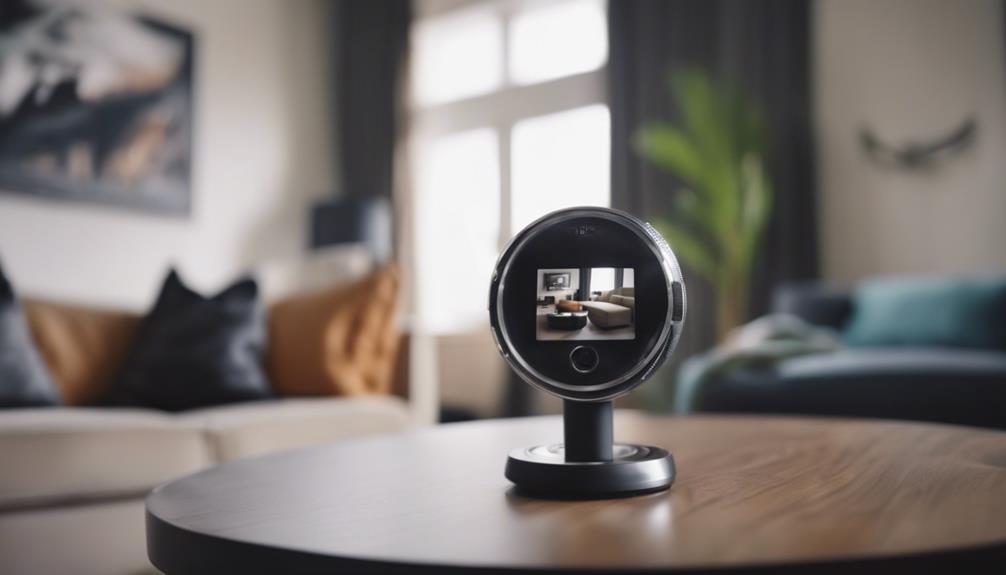

A 1080p mini camera can provide clear Full HD video in a compact form. Its small size makes it suitable for home monitoring, temporary installations, travel, and hobby projects, while 1080p resolution offers a practical balance between image detail, storage requirements, and network usage.
What does 1080p offer?
1080p, also known as Full HD, produces enough detail for many everyday recording and monitoring tasks. Compared with standard-definition video, it can make faces, entrances, objects, and other scene details easier to distinguish. It also generally requires less storage space and bandwidth than 4K video, which can make continuous recording more manageable.
Actual image quality depends on more than resolution alone. The image sensor, lens, lighting, frame rate, video compression, and camera position all affect the final result. A well-positioned camera with a good sensor can produce more useful footage than a higher-resolution model aimed at a glare-filled window or poorly lit corner.
Features worth comparing
Mini cameras vary considerably in their recording, connectivity, and power options. Before choosing a model, consider which features support your intended use.
- Night vision: Infrared illumination can help the camera record in low-light conditions. Check how well it performs in the actual area where the camera will be installed.
- Motion detection: Motion-triggered recording can reduce unnecessary footage and conserve battery power. Adjustable sensitivity and activity zones are useful for limiting false alerts.
- Wi-Fi connectivity: A Wi-Fi mini camera may allow live viewing, notifications, and remote access through a phone or tablet. Its performance depends on a stable wireless signal.
- Local storage: Some cameras support microSD recording, which can be useful when you want footage stored on the device rather than sent to a cloud service.
- Cloud features: Certain models support event uploads or continuous cloud backup. Review storage terms and account requirements before relying on this option.
- Audio: Two-way audio may be available, but audio recording can be subject to additional legal restrictions depending on where the camera is used.
- Power source: Rechargeable batteries simplify placement, while USB-powered models are better suited to locations with a nearby outlet and extended recording needs.
- Weather resistance: Outdoor installation requires a model designed for outdoor conditions. A small indoor camera should not automatically be treated as weatherproof.
Common uses for a compact camera
At home, a mini camera may be used to monitor an entrance, living area, nursery, or other permitted space. Its compact design can be helpful where a larger camera would be inconvenient or visually distracting. Renters and travelers may also value a camera that can be mounted temporarily and removed without a permanent installation.
Small businesses may use compact cameras for permitted monitoring around entrances, inventory areas, or points of sale. Hobbyists can use lightweight models for time-lapse projects and other recording tasks. For outdoor use, choose a purpose-built weather-resistant model and confirm that its power arrangement is practical for the location.
Planning installation and placement
Start by identifying the area that needs to be visible. Position the camera so the main subject is not obscured and avoid aiming directly toward bright windows, lamps, or low-angle sunlight. Strong backlighting can make faces and other details difficult to see even when the camera records at 1080p.
For a Wi-Fi model, test the wireless signal at the planned mounting point before completing the installation. Weak connectivity can cause buffering, dropped frames, or interruptions in remote viewing. Magnetic mounts, adhesive pads, and compact brackets are common mounting methods, but the surface should be clean and stable enough to hold the camera securely.
Battery-powered cameras benefit from motion recording and other power-saving settings. If you need continuous monitoring, a USB-powered model may be more suitable. Test the viewing angle, alerts, night vision, and storage before relying on the camera to capture an important event.
Privacy, security, and responsible use
Camera laws differ by location, particularly when audio is recorded or people other than the owner may be captured. Do not place cameras in spaces where people have a reasonable expectation of privacy, such as bathrooms or changing areas. Workplace or shared-space monitoring may require notice or consent. Check the rules that apply to your situation and use clear disclosure where appropriate.
Protect the camera itself by setting a strong, unique password and enabling two-factor authentication if the service provides it. Keep its firmware and companion app updated, and limit account access to people who need it. Review recorded footage and delete material that is no longer needed, especially when it includes other people.
Making the right choice
The best 1080p mini camera is the one that matches its environment and recording requirements. Prioritize reliable power, suitable low-light performance, stable connectivity, and storage options before focusing on appearance or the smallest possible design. With careful placement and responsible configuration, a compact Full HD camera can provide useful monitoring without the complexity of a larger system.