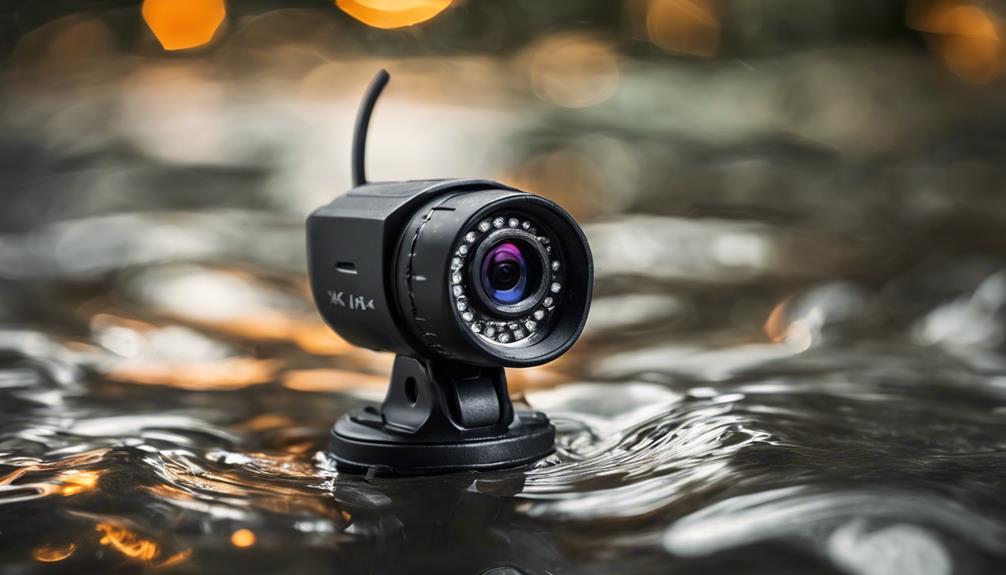

An outdoor pet camera wireless system can make it easier to check on dogs, cats, and other animals that spend time in a yard, run, or kennel. With a suitable camera, you can view live video, receive movement alerts, check nighttime activity, and sometimes speak to your pet remotely. The best setup depends on your property, available internet connection, power options, and the area you need to monitor. For outdoor pet camera wireless setups, consider discreet monitoring options to observe pets without drawing attention.
Why use a wireless outdoor pet camera?
Wireless cameras are useful when running video cables through a yard, fence, or exterior wall would be difficult. Wi-Fi models can connect to your home network, while cellular options may work in locations where Wi-Fi coverage is weak or unavailable. Some systems also support rechargeable batteries, external power supplies, or solar panels.
Wireless installation does not mean the camera will work anywhere without planning. Signal strength, obstructions, weather, and battery life all affect reliability. Before permanently mounting the device, test the live feed from its intended location and confirm that alerts reach your phone.
Features that matter for pet monitoring
Focus on features that improve visibility, reliability, and safe everyday use rather than choosing a camera based only on its resolution.
- Weather resistance: An IP65 or higher rating can help protect the camera from dust and rain. The mounting point should still provide reasonable shelter where possible.
- Clear video: HD video, including 1080p or better, makes it easier to identify your pet and observe behavior from a distance.
- Night vision: Infrared or other low-light capabilities are valuable for kennels, yards, and outdoor areas used after dark.
- Motion alerts: Animal detection, activity zones, and adjustable sensitivity can help reduce notifications caused by passing vehicles, wildlife, or moving branches.
- Two-way audio: A speaker and microphone may let you reassure a pet or give a familiar command, although audio should not replace direct care.
- Power choices: Compare expected battery life with the convenience of solar or continuous power. Cold weather, frequent alerts, and live viewing can increase power use.
- Storage: Check whether recordings are saved locally, in the cloud, or both. Review storage limits and retention settings before relying on footage.
Using a camera for a dog kennel
A dog kennel camera should show as much of the enclosure as possible without being within easy reach of the animal. A protected position above or beside the kennel can provide a useful view while reducing the chance of chewing, knocking, or water damage.
Use the camera to check whether a dog is resting normally, showing signs of distress, attempting to escape, or being disturbed by activity nearby. Center the area where the dog spends the most time, and avoid an angle that leaves the kennel door or important sections outside the frame. For several kennels, separate cameras may be needed to avoid blind spots. For broader coverage ideas, explore this camera resource alongside your outdoor pet monitoring setup.
Monitoring a yard or dog run
For general yard monitoring, point the camera toward the areas that matter most, such as a gate, dog house, feeding area, or section where your pet commonly plays. A wide-angle lens can cover more ground, but positioning remains important. Avoid aiming directly toward the sun, reflective surfaces, or bright exterior lights, since glare can reduce image quality.
A yard camera may also help identify escape attempts, encounters with wildlife, or activity around the property. If a pet sitter or dog walker visits, recorded video can help confirm that scheduled care occurred. Use monitoring to support responsible care rather than as a substitute for checking the animal’s food, water, shelter, and condition in person.
Installation and placement advice
- Test Wi-Fi or cellular performance at the exact mounting location.
- Mount the camera securely where pets and children cannot pull it down.
- Keep cables, adapters, and solar-panel leads away from chewing access.
- Use an overhang or protective housing when it does not interfere with the view.
- Check the view during both daylight and darkness before finalizing the position.
- Leave enough access to clean the lens, replace batteries, and inspect the mount.
Subtle placement may help a camera blend into a fence or kennel structure, but it should not create a safety or privacy problem. Avoid covering the device with foliage or placing it where routine maintenance will be forgotten.
Privacy, security, and maintenance
Use outdoor pet cameras responsibly and follow local rules. Do not aim a camera into a neighbor’s private area or toward places where people reasonably expect privacy. Audio recording can be subject to stricter requirements than video, particularly when conversations may be captured. If household members, visitors, pet sitters, or workers may be recorded, clear communication can prevent misunderstandings.
Protect the camera account with a strong, unique password and two-factor authentication when available. Keep firmware updated, review who has access to the footage, and choose sensible recording-retention settings. Regularly clean the lens, inspect seals and brackets, remove spider webs and debris, and check battery or solar performance. These simple tasks can make a wireless outdoor pet camera more dependable throughout the year.