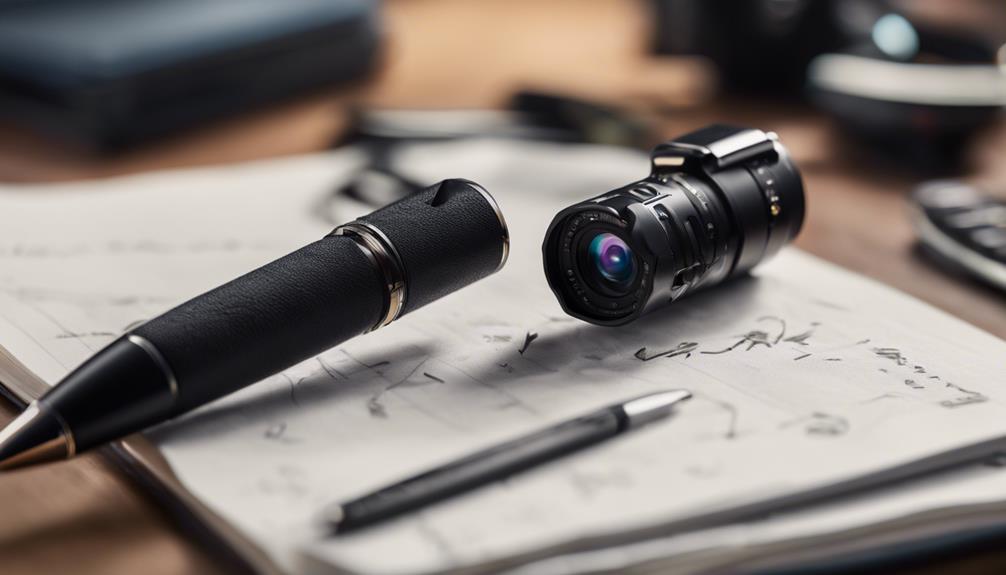

A no-WiFi spy camera can be useful when you need local recording without connecting the device to a wireless network. These cameras commonly save footage to internal storage or a removable memory card, making them suitable for situations where internet access is unavailable or where you prefer to keep recordings offline.
Use any camera only for lawful, responsible monitoring. Do not record people in places where they reasonably expect privacy, and check applicable rules about consent, audio recording, and workplace or rental-property surveillance before installation.
Choose the Right No-WiFi Camera
Start by deciding what you need the camera to record, how long it must operate, and where the footage will be stored. A discreet design may help the device blend into its surroundings, but concealment should never be used to bypass privacy expectations or required notice.
Features worth comparing
- Local storage: Check whether the camera uses internal memory, a removable memory card, or another storage method. Confirm the supported capacity and how files are transferred.
- Motion detection: This can reduce unnecessary recording by starting when movement is detected. Test the sensitivity so ordinary activity does not create excessive clips.
- Loop recording: When supported, loop recording replaces older files as storage fills. Save important recordings before they are overwritten.
- Night vision: If the area is dim, look for a model designed for low-light recording. Test its results in the actual environment rather than relying only on product descriptions.
- Power options: Battery-powered cameras are flexible but require regular charging. A continuous power source may be preferable for extended monitoring, provided the cable can be installed safely.
- Viewing and export: A no-WiFi model may require you to remove a memory card or connect the camera directly to retrieve footage. Do not assume that live viewing, cloud access, or remote management is available.
Plan the Installation
Before mounting the camera, identify the area that needs to be covered and check the manufacturer’s instructions. A clear view is more valuable than a hidden position that is blocked by furniture, glare, curtains, or decorations.
Place the camera where it can capture the intended area without pointing into private spaces. A slightly elevated position can provide a broader view, while a level angle may better capture faces or activity nearby. Avoid placing the lens directly toward a window or strong light source, which can make recordings appear dark or washed out.
Secure the camera so that it cannot be easily knocked out of position. If it uses a memory card, install and format the card according to the instructions before recording. Make a short test recording and review it from the same angle and lighting conditions expected during normal use.
Manage Recording and Storage
Because the camera does not rely on Wi-Fi, footage management is usually handled locally. Create a routine for checking available storage and transferring important files. Label exported clips with the date, time, and location so they can be found quickly later.
Motion-triggered clips can conserve storage, but they may miss events if the sensitivity is too low or the subject moves outside the detection area. Continuous recording provides a more complete record but uses more storage and power. Choose the mode that matches the purpose of the camera.
If the device supports loop recording, understand exactly when older footage will be deleted. Copy any required files to a separate, secure location before the storage becomes full. Protect recordings from unauthorised access and retain them only as long as there is a legitimate reason to do so.
Maintenance and Troubleshooting
- Clean the lens gently with a microfiber cloth to remove dust, fingerprints, and smudges.
- Check the battery or power connection regularly, especially before leaving the camera unattended.
- Review the camera’s date and time settings so exported footage has useful timestamps.
- Confirm that the memory card is correctly installed and has sufficient free space.
- Test motion detection after changing the camera’s position or sensitivity.
- If recording stops or files cannot be opened, consult the model’s instructions before reformatting storage, since reformatting can erase existing footage.
A no-WiFi spy camera is most effective when its limitations are understood. Select storage, power, recording, and low-light features according to the environment, install the device with privacy and safety in mind, and maintain a consistent process for reviewing and securing footage.