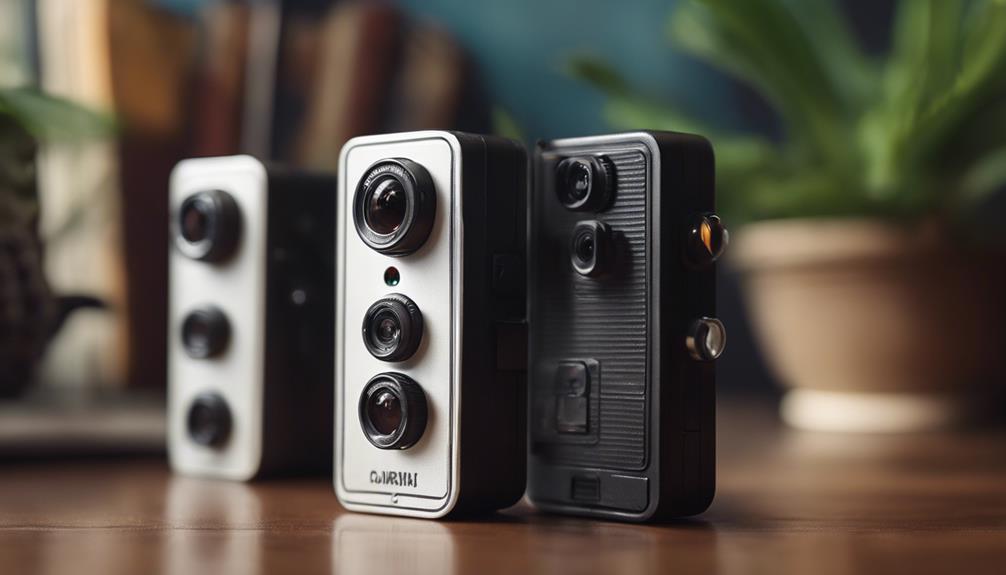

Mini DVR cameras are designed for situations where a compact form factor matters. The three styles covered here—a keychain camera, a USB charger camera, and a pen camera—take different approaches to discreet recording. Each may suit a different environment, but these devices should be used only for lawful purposes and with appropriate respect for privacy. Before recording people, check applicable consent, audio-recording, and workplace or property rules.
What to Consider Before Choosing a Mini DVR Camera
A camera’s appearance is only one part of the decision. Consider where it will be placed, how recording will be triggered, whether lighting may be limited, and how captured files will be reviewed. Motion detection can reduce unnecessary footage, while a familiar everyday form can make a device less visually conspicuous. Features vary between models, so confirm the manufacturer’s specifications rather than assuming that every camera in a category works the same way.
- Recording method: Determine whether the camera records continuously or starts when motion is detected.
- Lighting: If the device will be used in dim conditions, look for clearly stated low-light or night-vision support.
- Monitoring: Some models are intended for local recording, while others may offer network-connected viewing.
- Audio: Audio recording can be subject to stricter consent requirements than video.
- Placement: Choose a design that remains stable and does not obstruct normal use of the surrounding object.
1. Keychain Mini DVR Camera
The keychain-style mini DVR camera is built around portability. Its small, everyday form can be convenient when a camera needs to be carried or positioned without the bulk of a conventional recording device. The legacy description highlights low-light capability, making this style worth considering for environments where illumination may change or become limited.
Low-light recording and motion detection
Night-vision or low-light support can help preserve usable footage when a room or outdoor area is not brightly lit. Performance will depend on the specific model and conditions, so it is sensible to test the camera in the intended environment before relying on it.
Motion detection is another useful feature. Instead of recording continuously, the camera can begin recording when movement is detected. This may help conserve storage and battery capacity and can make it easier to locate relevant events later. However, motion systems can miss very small or distant movements, so they should not be treated as infallible.
2. USB Charger Mini DVR Camera
A USB charger-style camera is designed to blend into an environment where a charger would normally be present. This makes it more suitable for stationary placement than for carrying around. Its motion-detection function can provide event-based recording, reducing the amount of inactive footage that needs to be reviewed.
Remote viewing considerations
The supplied description identifies remote viewing as a key feature of this style. When a model supports network connectivity, users may be able to view a live feed through a smartphone or computer rather than relying solely on stored recordings. This can be useful for authorized monitoring of a space, but it also introduces additional responsibilities.
Before using network-connected monitoring, review the device’s access controls and follow the manufacturer’s setup guidance. Use a strong, unique password, keep access limited to authorized users, and avoid placing a camera where people reasonably expect privacy. Remote access should be treated as a security feature that requires careful configuration, not as a substitute for responsible placement.
3. Pen Mini DVR Camera
The pen-style mini DVR camera combines a writing instrument form with a compact recording unit. Its familiar shape can make it convenient to carry, and its design may suit situations where a small handheld device is preferable to a camera intended for fixed installation.
According to the legacy description, this style includes motion detection and audio recording in addition to video. Audio can provide useful context, but it also raises important legal and ethical concerns. Recording conversations without the required permission may be unlawful depending on the location and circumstances. Confirm the rules that apply before enabling audio, and disable it when it is not necessary.
How the Three Styles Compare
- Keychain: Portable and suited to users who value a compact carryable design, with low-light and motion-detection features described in the original material.
- USB charger: Better suited to stationary placement and distinguished by the described remote-viewing capability.
- Pen: Convenient to carry and identified by the addition of audio recording alongside video and motion detection.
Choosing Responsibly
The best option depends on the intended lawful use, placement, lighting, and need for remote access or audio. Do not rely on a product’s discreet appearance alone: check storage, battery behavior, recording controls, network security, and included instructions before purchase. Use visible notice or obtain consent where required, protect recorded files from unauthorized access, and delete footage that is no longer needed.