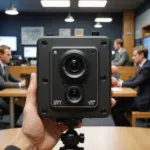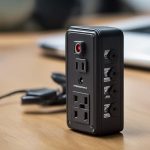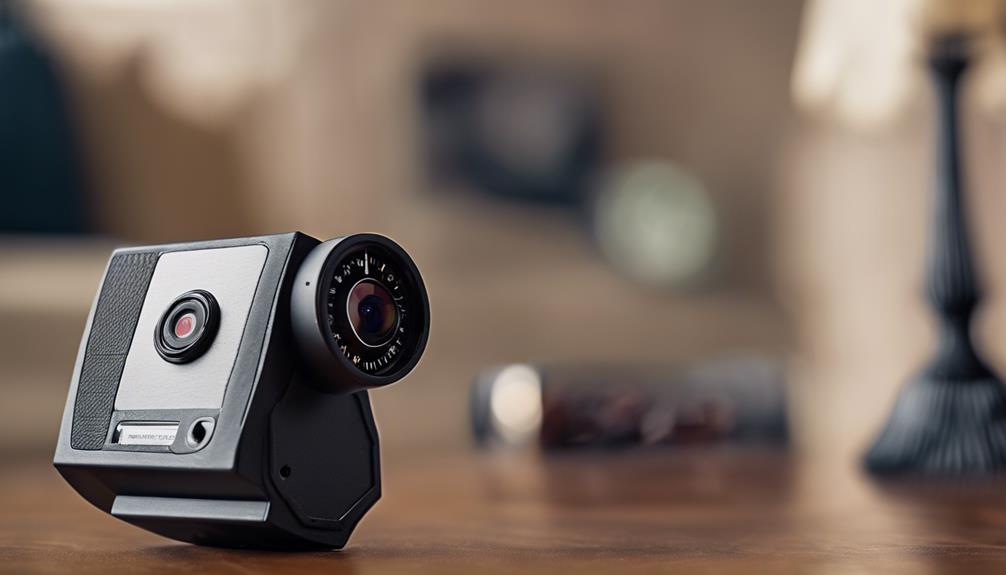

A sound detection camera adds an audio-based trigger to the usual camera functions. Instead of relying only on movement in the image, it listens for changes in the surrounding environment and can respond when the sound reaches a selected threshold or matches a supported sound pattern.
This can be useful when an important event happens outside the camera’s view, before anyone enters the frame, or in a room where motion is limited. Depending on the device, a detected sound may start video recording, send an alert, save an event clip, or activate two-way communication.
How a sound detection camera works
A sound-activated camera uses a built-in microphone to monitor nearby audio. Its processor evaluates the incoming sound and compares it with configured rules. The simplest systems react when volume rises above a set decibel level. More advanced models may analyse the character of a sound, such as a glass-break pattern, an alarm, a door slam, or voice activity.
When the camera identifies a qualifying event, it can take one or more actions:
- Begin recording video and audio.
- Send a notification to a connected phone or monitoring system.
- Save an event clip to local storage or an associated cloud service.
- Combine the sound trigger with motion detection before recording.
- Allow a user to respond through two-way audio, where supported.
Audio detection is not the same as reliable sound identification. A device configured for loud-noise alerts may respond to many different sounds, while a model with specific sound profiles may attempt to distinguish between events. Performance depends on microphone quality, background noise, distance, room acoustics, and the camera’s software.
Features worth comparing
The microphone and its controls have a direct effect on usefulness. Adjustable sensitivity helps prevent a camera from recording every minor noise, while noise suppression can make meaningful events easier to detect. Some devices use directional or multiple microphones, which may improve performance when sounds come from different parts of a room.
Look for configuration options that match the intended installation, including:
- Adjustable volume thresholds or sensitivity levels.
- Selectable sound categories, if the camera supports them.
- Separate schedules for daytime and nighttime monitoring.
- Audio-only, video-only, or combined event recording options.
- Rules that require both sound and motion to confirm an event.
- Local storage, cloud storage, or both.
- Secure access controls and clear recording-deletion options.
Power is also important. A battery-powered mini or spy camera must use energy to listen continuously, and frequent sound events may reduce operating time further. Wired cameras are generally easier to use for extended monitoring because they do not depend on regular recharging. Storage capacity, notification reliability, and the ability to review event clips should be considered alongside image resolution.
Practical uses
In a home, audio detection can provide an additional warning if a window breaks or a smoke alarm begins sounding. It can also help monitor a room where a child, older adult, or pet may make a distressing or unusual noise. In an office, shop, or other permitted workplace, an audio trigger may help document a loud confrontation or another incident that is not immediately visible to the camera.
Sound-based recording can also be useful for documenting vocal wildlife or other activity that motion sensors may overlook. In each case, the camera should be placed and configured for the specific environment rather than treated as a universal listening system.
Placement and setup tips
Position the camera so its microphone has a clear path to the sounds that matter. A location near a vulnerable window may suit break-in alerts, while a room containing an alarm or entry door may require a different placement. Avoid putting the microphone beside fans, heating and cooling vents, televisions, or noisy appliances, since constant background sound can create unwanted recordings.
Begin with a moderate sensitivity setting and test the camera at different times of day. Normal household or workplace noise can change considerably between quiet and busy periods. If the system supports combined audio and motion rules, enabling both may reduce false alerts and conserve storage or battery power. Test the complete workflow as well: make sure notifications arrive, recordings are saved, and clips can be accessed when needed.
Privacy and responsible use
Audio recording can raise greater privacy concerns than video alone. Laws differ by jurisdiction, and some locations require the consent of one or more people before a conversation may be recorded. Before using a sound detection camera, check the rules that apply to the property and the people being monitored.
Covert audio recording in highly private areas, including bathrooms and changing rooms, is inappropriate and may be illegal. In homes, offices, and shared spaces, transparency is usually the responsible approach: explain that audio-capable monitoring is in use, why it is needed, and how recordings will be handled.
Choose a system with strong account security, protected transmission and storage where available, manageable retention settings, and the ability to delete recordings. Used with careful placement and lawful, clearly defined policies, a sound detection camera can supplement motion detection and help reduce missed events without turning every ordinary noise into an unnecessary recording.