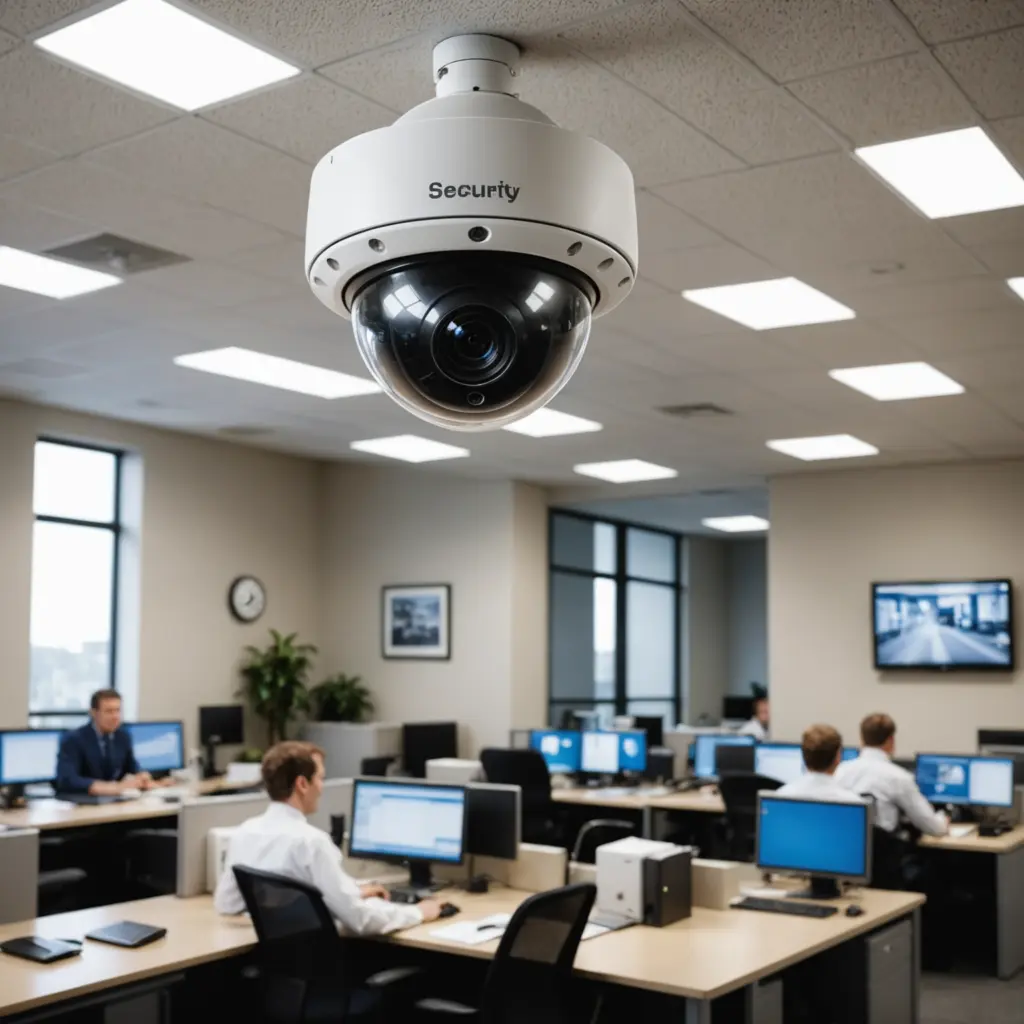

Net surveillance cameras, also known as network or IP cameras, send video over a local network or the internet. They can support live viewing, recording, motion alerts, and remote management from a phone or computer. Used thoughtfully, these systems can help protect homes, businesses, and other properties while providing useful footage after an incident.
How a Net Surveillance Camera Works
A camera captures light through its lens and image sensor, then processes and compresses the video before sending it to a destination. Depending on the model and setup, footage may travel through Wi-Fi, Ethernet, or a cellular connection. It can be viewed through a mobile app, web interface, local monitor, or compatible recording system.
Recordings may be saved to a memory card, network-attached storage device, network video recorder, or cloud service. Many cameras also include motion detection, infrared night vision, two-way audio, and software that can distinguish certain types of activity. These features vary considerably, so the best choice depends on the area being monitored and the type of events that matter.
Features Worth Comparing
Start with the conditions in which the camera will operate rather than choosing based on resolution alone. Important specifications and capabilities include:
- Image quality: Higher resolutions can make faces, objects, and license plates easier to identify, provided the camera is positioned correctly and has adequate lighting.
- Night performance: Infrared illumination and good low-light processing help produce usable footage after dark.
- Network connection: Ethernet and Power over Ethernet can provide a stable connection, while Wi-Fi may be simpler to install. Cellular models can suit locations without a conventional internet connection.
- Detection controls: Motion zones, sensitivity settings, and people detection can reduce unnecessary notifications.
- Storage options: Local memory, an NVR, NAS storage, cloud recording, or a combination of these offer different balances of control, convenience, and cost.
- Weather protection: Outdoor cameras should have housing designed for exposure to rain, dust, temperature changes, and other local conditions.
- Account and security controls: Unique passwords, firmware updates, encrypted connections where available, and two-factor authentication can help protect camera access.
Cloud, Local, or Hybrid Recording
Cloud recording is convenient for remote access and can preserve footage away from the camera’s physical location. It may also provide automatic backups and additional analysis features. The disadvantages can include subscription costs, reliance on an internet connection, and less direct control over where recordings are stored.
Local storage gives the owner more control and may avoid recurring service fees. Memory cards are suitable for simpler installations, while an NVR or NAS can support several cameras and longer retention periods. Local footage can still be lost if the camera or recorder is stolen or damaged, so important evidence may require a separate backup.
A hybrid arrangement can combine both approaches: alerts or selected clips can be made available remotely, while full-resolution recordings remain on local storage.
Practical Uses
At home, cameras are commonly placed near entrances, driveways, garages, and other areas where activity needs to be checked. Businesses may use them to monitor entrances, inventory areas, loading zones, and safety-sensitive workspaces. In care settings, a camera may help an authorized caregiver check on someone remotely, but placement and access should respect the person’s dignity and privacy.
Outdoor or community deployments require particular care because they may record passersby or neighboring properties. Small or concealed cameras should never be treated as a way to bypass privacy rights or consent requirements. Any investigative or covert use must comply with applicable law and clear ethical limits.
Privacy and Legal Responsibilities
Rules for video and audio surveillance differ by location. Before installing a system, check the requirements that apply to your property and intended use. Avoid areas where people reasonably expect privacy, such as bathrooms and changing rooms. Audio can be subject to stricter consent rules than video, so disable audio recording when it is unnecessary or legally uncertain.
Aim cameras at areas you are entitled to monitor and use privacy masks or motion zones to reduce capture of neighboring homes, private yards, and unrelated public activity. Businesses may also need clear signage, a defined retention period, secure handling procedures, and a process for responding to footage-access requests.
Installation and Ongoing Maintenance
Place cameras where they cover useful approaches without pointing directly into bright sunlight or reflective surfaces. An elevated position can improve the viewing angle and make tampering more difficult, but excessive height may reduce the detail needed for identification. Test the view during both day and night before finalizing the installation.
For outdoor systems, protect cables from weather and physical damage. Change default credentials, restrict account access, and install firmware updates from the manufacturer. Periodically review camera angles, detection zones, notification settings, storage capacity, and retention rules. Test that recordings can actually be retrieved, and check that the system continues to work after changes to the router or network.
Choose the System Around the Objective
A useful net surveillance system is not necessarily the one with the most features. Define what needs to be observed, when it must be visible, how long footage should be retained, and who may access it. Then select suitable cameras, storage, connectivity, and privacy controls. Careful placement, secure administration, and regular maintenance will make the system more dependable while limiting unnecessary intrusion.