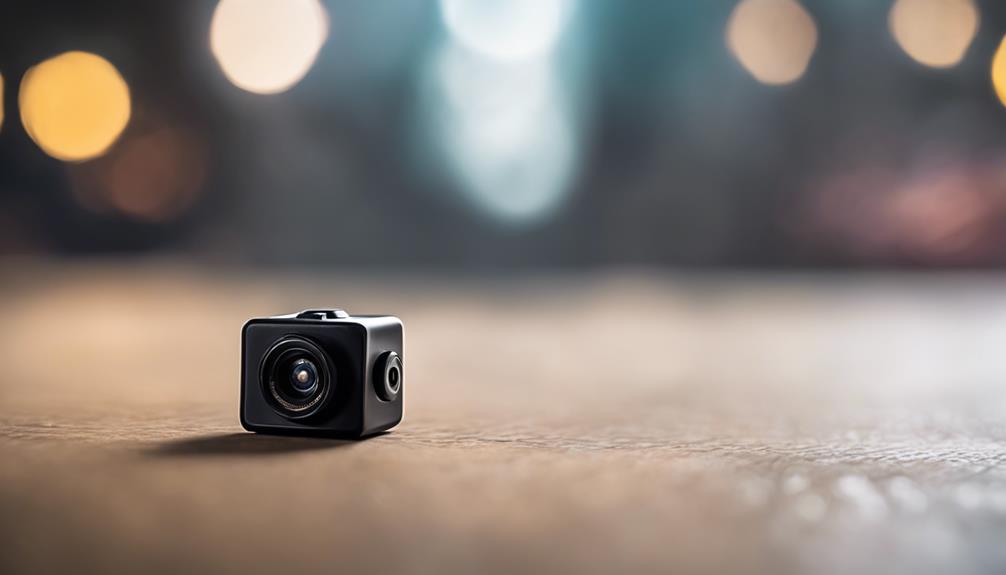

Mini cameras that do not require Wi-Fi can be useful when an internet connection is unavailable or when you want recordings stored locally. They are suitable for lawful uses such as monitoring your own property, checking on belongings, observing a room with permission, or recording activities in a private workspace. Before installing any camera, respect privacy laws and inform people when recording is required.
Because these cameras operate without Wi-Fi, they generally save video to internal memory or a removable storage card rather than sending footage to an online service. That makes storage capacity, battery life, image quality, and ease of access especially important when comparing models.
What to Look for in a Mini Camera Without Wi-Fi
Local storage
A Wi-Fi-free camera needs a way to save recordings. Look for models with built-in memory or support for a removable memory card. Check how files are transferred before buying: some cameras require the card to be removed, while others connect to a computer with a cable.
Storage capacity affects how long the camera can record before older files need to be deleted. If continuous recording is important, confirm that the camera supports loop recording and understand how it handles full storage.
Video resolution and lens coverage
Higher resolution can make recorded details easier to review, but resolution is only one part of image quality. Consider the camera’s field of view, focus range, and performance in the lighting conditions where it will be used. A wide viewing angle can cover more of a room, while a narrower angle may provide a more concentrated view.
For dependable results, position the camera carefully and avoid pointing it directly toward bright windows or strong lights. Test a short recording before relying on the device for an important monitoring task.
Battery life and power options
Battery life is critical for a compact camera because small housings often limit battery capacity. Compare the expected recording time with the period you need to monitor. Motion-activated recording can reduce unnecessary footage and conserve power, although it may not capture every moment of a continuous event.
Some cameras can run from a USB power source instead of relying only on their internal battery. If you choose a powered setup, route cables safely and make sure the power supply matches the manufacturer’s instructions.
Useful Recording Features
Motion detection
Motion detection starts recording when the camera senses movement. This can extend battery life and reduce the amount of footage to review. Performance may vary depending on placement, lighting, sensitivity settings, and the type of movement in the scene.
Allow enough storage for repeated motion events. A camera that records frequently can fill its memory faster than expected, particularly when using high-resolution video.
Night vision
Infrared night vision can help a camera record in dim conditions without requiring visible lighting. Check the stated night-vision range and remember that actual results depend on room size, obstructions, reflective surfaces, and the amount of available light.
Night footage may look different from daytime video, so test the camera after dark in its intended position. Make sure nearby objects do not reflect infrared light directly into the lens.
Loop recording
Loop recording allows the camera to continue recording when storage is full by overwriting the oldest files with newer ones. This is convenient for ongoing monitoring, but it also means older footage can be lost. If a recording may be needed later, copy it to another device promptly.
Installation and Everyday Use
A simple setup can make a small camera more practical. Choose a stable position with a clear view, secure the device using the supplied mount or attachment method, and confirm that the lens is not obstructed. Review the controls for recording, playback, date and time settings, motion detection, and file transfer.
Without Wi-Fi, live remote viewing and cloud storage are normally unavailable. Footage is usually reviewed directly from the camera, memory card, or connected computer. A model with cellular connectivity would be a different type of device and should be evaluated separately.
Choosing the Right Option
- For short recordings: prioritize portability, quick setup, and adequate battery life.
- For longer monitoring: look for reliable power options, generous local storage, and loop recording.
- For changing lighting: consider motion detection and night vision, then test both before use.
- For reviewing details: compare resolution, lens coverage, focus, and real-world sample footage where available.
The best mini camera without Wi-Fi is not necessarily the smallest model or the one with the highest advertised resolution. Choose a device whose storage, power, recording modes, and low-light performance match the specific situation, and use it only in places where recording is lawful and respectful of other people’s privacy.