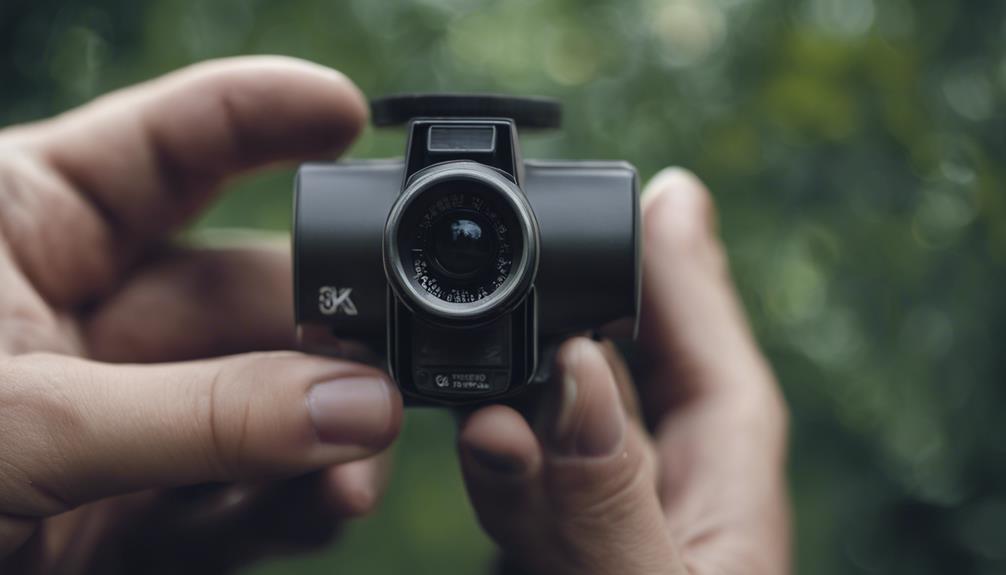

A gate camera gives you an early view of anyone approaching a driveway, entrance, or restricted access point. Used at homes, businesses, farms, apartment communities, and other properties, it can help verify visitors, monitor deliveries, document vehicle activity, and identify problems before they reach the main building. Gate Camera posts show perimeter monitoring solutions can inform discreet surveillance techniques and placement strategies.
The most effective system is not necessarily the smallest or most concealed. A visible camera may discourage unwanted activity, while a discreet installation can preserve the appearance of a property. In either case, the goal should be clear, reliable coverage that respects the privacy of neighbors, visitors, and passersby.
What a gate camera is designed to monitor
Gate cameras are outdoor surveillance cameras positioned to cover an entrance or approach. They are typically selected for their ability to operate in changing weather, capture activity across a driveway or walkway, and provide useful images in daylight and darkness.
Depending on the property, a camera may be paired with an intercom, door or gate release, access-control equipment, or a broader home and business security system. Some installations are intended mainly for live viewing, while others record events for later review.
Common uses for gate surveillance
- Residential entrances: See visitors and delivery personnel before opening the gate or approaching the door.
- Private driveways: Monitor remote access points where activity may otherwise go unnoticed.
- Commercial properties: Observe service entrances, staff access routes, and vehicle movements.
- Shared or gated communities: Support visitor verification and help document access events.
- Rural and agricultural sites: Keep watch over entrances that are far from the main residence or office.
A gate camera should complement, rather than replace, sensible access controls such as locks, lighting, fencing, and visitor procedures.
Features worth prioritizing
Image quality and viewing angle
Choose a resolution and lens suited to the distance between the camera and the point where people or vehicles will be identified. A very wide view can show more of the entrance but may make faces and license plates appear smaller. If identification is important, test the camera at the actual distance rather than judging image quality from a nearby subject.
Night and difficult-light performance
Entrances can be affected by headlights, low sun, shadows, and uneven lighting. Look for dependable low-light or infrared performance and position the camera so that strong light sources do not shine directly into the lens. Supplemental lighting may produce more useful images than relying on infrared alone.
Outdoor durability
The housing should be suitable for exposure to rain, dust, temperature changes, and wind. Secure mounting and protected cable connections are just as important as the camera’s enclosure. At coastal or dusty sites, regular cleaning may be needed to prevent buildup on the lens and seals. For broader property coverage, explore subscription-free monitoring options that extend beyond the gate to your outdoor spaces.
Alerts, communication, and storage
Motion detection, activity zones, and person or vehicle filtering can reduce unnecessary alerts, although these settings usually need adjustment after installation. Two-way audio can be useful when communicating with a visitor at the gate. Consider whether recordings will be stored on a memory card, a local recorder, or a cloud service, and review how footage is accessed, protected, and retained.
Planning the installation
Begin by observing the entrance at different times of day. Note where visitors stop, how vehicles approach, where shadows fall, and whether headlights or sunlight create glare. Mount the camera so it captures faces at a useful angle rather than only the tops of heads. Avoid aiming unnecessarily toward neighboring properties, public areas, or windows.
Power and connectivity should be planned before mounting the device. A wired network connection is often more consistent than a weak wireless signal, particularly across long driveways or through dense walls. Battery and solar options can suit remote gates, but they require a charging plan and may be affected by weather and seasonal light. Test live viewing, recording, notifications, and night footage before completing the installation.
Privacy, consent, and responsible use
Surveillance rules differ by location, and audio recording may be subject to stricter requirements than video. Before installation, check applicable laws concerning public sidewalks, shared entrances, neighboring property, employee monitoring, and recorded conversations. Multi-tenant properties and communities may also have additional rules.
Use privacy masking or narrower framing where available, avoid areas where people reasonably expect privacy, and restrict system access to authorized users. Clear signage can inform visitors that monitoring is taking place. If the intended setup involves concealed equipment or audio capture, obtain appropriate legal guidance before proceeding.
Maintenance and troubleshooting
- Clean the lens and remove spider webs, dust, dirt, and water spots.
- Inspect brackets, cable connections, seals, and fasteners for damage or corrosion.
- Review motion zones and sensitivity when foliage, weather, or traffic patterns change.
- Check storage capacity, recording schedules, and notification delivery.
- Install firmware and software updates from the manufacturer when appropriate.
- For battery or solar systems, monitor charge levels and replace worn batteries before failure.
- If video drops out, test the power source and network connection at the gate before changing camera settings.
Keep a simple record of inspections, updates, and recurring faults. With careful placement, suitable power and connectivity, privacy-conscious settings, and routine maintenance, a gate camera can provide practical awareness at one of the most important points of a property.