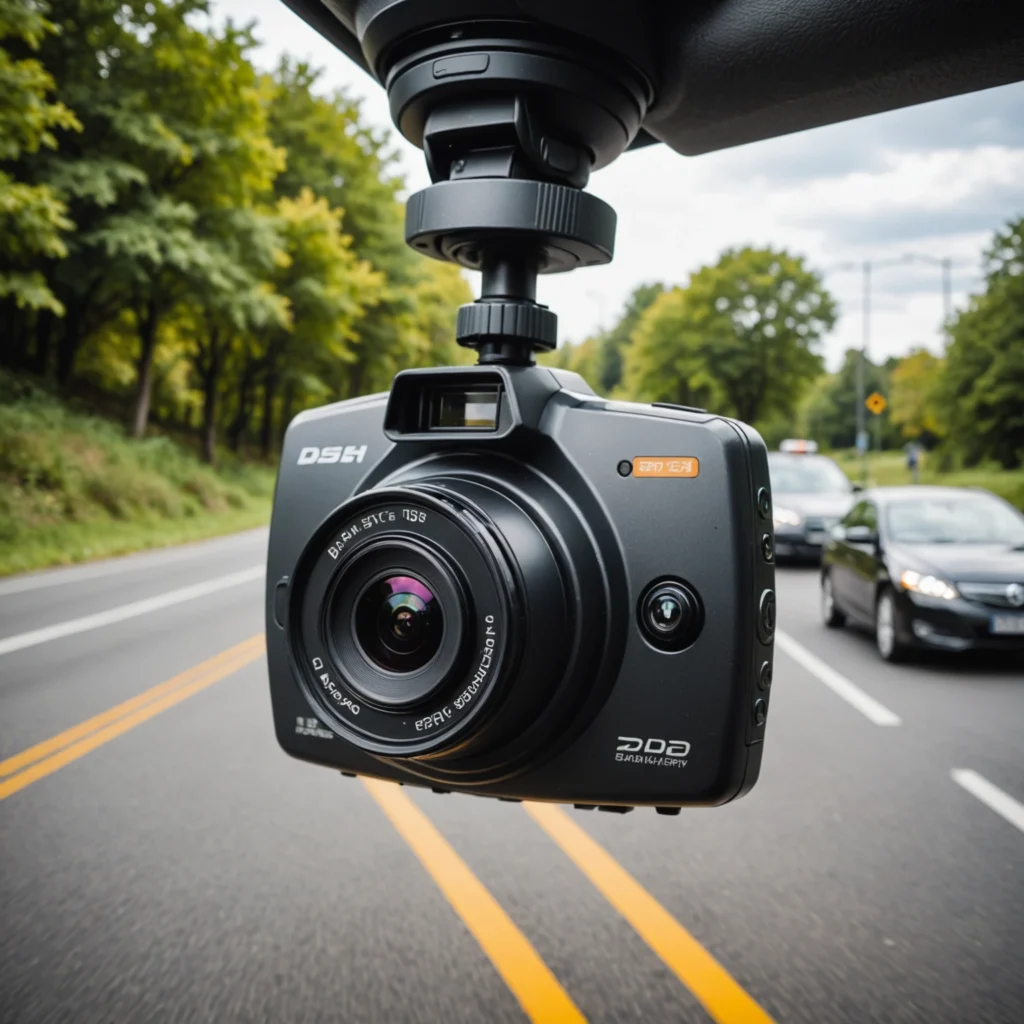

An easy security camera should make monitoring more manageable, not add another complicated system to your home or workplace. Today’s compact cameras can offer app-based setup, motion alerts, night vision, and flexible storage in a relatively small package. The best choice depends on what you need to monitor, where the camera will be placed, how often it must operate, and what privacy requirements apply. For homeowners wanting simple setups, consider discreet monitoring options to expand Easy Security Camera functionality.
Whether you are checking an entryway, watching for deliveries, monitoring a small office, or supporting a caregiving arrangement, start with a clear purpose. A camera selected for occasional motion alerts may not be suitable for continuous recording, while a battery-powered model may be convenient but require more maintenance than a wired device.
What makes a security camera easy to use?
Simple operation usually begins with a straightforward installation process and a clear mobile application. Many easy-to-use cameras guide you through connecting the device, adjusting settings, and viewing live or recorded footage. Look for controls that are easy to understand and storage options that match your technical comfort level.
Useful convenience features may include:
- Motion detection: Records or reports activity instead of requiring you to review every minute of footage.
- Phone access: Lets you view live video and receive notifications through a compatible app.
- Night vision: Helps capture activity when lighting is limited.
- Two-way audio: Allows communication through the camera where that feature is appropriate.
- Local or cloud storage: Provides choices for retaining recordings and accessing them later.
- Flexible power: USB, mains-powered, or battery-operated designs suit different locations.
Choose features based on the monitoring task
Consider what the camera must capture rather than selecting features simply because they are available. If the goal is to identify people at a doorway, placement and a useful viewing angle may matter more than a very wide image. For monitoring a larger room, broad coverage can be more important. If recordings may be needed later, check how the camera stores video, how long recordings are retained, and whether additional fees or equipment are required.
Battery-powered cameras are convenient for temporary or difficult-to-wire locations, but battery life depends on activity, recording settings, and connectivity. A wired camera can be more suitable for continuous monitoring, provided a safe and practical power connection is available. Before relying on any device, test its connection, app controls, image quality, and alerts in the actual location where it will be used.
Placement and installation tips
Define the camera’s purpose before mounting it. For an entrance, position it so that approaching faces and the immediate area are visible without pointing unnecessarily into private spaces. For general room coverage, a stable high corner may provide a wider view. Keep the camera steady, avoid obstructions, and check the image during both daytime and low-light conditions. Pair easy security camera installation with motion-triggered monitoring to detect activity promptly without complicated setup.
Wireless cameras should be tested at the intended location because walls, distance, and other sources of interference can affect connectivity. If the signal is unreliable, moving the camera or network equipment may help. For a battery model, choose a location that remains accessible for charging or replacement. A camera that is difficult to reach can quickly become inconvenient, even if the initial installation is simple.
Responsible use of discreet cameras
Discreet monitoring requires particular care. Laws differ by jurisdiction, and recording rules may depend on the location, the type of footage or audio captured, and the relationship between the people being recorded. Do not place cameras in areas where people reasonably expect privacy, such as bathrooms or changing areas. In workplaces, rental properties, caregiving situations, or shared homes, disclosure and consent may be required or strongly advisable.
Use the narrowest coverage necessary for the legitimate safety or security purpose. Audio can raise additional privacy concerns, so review the camera’s audio settings before enabling them. If you are monitoring a dependent adult or a child, consider dignity and transparency alongside safety. A visible camera or clear monitoring policy may be more appropriate than concealed recording in many situations.
Protect the camera and its recordings
A connected camera can expose sensitive images if its account or network is poorly secured. Create a strong, unique password, enable available account protections, and keep the camera’s firmware and mobile application updated. Limit access to people who genuinely need it, and review sharing settings regularly.
Choose storage that fits the sensitivity of the footage. Protect local recordings from unauthorized access, and understand how cloud recordings are stored, shared, and deleted. Keep only the footage you need, and handle any recording shared with family members, staff, or authorities responsibly.
Finding the right easy security camera
The most practical camera is the one that matches the task without creating unnecessary complexity. Compare power requirements, storage, notification controls, video quality, app usability, and privacy features. Test the device before depending on it for important monitoring, and review the manufacturer’s support and update practices. With thoughtful placement and lawful use, an easy security camera can provide useful awareness while limiting installation work and ongoing maintenance.