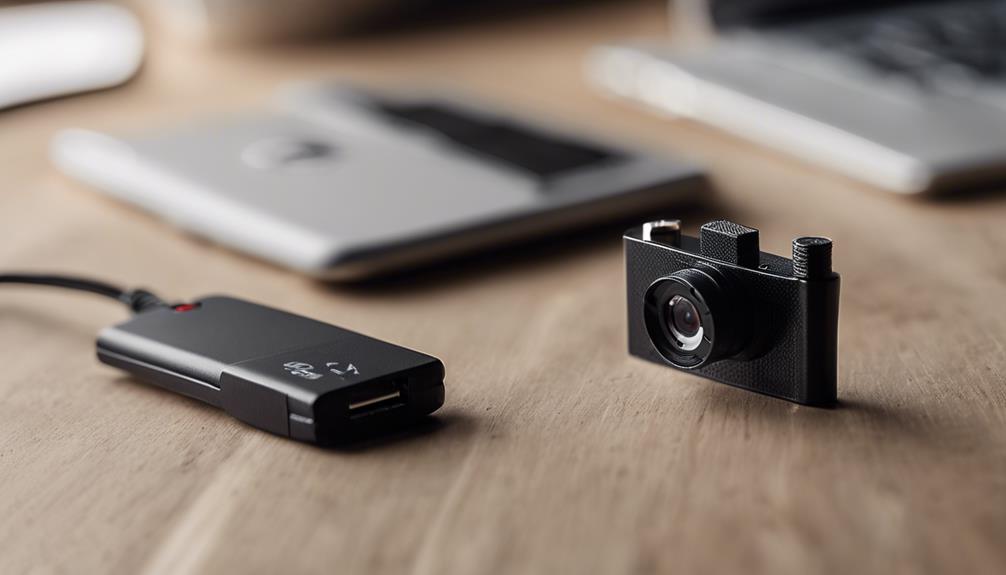

A motion detector can make a camera or alarm system more useful by responding to activity instead of running continuously. It can reduce unnecessary recordings, conserve battery power, and make important events easier to review. The right choice depends on where the detector will be used, what type of movement it must identify, how it connects to other equipment, and whether the system can be operated lawfully and responsibly. Motion-activated recording optimizes concealed camera setups by ensuring footage begins only when movement triggers the detector.
Why use motion detection with a camera?
Continuous recording can produce large amounts of footage, much of which may show an empty room, driveway, or hallway. A motion detector can instead trigger recording when activity is detected. Depending on the equipment, the event may also activate an alarm, send a phone notification, or alert a monitoring service.
For battery-powered cameras, event-based recording may extend operating time. It also creates a more manageable timeline of activity, provided the detector is positioned correctly and adjusted to avoid unnecessary triggers. Some systems can wake a connected camera, while others simply notify a recorder or alarm panel that movement has occurred.
Common motion detector technologies
Passive infrared (PIR)
PIR detectors sense changes in infrared energy, such as the heat pattern produced by a person moving across their field of view. They are commonly suited to indoor rooms, corridors, entrances, and other areas where human movement is the primary concern. Their performance can be affected by temperature conditions and by how a person approaches the sensor.
Microwave
Microwave detectors use radio waves to identify movement and can cover a broad area. However, moving curtains, foliage, or other objects may create unwanted activations in some environments. Careful placement and sensitivity adjustment are particularly important.
Dual-technology detectors
Dual-technology models combine two detection methods, commonly PIR and microwave. Requiring both technologies to respond can help reduce false alarms, although no detector is immune to environmental interference. These units may be useful where reliability matters more than the simplest installation.
Features to compare before buying
- Adjustable sensitivity: Lets you adapt the detector to room size, traffic levels, and environmental conditions.
- Detection range and angle: Confirm that the coverage reaches the area you actually need to monitor.
- Pet-related settings: Some detectors include pet-immunity options, but these should be tested because results vary with animal size and movement.
- Connection method: Check compatibility with the camera, alarm panel, recorder, or smart-home platform. Wireless range and network security also matter.
- Power requirements: Compare battery life, wired power options, and the effort required for maintenance.
- Event response: Look for the actions you need, such as recording, an audible alarm, push notifications, or communication with a monitoring service.
- Weather protection: Outdoor equipment should be designed for exposure to rain, dust, temperature changes, and other local conditions.
Indoor and outdoor placement
Placement often has more effect on performance than small differences between products. Indoors, install a detector where people naturally pass, such as a doorway or hallway, and follow the manufacturer’s recommended mounting height. Avoid aiming it directly at heaters, strong sunlight, vents, or objects that move when air circulates. Pair motion detection with wide angle coverage to monitor larger areas and capture activity beyond narrow viewing zones.
For outdoor use, position the detector to cover private property rather than public walkways or neighboring areas. Wind-blown branches, insects, changing sunlight, and animals can all produce unwanted activations. Adjustable coverage, appropriate weather protection, and a dependable connection to the alarm panel or recorder are especially important. Solar or low-power designs may reduce maintenance, but their suitability depends on available light and the equipment’s power demands.
Pairing a detector with a camera
A detector and camera should cover the same practical area, but they do not need to be aimed identically. Place the detector where movement is easiest to identify, then aim the camera toward the location where a person’s face, actions, or entry route can be seen clearly. Test the complete sequence: movement should trigger the detector, the signal should reach the connected equipment, and the camera should begin recording quickly enough to capture the relevant event.
Check for recording delays, missed triggers, excessive alerts, and poor nighttime images. Change one setting at a time and test during normal conditions. Protect connected devices with strong, unique passwords and secure network settings, and replace default credentials before putting the system into service.
Use responsibly and lawfully
Motion-triggered cameras should be used only for legitimate safety, security, or property-management purposes. Hidden or concealed cameras create additional privacy concerns, particularly where people may reasonably expect privacy. Do not use cameras in bathrooms, changing areas, or similar locations, and be cautious about recording audio because separate rules may apply.
Review local requirements before installing any surveillance equipment. Where notice or consent is required, provide it. Limit recording to the area and time period necessary for the stated purpose, protect stored footage, and delete it when it is no longer needed.
Making the final choice
The best motion detector is not necessarily the one with the longest advertised range. Prioritize dependable detection, low false-alarm rates, suitable indoor or outdoor construction, compatible connections, and straightforward control over alerts and recording. A properly placed and tested detector can make a camera or alarm system more efficient while reducing unnecessary footage and power use.