
A GoPro can be an approachable first camera for travel, outdoor activities, family memories, and everyday creative projects. Its small size makes it easy to carry, while automatic exposure, wide-angle views, and electronic stabilisation can help beginners produce usable footage without a complicated setup. Beginners comfortable with GoPro basics can explore compact covert options through curated reviews and comparison guides.
You do not need a large collection of accessories or advanced editing skills to get started. Choose a camera that fits your budget, learn a few basic settings, and practise recording short clips in different environments. The best results usually come from using the camera regularly rather than buying the most expensive model.
Why choose a GoPro as a first camera?
Action cameras are designed for portability and straightforward operation. They are useful when a phone is inconvenient to mount, too fragile for certain activities, or unable to provide the perspective you want. A compact action camera can be attached to a handle, tripod, chest mount, helmet, or other compatible accessory.
Common advantages for beginners include:
- A small, lightweight body that is easy to take anywhere
- Automatic modes that reduce the need to adjust settings manually
- Wide-angle shooting for landscapes, activities, and group scenes
- Electronic image stabilisation for smoother handheld footage
- Video modes such as slow motion and time lapse on supported models
- Wireless connections for transferring clips to a phone or tablet
Water resistance, battery performance, and available mounting options vary by camera and setup, so check the specifications and included equipment before relying on a camera for a particular activity.
How does a GoPro camera work?
At a basic level, a GoPro is a digital camera with a wide-angle lens, an image sensor, and internal processing. The sensor records light and colour, while the camera converts that information into a video file. The file is saved to a compatible microSD card, where it can later be copied to a computer or mobile device.
Several software features work in the background. Image stabilisation analyses movement and adjusts the footage to make handheld clips appear steadier. Automatic exposure helps the camera respond to changes in brightness, although strong backlighting and dark indoor scenes may still require care. Wireless connectivity can make it easier to preview clips, change settings, and share finished videos.
Which GoPro do you need?
There is no single best model for every beginner. Start by deciding how and where you expect to use the camera. If you mainly want holiday clips, walks, family videos, or occasional action footage, a basic or mid-range model may provide everything necessary. A higher-end camera may be worthwhile if you regularly need improved stabilisation, more recording options, or greater flexibility for demanding conditions.
When comparing models, pay attention to the features that affect daily use rather than focusing only on the highest resolution: Beginners exploring GoPro-style action shooting may also enjoy learning about instant film options for creative results.
- Stabilisation: valuable for walking, cycling, skiing, and handheld recording
- Battery life: important for long outings and extended recording sessions
- Durability and water resistance: useful for outdoor activities, but confirm the limits of the specific model
- Low-light performance: relevant for indoor scenes, evening footage, and shaded locations
- Screen and controls: a clear interface can make framing and setup easier
- Accessories and storage: remember to budget for memory cards, spare batteries, mounts, or a case
Finding the best GoPro for the money
The best value is often found by comparing the complete setup rather than the camera price alone. A slightly older model may offer the features you need at a lower cost, while a cheaper camera may require additional purchases before it is ready for your intended use.
For many first-time users, a mid-range or previous-generation model with dependable stabilisation and 4K recording can provide a practical balance of quality and cost. If your priority is simple sharing and casual recording, you may not need every advanced video mode. If you plan to crop footage, create slow-motion sequences, or edit on a larger screen, additional resolution and frame-rate options may be more useful.
Beginner settings and shooting tips
Begin with automatic settings so you can concentrate on composition and movement. Keep your first recordings short and review them afterwards. Look for distracting camera shake, excessive empty space, poor lighting, or subjects that move out of frame.
- Clean the lens before recording, especially after outdoor use.
- Hold the camera steady and move more slowly than feels necessary.
- Capture a mixture of wide shots, medium views, and close details.
- Record several short clips instead of one long, unedited take.
- Use a tripod or mount when you want a fixed viewpoint.
- Keep spare batteries or a suitable power solution available for longer outings.
- Use a fast, compatible memory card and transfer important footage regularly.
Bright outdoor conditions can produce harsh footage, while dim rooms may show noise and blur. Move your subject toward available light when possible, and avoid fast camera movements indoors. As you become more comfortable, experiment with frame rates, time lapse, exposure controls, and filters for bright scenes.
Use accessories and recording features responsibly
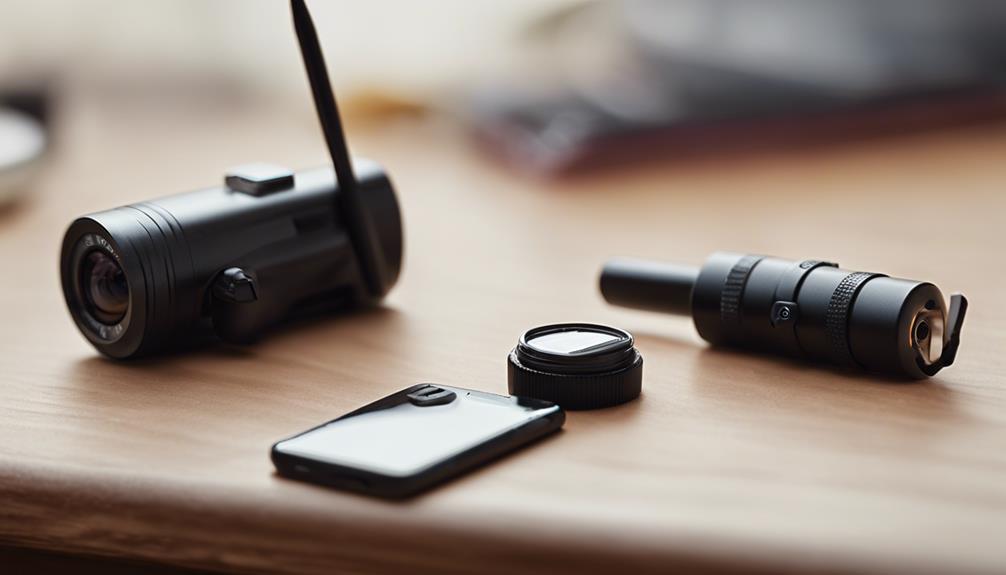
External microphones, mounts, protective cases, and filters can expand what an action camera can do, but none is essential on the first day. Add accessories only when you can identify a specific problem they will solve.
A small camera may be convenient for fixed-position recording, but recording people without their knowledge can raise privacy, legal, and ethical concerns. Get permission where appropriate and follow the rules of the location. Use the camera to create considerate, purposeful footage rather than treating its small size as permission to record unnoticed.
Start with a simple setup
A good beginner setup is one you understand and will carry regularly. Choose a camera that matches your budget, add only the storage and mounting equipment you need, and learn through repeated short sessions. Once automatic shooting feels familiar, explore advanced settings one at a time. That gradual approach makes a GoPro less intimidating and helps you build practical skills with every outing.