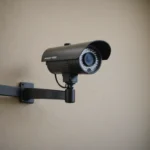

A wireless live-streaming video camera sends video to a phone, computer, or online service without requiring a physical video cable. This makes it useful for home security, temporary business monitoring, wildlife observation, and other situations where running cables is difficult. The best choice depends on more than image resolution: connectivity, power, storage, security, and privacy all affect how well a camera performs. Explore how wireless live streaming improves covert surveillance features, enabling remote monitoring and advanced concealment.
How wireless live-streaming cameras work
A typical system combines a camera sensor, an image processor, a wireless connection, and a power source. The sensor captures video, while the processor compresses it so the stream uses less bandwidth. The camera then transmits the feed over Wi-Fi or, on some models, a cellular network.
Viewing may be handled through a manufacturer’s mobile app, a web interface, or a compatible third-party platform. Some cameras support common streaming protocols such as RTSP or RTMP, while others use a closed system designed for simple setup. Video quality and delay depend on the camera hardware as well as network speed, signal strength, and the selected resolution or frame rate.
Features worth comparing
Image quality and low-light performance
Resolution is only one part of image quality. A camera with a good sensor and lens may produce more useful footage than a higher-resolution model with poor low-light performance. Consider the viewing distance, field of view, and the level of detail you need to see.
Night recording may use infrared illumination or a sensor designed for very low light. Infrared often produces monochrome footage, while low-light colour modes may require some available illumination. Check whether indicator lights or infrared emitters could make the camera noticeable in the intended installation.
Connection type and streaming reliability
- Wi-Fi: Suitable where a dependable wireless network is available. Range and performance can be affected by walls, interference, and router placement.
- Cellular: Useful in locations without local Wi-Fi, but continuous streaming requires suitable coverage and a data plan.
- Local recording: A memory card or onboard storage can preserve footage if the network connection drops, depending on the model.
- Cloud access: Convenient for remote viewing, but may involve account requirements, storage limits, or subscription costs.
Power and installation
Battery-powered cameras are easier to position, but their operating time depends on battery capacity, temperature, signal strength, motion detection, and how often live video is viewed. Models connected to USB power or another permanent supply are generally better for continuous monitoring. Outdoor installations may also require weather protection and a secure mounting method.
Common uses
Wireless cameras can provide live access to a home entrance, delivery area, garage, workshop, or temporary event space. A motion alert can prompt the viewer to check what is happening rather than recording continuously. Businesses may use them for permitted security or operational oversight, while researchers and wildlife observers can monitor a location with less cabling and disturbance. For reliable outdoor broadcasts, consider outdoor IP monitoring with weather-resistant smart cameras and stable wireless connectivity.
Remote viewing can also help families check on children or relatives, but convenience should not replace consent, communication, or appropriate supervision. A small or discreet camera should never be used to secretly observe people in private situations.
Placement and network setup
Begin by defining the area that genuinely needs monitoring. Position the camera to avoid unnecessary views into neighbours’ property, private rooms, or public areas outside the intended purpose. Mount it securely, check the field of view, and test the image during both daytime and nighttime conditions.
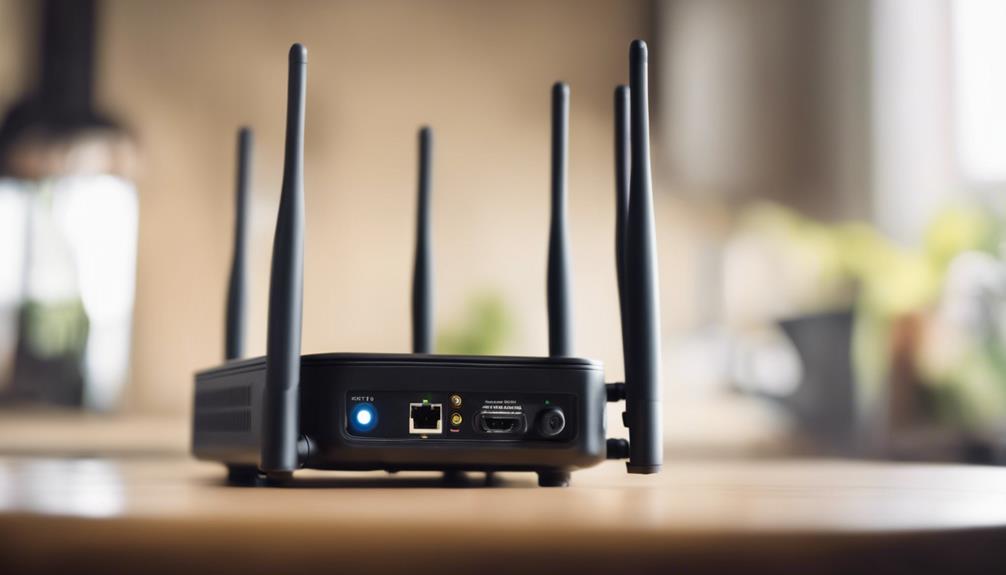
On Wi-Fi networks, the 2.4 GHz band generally offers better range and wall penetration, while 5 GHz can provide more bandwidth at shorter distances. The practical result depends on the router, building, and interference. If the stream buffers, move the access point or camera, reduce resolution or frame rate, and test the connection at the camera’s final position. Cellular models should be tested for signal strength and data usage before being left to stream regularly.
Privacy, security, and lawful use
Surveillance rules vary by location. Recording audio may require consent, and cameras should not be placed where people reasonably expect privacy, including bathrooms and changing areas. Workplace monitoring may require notice, a clear policy, and additional permissions. When in doubt, seek local legal advice before recording or sharing footage.
Protect the camera as carefully as the physical location it monitors. Replace default passwords, use a strong unique account password, enable multi-factor authentication when available, install firmware updates, and secure the home or business Wi-Fi network. Limit access to people who need it and review cloud-sharing settings regularly.
Troubleshooting and maintenance
- For buffering or dropped connections, check signal strength, router placement, and network congestion.
- For short battery life, reduce unnecessary live viewing, adjust motion sensitivity, or use a permanent power source where appropriate.
- For poor night footage, clean the lens and check for reflections from nearby surfaces.
- For failed remote access, verify the camera account, internet connection, app permissions, and service status.
- Review firmware, passwords, storage capacity, and mounting security on a regular schedule.
A wireless live-streaming video camera is most effective when its specifications match the location and purpose. Compare connectivity, image performance, power options, storage, security controls, and privacy requirements before buying. Responsible placement and routine maintenance will help the system deliver dependable monitoring without creating unnecessary risks.