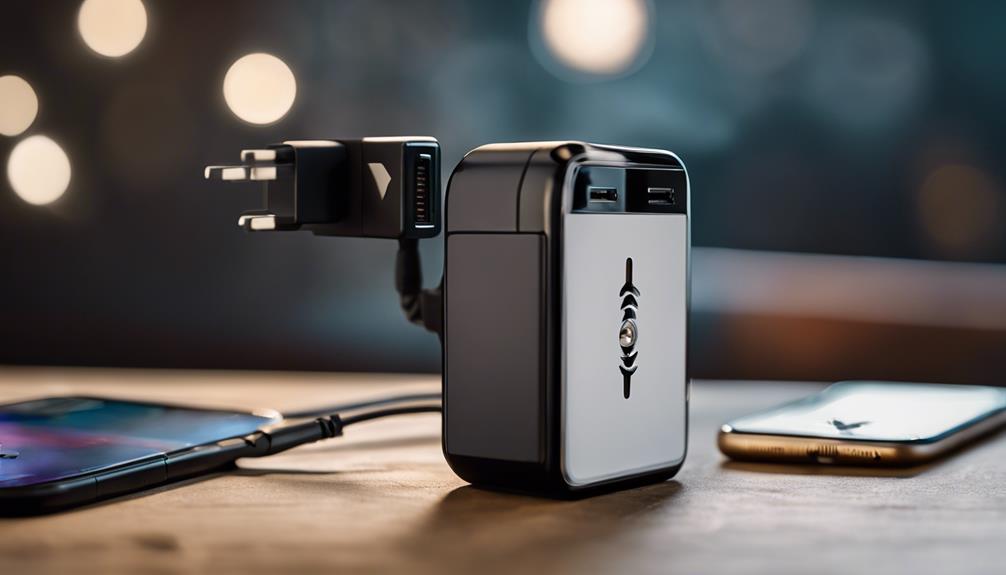

Phone charger spy cameras combine an everyday charger design with a small camera, making them less conspicuous than conventional security devices. If you are considering one for a lawful security purpose, the most important decision is not appearance alone. Video quality, recording controls, network security, and responsible placement all affect whether the device is useful and appropriate.
Before buying or installing any camera disguised as a charger, check the surveillance and recording laws that apply where you live. Do not record people in places where they reasonably expect privacy, and obtain consent when required. A discreet design should never be used to bypass someone’s privacy.
1. Discreet but practical design
A charger-style camera is intended to resemble an ordinary power adapter. Look for a model that fits securely in the outlet and does not obstruct nearby sockets. The camera opening should have a clear, unobstructed view rather than being hidden behind furniture, cables, or wall plates.
Keep in mind that a concealed appearance can make the device difficult to inspect, reposition, or troubleshoot. For many home-security situations, a visible camera with a clear privacy notice may be a safer and more transparent choice.
2. Clear video resolution
Video resolution determines how much detail the camera records. A model offering at least 1080p can provide more useful footage than a lower-resolution device, particularly when the recording area is several feet away. Resolution alone does not guarantee good results, however. Lens quality, lighting, compression, and the camera’s viewing angle also matter.
When comparing specifications, look for sample footage captured in conditions similar to your intended location. Confirm whether the stated resolution applies to saved recordings as well as live viewing.
3. Motion-activated recording
Motion detection can start recording when movement occurs, reducing the amount of empty footage and helping conserve storage. Adjustable sensitivity is valuable because overly sensitive settings may trigger recordings from shadows, curtains, pets, or changes in lighting.
Useful controls may include detection zones, recording length, cooldown periods, and notification preferences. These settings can help limit unnecessary alerts while still documenting activity in the area you are permitted to monitor.
4. Remote viewing and account security
Some charger cameras connect to a mobile app so an authorized user can view a live feed or review recordings remotely. This can be convenient for checking a home or office, but it also introduces cybersecurity and privacy risks.
- Use a unique, strong password for the camera account.
- Enable two-factor authentication when the app supports it.
- Install firmware and app updates from the manufacturer.
- Avoid accessing the camera through unsecured public Wi-Fi.
- Review account permissions and remove access that is no longer needed.
Before purchasing, determine whether recordings are stored locally, in cloud storage, or both. Cloud subscriptions, retention periods, and account requirements can affect the true cost of ownership.
5. Straightforward installation
A practical device should be simple to configure without specialist equipment. Typical setup involves connecting the charger to power, installing a companion app, joining a Wi-Fi network, and selecting recording preferences. Compatibility with your Android or iOS device should be confirmed before purchase.
Read the instructions carefully and test the camera in its intended position before relying on it. If the app cannot connect, check the Wi-Fi signal, restart the device, verify permissions, and confirm that the camera is receiving power.
6. Wide-angle coverage
A wide-angle lens can cover more of a room and reduce blind spots, which is useful when the camera is positioned near an entrance or in a small shared space. Wider lenses may also produce curved edges or make distant subjects appear smaller, so coverage should be balanced against image detail.
Position the device only toward areas you are authorized to monitor. Avoid pointing it at bedrooms, bathrooms, changing areas, or neighboring properties.
7. Low-light performance
Night vision or infrared illumination can improve recording in dim conditions. Check whether the camera records in color, black and white, or a mixture depending on available light. Infrared reflections from nearby walls or glass may reduce image quality, and advertised night-vision distance may vary significantly in real rooms.
Make a responsible choice
The best phone charger spy camera is not necessarily the one with the most features. Prioritize dependable video, appropriate motion detection, secure remote access, reliable storage, and clear installation instructions. Most importantly, use the device transparently and lawfully. For ordinary property protection, a visible security camera may provide similar benefits while making consent and privacy expectations much clearer.