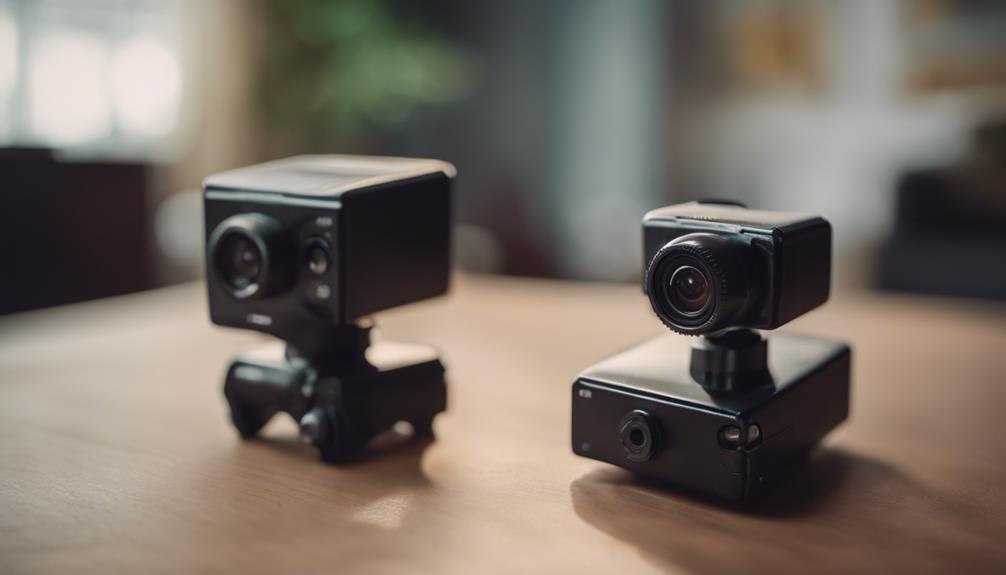

Real-time cameras can help you check on a property, supervise a child’s room, document professional activity, or monitor outdoor areas from a distance. The best choice depends on where the camera will be used, how much coverage is needed, and whether you need live viewing, recording, motion alerts, or night vision.
Before installing any camera, make sure its use complies with local privacy and recording laws. Do not place cameras in private areas such as bathrooms or bedrooms, and obtain consent where required. For homes and workplaces, visible cameras and clear policies are generally safer and more appropriate than undisclosed recording.
10 real-time camera options to consider
1. Wi-Fi mini camera
A compact Wi-Fi camera can provide live access through a phone, tablet, or computer, depending on the model and its app. It may suit a small room, entryway, office, or another area where remote viewing is useful. Check how the device protects accounts and footage, and use a strong, unique password with any available security settings.
2. Camera clock
A clock with an integrated camera is designed to blend into a room’s furnishings. While this form factor may be convenient for monitoring an openly designated area, its inconspicuous appearance creates significant privacy concerns. Use it only where recording is lawful, expected, and properly disclosed.
3. Wireless nanny camera
Wireless indoor cameras are commonly considered for nurseries, playrooms, and shared living areas. Useful features can include live video, night vision, motion detection, two-way audio, and remote adjustment of the viewing angle. These features vary by product, so confirm exactly what is included before purchase.
4. USB charger camera
A camera built into a USB charger is another concealed form factor. However, a device that appears to be an ordinary charger can record people without their knowledge, making it unsuitable for many situations. A clearly visible indoor security camera is usually a better option for responsible home or office monitoring.
5. Wearable body camera
Wearable cameras can document professional interactions, personal-safety incidents, or fieldwork. They are most appropriate when users understand when recording begins and how footage will be stored and shared. Organisations using them should establish clear rules for notification, retention, access, and handling sensitive recordings.
6. Outdoor security camera system
For driveways, entrances, gardens, and other exposed areas, choose a system designed for outdoor conditions. Weather resistance, reliable mounting, remote viewing, and alerts can all be important. Position cameras toward your own property and avoid unnecessarily capturing neighbouring homes or public spaces.
7. Night-vision camera
Night-vision models are intended for dim or dark environments. Infrared illumination can help a compatible camera produce usable footage without ordinary visible lighting. Performance depends on the surroundings and the camera design, so review the expected low-light capability rather than assuming every model performs equally well.
8. Motion-activated mini camera
Motion activation starts recording or sends an alert when movement is detected. This can reduce irrelevant footage and make incidents easier to review. Placement is important: a busy hallway may create frequent alerts, while an obstructed view can prevent the camera from detecting activity reliably.
9. 360-degree panoramic camera
A panoramic camera can cover a broad area from one mounting point, making it useful for open rooms, offices, shops, and other larger spaces. A wide view may reduce blind spots, although objects, walls, and image distortion can still affect what is visible. Confirm whether the model provides live viewing and how its footage is displayed.
10. Camera pen
A pen-shaped camera is portable and discreet, but that discretion also makes it especially sensitive from a privacy and consent perspective. Recording conversations or people without permission may be unlawful. For legitimate documentation, a visible body camera or phone recording with clear notice is generally more defensible.
How to choose the right camera
- Live access: Check whether the camera supports dependable remote viewing and whether an internet connection is required.
- Recording: Look for information about storage, recording duration, overwrite settings, and access to saved footage.
- Alerts: Motion detection can be useful, but sensitivity and notification controls matter.
- Lighting: Night vision is valuable in dark locations, while image quality in daylight remains important too.
- Coverage: Decide whether a fixed view, adjustable camera, outdoor system, or panoramic design best fits the space.
- Privacy: Prefer secure accounts, protected networks, visible placement where appropriate, and a clear retention policy.
Final considerations
There is no single best real-time camera for every use. Wi-Fi indoor cameras are suited to remote room monitoring, outdoor systems protect exterior areas, motion detection helps limit unnecessary recording, and panoramic models can cover wider spaces. Whichever type you select, responsible placement, secure access, and informed consent should be part of the setup from the beginning.