
A WiFi security alarm system can connect door and window sensors, motion detectors, cameras, smart locks, and other devices through a central hub or app. When something changes—such as a door opening or movement being detected—the system may sound an alarm, send a phone notification, or begin recording with a connected camera. Exploring discreet monitoring applications can complement a WiFi alarm system with additional visual awareness around vulnerable areas.
Wireless systems are useful for homeowners and renters because they generally require less installation work than hard-wired equipment. Devices can often be repositioned or expanded as your security needs change. However, the quality of the setup depends on more than the alarm itself. WiFi coverage, account security, battery backup, privacy practices, and camera placement all deserve careful consideration.
How a WiFi Alarm System Works
Most wireless alarm systems use a central hub to communicate with sensors and other devices. The hub may connect to your home network and provide access through a mobile application. A typical system can include:
- Magnetic contacts for doors and windows
- Motion sensors for rooms, hallways, or entry points
- A siren or audible alarm
- A keypad, remote control, or mobile app
- Optional cameras, smart locks, and environmental sensors
When a sensor is triggered, the system can follow rules configured in the app. These might include sounding a siren, sending a push notification, or asking a camera to record. Some systems store video in the cloud, while others support local storage. A reliable internet connection is useful for remote alerts and live viewing, but it should not be treated as the only layer of protection.
Adding Cameras to a Wireless Security System
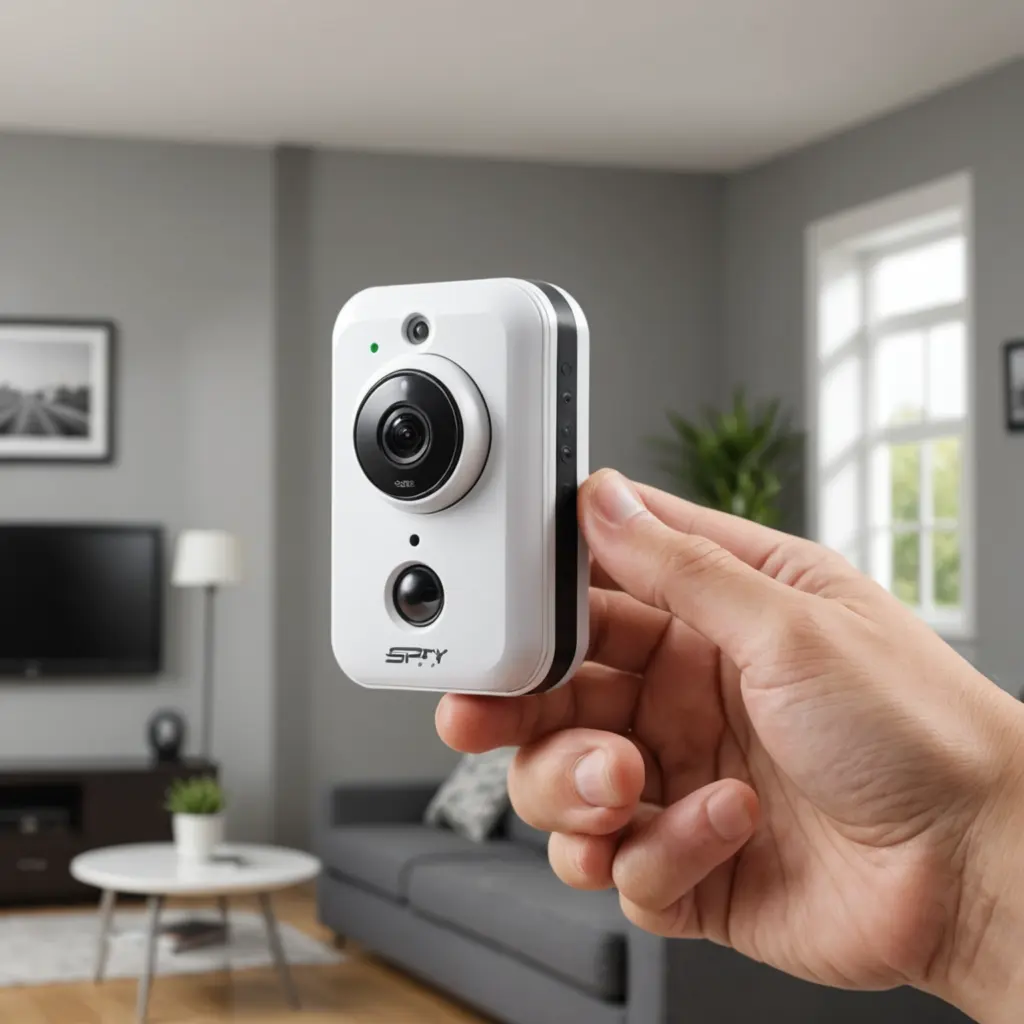
Cameras can add visual information to an alarm event. For example, a motion alert near an entrance may be easier to assess when accompanied by a short video clip or live view. Depending on the equipment, cameras may operate continuously, record when motion is detected, or begin recording after another sensor reports activity.
Use cameras to monitor legitimate security concerns such as entrances, driveways, garages, or common living areas. Avoid placing them in bedrooms, bathrooms, or other locations where people reasonably expect privacy. A visible camera is often sufficient for home security and makes the purpose of monitoring clear to household members and visitors.
Features worth comparing
- Motion detection settings that can reduce unnecessary recordings
- Clear live view and dependable mobile notifications
- Encrypted connections and secure account controls
- Local recording, cloud recording, or both
- Integration with the alarm hub and other smart home devices
- Battery operation or backup power for important components
Choosing the Best Wireless System for Your Home
The best wireless security system is one that covers the property’s main entry points and remains practical to use. A basic kit may be suitable for a small home or rental property, while a larger home may need an expandable system with additional sensors and cameras. Alongside a Wi-Fi alarm, discreet camera placement can help monitor vulnerable areas without disrupting everyday routines.
Before buying, consider the following:
- Coverage: Identify doors, windows, hallways, and other areas that need protection.
- WiFi performance: Check that the network reaches every planned device, or consider improving coverage.
- Power: Look for battery status alerts and backup power for the hub or router where appropriate.
- Storage: Compare subscription-based cloud storage with local storage options.
- App usability: The system should make it easy to arm, disarm, review alerts, and manage users.
- Expandability: Confirm that extra sensors or cameras can be added later.
Installation Tips for Homes and Rentals
Wireless equipment is often suitable when permanent wiring is impractical or a landlord does not allow modifications. Adhesive mounts and magnetic contacts can make installation easier to reverse, although mounting surfaces should be prepared according to the manufacturer’s instructions.
Place motion sensors where they can detect movement across a room rather than directly toward a window or heat source. Position cameras to cover approach routes and entrances without capturing unnecessary private areas. Test every sensor after installation, including notifications, alarm sounds, camera recording, and any entry or exit delays.
Privacy and Account Security
Surveillance equipment can create legal and personal risks if it records people without appropriate notice or consent. Check applicable local laws, rental rules, and household expectations before using cameras, especially in shared spaces or for monitoring employees, caregivers, children, or guests.
Protect the system itself by using strong, unique passwords, enabling two-factor authentication when available, updating firmware, and securing the home WiFi network. Limit app access to people who need it, review connected users regularly, and choose reputable devices with clear information about data storage and encryption.
Building a More Resilient Setup
A WiFi alarm system is most useful when it combines sensible sensor placement, dependable alerts, and good security habits. If internet service fails, cloud notifications and remote viewing may be unavailable, so consider equipment that can sound a local alarm or store footage locally. With careful planning, a wireless system can provide flexible protection without unnecessary installation work while respecting the privacy of everyone who enters the property.