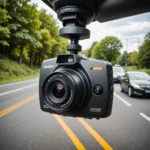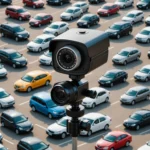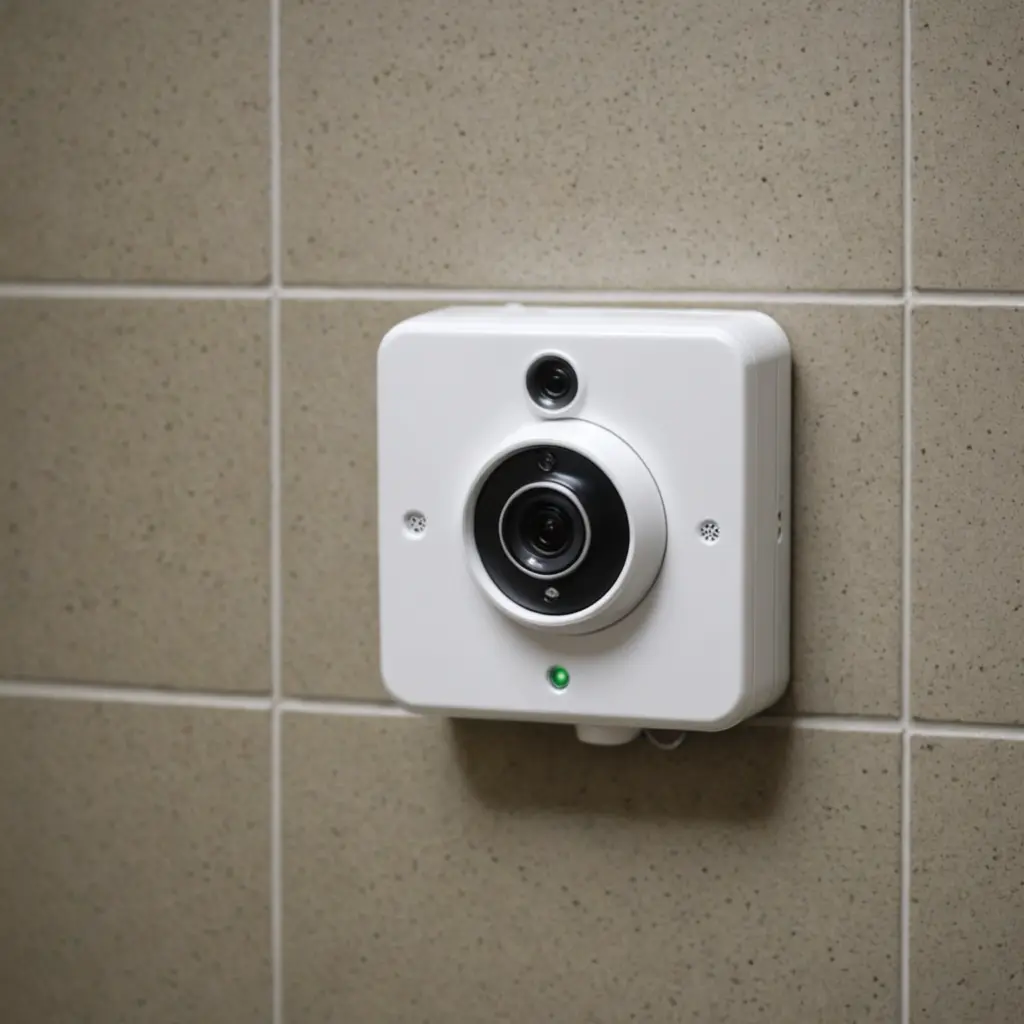

A sale can be a useful time to upgrade a home, rental property, or small business monitoring setup—but the lowest price is not always the best value. Before buying, compare the camera’s image quality, power requirements, storage options, security features, and support. Compact or discreet cameras may suit some legitimate monitoring needs, while visible cameras can provide a clear deterrent and simpler privacy expectations. During a security camera sale, consider discreet surveillance purchases to outfit unobtrusive monitoring in multiple locations.
Start With the Job the Camera Must Do
Define the area and event you want to monitor before comparing models. A camera covering an entrance may need a wide field of view and dependable night vision. One aimed at a valuable object may benefit more from motion alerts and detailed footage at a shorter distance. If you need to check a location occasionally, event-based recording may be sufficient; continuous recording requires more storage and a reliable power source.
For a larger property, a combination of visible cameras and smaller indoor units may provide broader coverage. Compact cameras can be appropriate where a full-size device would be impractical, but their small size should never be used to justify recording people in places where they reasonably expect privacy.
What to Check Before Buying
- Video quality: Compare resolution, image clarity, and performance in low light rather than relying only on marketing language.
- Viewing angle: A wider field of view covers more space, but may show less detail at a distance.
- Recording modes: Check whether the camera supports motion-triggered clips, continuous recording, or both.
- Power: Battery-powered cameras are easier to place, while wired or USB-powered models are better suited to long-term operation without frequent recharging.
- Connectivity: For Wi-Fi cameras, confirm that the intended location receives a dependable signal.
- Storage: Determine whether footage is saved to a memory card, another local device, cloud storage, or a combination.
- Notifications: Adjustable motion sensitivity can help reduce unnecessary alerts and conserve battery life.
- Support: Review the warranty, return policy, app requirements, and any available technical assistance.
Look Beyond the Sale Price
A discounted camera may still involve ongoing costs. Cloud recording, advanced alerts, or additional app features may require a subscription. Local storage can avoid recurring fees, but footage stored only on the camera may be unavailable if the device is damaged or taken. Compare the total cost over the period you expect to use the camera, including memory cards, mounting equipment, replacement batteries, and service charges.
Also check whether the product is complete and supported. A very low price is less attractive if the camera lacks its power adapter, has limited return protection, or depends on an app that is no longer maintained. Clear product documentation and a reasonable warranty can be more valuable than a slightly deeper discount.
Plan Installation Carefully
Choose locations that cover entrances, walkways, storage areas, or other relevant spaces without pointing into private areas. Test the camera’s angle before permanently attaching it. For wireless models, check the connection at the actual mounting position rather than beside the router. Explore our home protection deals for discounted system bundles alongside the ongoing security camera sale today.
Use a stable mounting method and make sure cables cannot become a trip hazard or be easily disconnected. Set motion sensitivity according to the environment: passing traffic, moving curtains, pets, or changing light can create unwanted recordings. After installation, walk through the monitored area at different times of day to confirm that the important details are visible.
Use Discreet Cameras Responsibly
Small or concealed cameras may be useful for monitoring your own property, documenting suspected theft, or checking on an approved care arrangement. However, concealment does not remove legal or ethical responsibilities. Do not place cameras in bathrooms, changing areas, or other spaces where people expect privacy. Recording audio may be subject to additional rules, and workplace or shared-home monitoring may require notice or consent.
Before recording employees, tenants, guests, caregivers, or family members, check the requirements that apply in your location. If you are uncertain, obtain appropriate consent or seek qualified legal advice. Keep recordings limited to a legitimate purpose, restrict access, and avoid sharing footage unnecessarily.
Secure and Maintain the System
Change default usernames and passwords immediately, use a strong unique password, and enable two-factor authentication when the camera or its service supports it. Keep the camera firmware and mobile app updated. Review account access regularly and remove users who no longer need it.
Test the camera after installation and at regular intervals. Check the lens, power connection, storage capacity, notification settings, and date and time configuration. Review retention settings so footage is not kept longer than necessary. A sale is a good opportunity to buy capable equipment, but careful selection, lawful placement, and ongoing maintenance determine whether that equipment provides dependable and responsible security.