
A security system app can turn compatible cameras and sensors into a central monitoring hub. From a phone or tablet, users may be able to view live footage, receive motion alerts, manage several devices, and review recorded events. This can be useful for homes, vacant properties, rentals, and small businesses—but the technology should always be used lawfully, transparently, and with respect for personal privacy. Consider surveillance app features when expanding a security system app to include discreet recording and monitoring.
What a security system app does
The app connects supported cameras and sensors with your mobile devices, usually through a home or business network and, where enabled, a remote-access service. Depending on the camera and plan, common functions include:
- Live video viewing
- Motion or sound notifications
- Event-based or continuous recording
- Playback and downloading of stored footage
- Control of multiple cameras from one interface
- Device sharing for authorised household members or staff
Some systems store video locally on a memory card or network storage device. Others use cloud storage, sometimes with a subscription. Local recording can reduce recurring costs, while cloud storage may provide off-site access if the camera or recording device is damaged or stolen. Review the provider’s storage, retention, and account-access policies before choosing a system.
Choosing the right app
Check compatibility first
An app is only useful if it supports your cameras, sensors, operating system, and preferred method of storage. Confirm whether it works with your device models and whether you can manage all of your equipment through one account. If you plan to expand later, check the system’s limits for the number and type of connected devices.
Look for practical monitoring features
A clear interface is more important than a long feature list. Look for dependable live viewing, understandable alert settings, useful search or playback controls, and the ability to adjust motion zones. If notifications are delayed or too sensitive, important events may be missed or frequent false alarms may cause users to ignore them.
Prioritise account and device security
Security features should be part of the selection process. Prefer services that provide two-factor authentication, encrypted connections, regular application updates, and supported camera firmware updates. A provider should also explain how footage is stored, who can access it, and how long recordings are retained.
Using discreet cameras responsibly
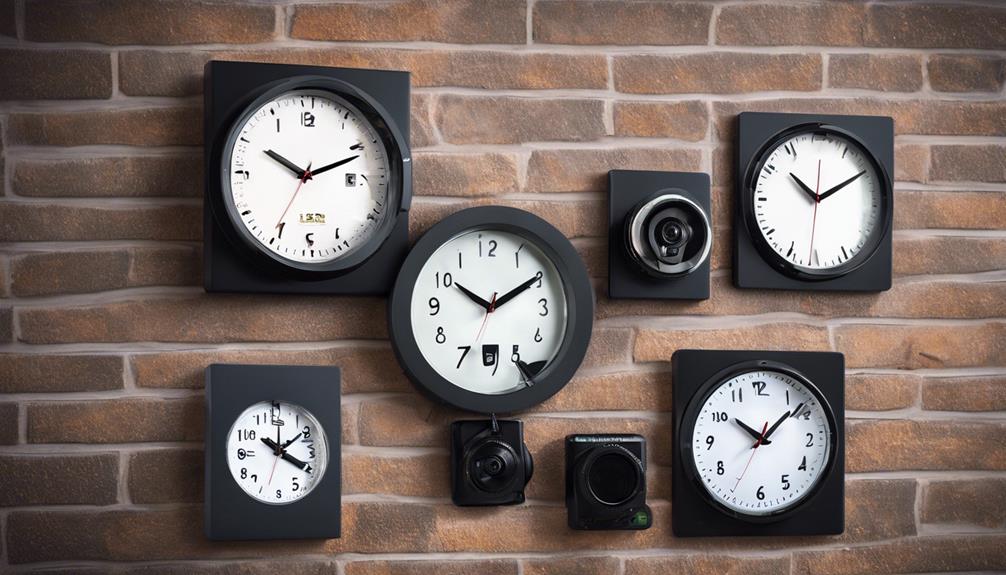
Small or discreet cameras may be appropriate for limited security purposes, such as checking an entrance or protecting equipment. However, concealing a camera does not remove the privacy rights of the people in its field of view. Do not use cameras to record bathrooms, bedrooms, changing areas, or other places where people reasonably expect privacy. A security system app can complement discreet monitoring projects by centralizing alerts from thoughtfully placed devices.
Rules for audio recording, employees, tenants, guests, childcare, and shared or rented properties vary by location. Consent or clear notice may be required, and some uses may be prohibited even when a camera is installed for security. Before recording, identify who may be captured, explain the purpose, limit the area being monitored, and verify the relevant local requirements. When the situation is uncertain, obtain qualified legal advice rather than relying on assumptions.
Secure the app and connected cameras
A camera system can expose sensitive footage if its accounts or network are poorly protected. Use a long, unique password for the app account and never reuse the camera’s default administrator credentials. Enable two-factor authentication when available and remove access for people who no longer need it.
- Install updates for the mobile app, camera firmware, and router.
- Use WPA2 or WPA3 wireless security and a strong Wi-Fi password.
- Consider placing cameras on a separate network from personal computers and other important devices.
- Disable remote-access functions that you do not need.
- Review login history, shared users, and connected devices regularly.
- Protect local memory cards and downloaded footage from unauthorised access.
Plan placement, power, and storage
Position each camera to cover the intended area without capturing more of a person’s private activity than necessary. Check the wireless signal at the installation point, protect equipment from tampering where appropriate, and test power arrangements before relying on the system. Battery-powered devices may require a charging schedule, while wired cameras need secure cable routing.
Test motion sensitivity and notification delivery after installation. Review sample recordings to confirm that the image, sound settings, time stamps, and storage process work as expected. Periodic checks can reveal a disconnected camera, full storage, expired subscription, or changed account permission before an important event occurs.
Use monitoring technology with clear limits
A security system app is most effective when it supports a defined safety goal rather than unrestricted observation. Choose compatible equipment, protect the account, limit recording to appropriate areas, and handle footage carefully. Respecting consent and local law is essential, particularly when using discreet cameras or monitoring employees, tenants, guests, or caregivers.