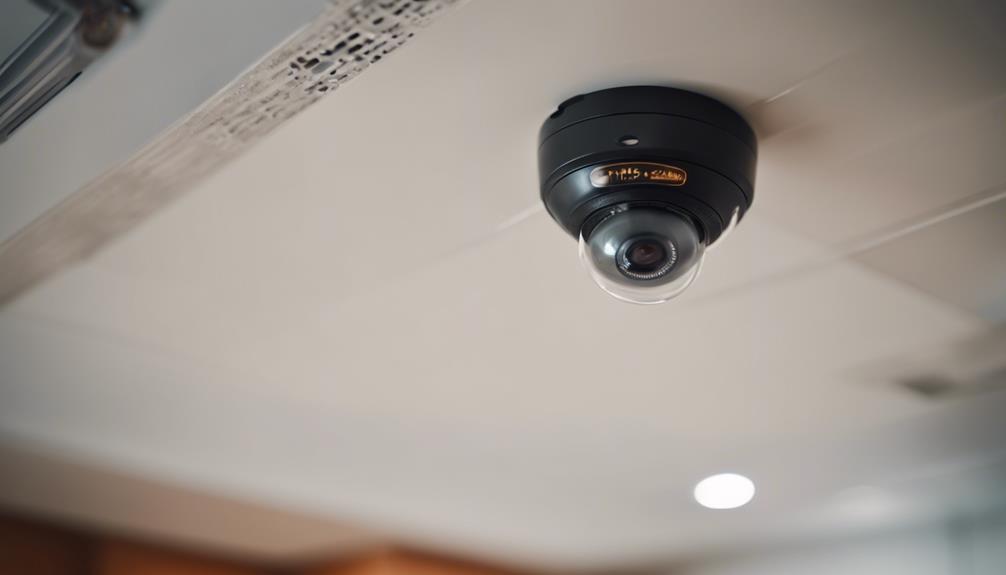

A spy camera fire detector combines video monitoring with smoke or fire alerts in one device. Used responsibly, it can help you keep an eye on important areas of your home and review events remotely. However, it should not replace approved, dedicated smoke alarms or other fire-safety equipment. Follow the product manual for installation, testing, storage, and maintenance instructions.
Choose a Safe, Useful Location
Start by identifying the areas that need the most attention, such as a kitchen, living room, bedroom, or a space near electrical equipment. Choose a position with a broad, unobstructed view and keep the detector away from curtains, furniture, decorations, and other objects that could block its sensors or camera.
A mounting height of approximately 7 to 8 feet may provide useful room coverage, depending on the design of the device and the shape of the room. The detector should remain easy to access for testing, cleaning, battery replacement, and troubleshooting. Do not conceal it in a way that prevents smoke detection, blocks ventilation openings, or makes maintenance difficult.
Because the device includes a camera, consider privacy before installation. Do not place it where people reasonably expect private activity, and inform household members or visitors when recording is taking place where required by applicable law. If the device is used in a shared property or workplace, check the relevant rules before enabling video recording.
Install and Connect the Device
Unpack the detector and compare its components with the user manual. Use only the supplied or manufacturer-approved power adapter and install the unit according to the stated instructions. If it uses a wall outlet, position the cable so it cannot be pulled, pinched, or damaged. Avoid unsafe cable concealment and do not modify the power supply.
Next, install the device’s companion app on your phone or computer if one is provided. Follow the setup prompts to connect the detector to your home Wi-Fi network. A strong, stable signal helps with remote viewing and alerts. If the connection is unreliable, move the detector or router to a more suitable position, or use a compatible Wi-Fi extender if appropriate.
Protect the account with a unique password. Use two-factor authentication when the app supports it, keep the app and device firmware updated, and avoid sharing login details. These steps help reduce the risk of unauthorized access to the camera feed.
Configure Motion Detection and Alerts
Motion detection settings should match the room rather than simply using the highest sensitivity. Begin with the default setting, then test the detector at different times of day. Increase sensitivity if important movement is missed, or reduce it if ordinary activity causes repeated unwanted notifications.
Keep the camera away from direct heat sources, strong sunlight, steam, or rapidly changing light. These conditions may contribute to false alerts or interfere with reliable monitoring. Adjust the detection area, sensitivity, and recording duration if those options are available in the app.
Understand Fire and Smoke Detection
The fire-detection function is intended to warn you when the device senses smoke or another condition described in its documentation. Test the alert function regularly using the manufacturer’s approved test procedure. Never use an open flame or another unsafe method to test the detector.
Maintain separate, properly installed smoke alarms throughout the home. Keep flammable materials away from heaters and cooking equipment, keep suitable fire extinguishing equipment available where appropriate, and make sure everyone in the household knows the evacuation plan. If an alarm sounds, treat it seriously and follow your emergency procedure rather than relying on the camera image to determine whether there is danger.
View, Save, and Handle Footage Carefully
Open the companion app and sign in to view the live feed or review alerts. Depending on the model, footage may be stored on a memory card or through a cloud service. Check the storage settings so you understand how recordings are retained, overwritten, downloaded, or deleted.
Organize saved clips by date or event if you need to retrieve them later. Share recordings only when there is a legitimate reason to do so, and consider the privacy of everyone shown. Avoid uploading footage to public services or sending it to people who do not need access. Delete recordings that are no longer necessary and follow any applicable privacy or data-retention requirements.
Maintain Performance and Battery Life
Inspect the detector, lens, vents, cable, and mounting hardware periodically. Remove dust according to the manufacturer’s cleaning instructions, and make sure nothing has shifted into the camera’s field of view or covered the sensors.
If the unit runs on batteries, monitor its battery status and replace or recharge the batteries before they are depleted. Lowering unnecessary motion sensitivity, shortening recording periods, and avoiding repeated false activations may reduce power use. For powered devices, check that the adapter and outlet remain secure.
Troubleshoot Common Problems
- False alarms: Check for steam, heat, sunlight, dust, or an obstructed sensor. Reposition the detector and adjust sensitivity gradually.
- No live video: Confirm that the device has power, the app is updated, and the Wi-Fi connection is stable.
- Missed alerts: Review notification permissions, detection zones, sensitivity, and the detector’s placement.
- Erratic operation: Check the power connection or replace the batteries as directed by the manual.
- Persistent faults: Stop relying on the device for safety alerts and contact the manufacturer or seller for model-specific support.
With careful placement, secure account settings, regular testing, and responsible handling of footage, a spy camera fire detector can support home monitoring. Keep dedicated fire alarms and a clear evacuation plan as the foundation of your fire-safety arrangements.