
Office cameras can help protect equipment, document security incidents, and monitor entrances or other sensitive areas. The right choice depends on the space, the purpose of monitoring, the required image quality, and how footage will be stored and accessed.
Discreet design does not remove the need for responsible use. Before installing any camera, define a legitimate security purpose, check applicable privacy and workplace-monitoring rules, and communicate the policy to employees and visitors where required. Cameras should not be placed in areas where people reasonably expect privacy. Audio recording deserves particular caution because consent and recording laws can differ by location.
1. Miniature USB camera
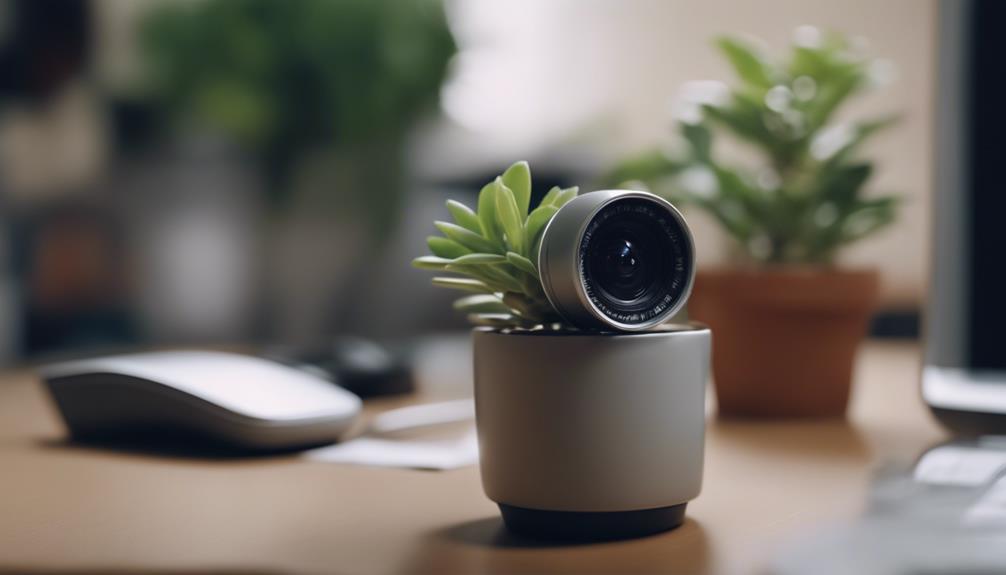
A miniature USB camera can be connected directly to a computer and positioned on or near a desk, reception area, or workstation. Its small form makes it easier to fit into an existing setup without adding a large security device.
Depending on the model, useful features may include motion detection, low-light recording, and video capture to the connected computer. This type of camera is best suited to a fixed location where a computer can remain available for power, monitoring, or storage.
2. Wall clock camera
A wall clock camera combines a familiar office object with a built-in camera. It can provide a broad view of a room while avoiding the appearance of a conventional standalone security camera.
Before choosing this format, consider the clock’s viewing angle, placement height, power requirements, and whether the device is easy to identify and maintain. A visible workplace surveillance policy is still important even when the camera is integrated into an ordinary office fixture.
3. Smoke-detector-style camera
A camera built into a smoke-detector-style housing can be mounted near the ceiling, giving it a useful vantage point over a room. Some models include motion-triggered recording and high-definition video.
This option requires extra care. A camera should never interfere with a genuine smoke detector or create confusion about whether a safety device is operational. Installation should preserve fire-safety equipment and comply with building and workplace requirements. It should also be used only where monitoring is justified and permitted.
4. Pen camera
A pen camera is a highly portable option that combines a writing instrument with video recording. It may be useful for documenting an authorized inspection, meeting, or interaction when the people involved understand that recording is taking place.
Models that record audio carry additional legal and ethical risks. Recording a conversation without the required consent may be unlawful, even if video recording would be allowed. Disable audio when it is not necessary, and obtain appropriate permission before recording conversations.
5. Motion-activated camera
A motion-activated camera records when movement is detected rather than capturing continuous footage. This can reduce unnecessary recordings and make incident review more manageable.
It can be appropriate for a storage area, supply room, entrance, or another location where activity is relevant to security. Placement should be adjusted to avoid triggering the camera constantly because of passing traffic, changing light, or moving equipment. Clear retention limits can also help prevent the accumulation of unnecessary footage.
6. Wi-Fi light-bulb camera
A Wi-Fi light-bulb camera fits into a compatible light socket and combines illumination with video monitoring. Remote access may allow an authorized user to view live footage or review recordings from another location.
Because the device connects to a network, security settings matter. Use a strong unique password, restrict access to people who need it, keep the device’s software updated when updates are available, and secure the wireless network. Check the camera’s field of view carefully so it does not capture neighboring areas or private spaces unnecessarily.
7. Desk clock camera
A desk clock camera is designed for a smaller field of view than a ceiling- or wall-mounted device. It may suit a reception desk, counter, or office where a compact camera is needed.
Its placement should be based on a defined security objective rather than general employee observation. Monitoring productivity through concealed recording can damage trust and may conflict with workplace rules or privacy obligations. If monitoring is necessary, a transparent policy and clearly explained purpose are preferable to undisclosed surveillance.
How to choose and use an office camera
- Start with the purpose: Decide whether the goal is protecting property, monitoring an entrance, documenting incidents, or another specific need.
- Choose the least intrusive option: A visible camera or access-control measure may be more appropriate than a concealed device.
- Check the view: Avoid washrooms, changing areas, private offices, and other locations where privacy is expected.
- Plan storage: Limit access to recordings, protect stored files, and establish how long footage should be retained.
- Address audio separately: Do not enable sound recording unless it is necessary, lawful, and supported by the required consent.
- Tell people what to expect: Follow applicable notice, consent, and workplace-policy requirements.
These seven camera formats offer different ways to monitor an office, but the most suitable choice is not necessarily the least visible one. A clear security purpose, limited coverage, strong data protection, and respect for privacy are essential to using office surveillance responsibly.