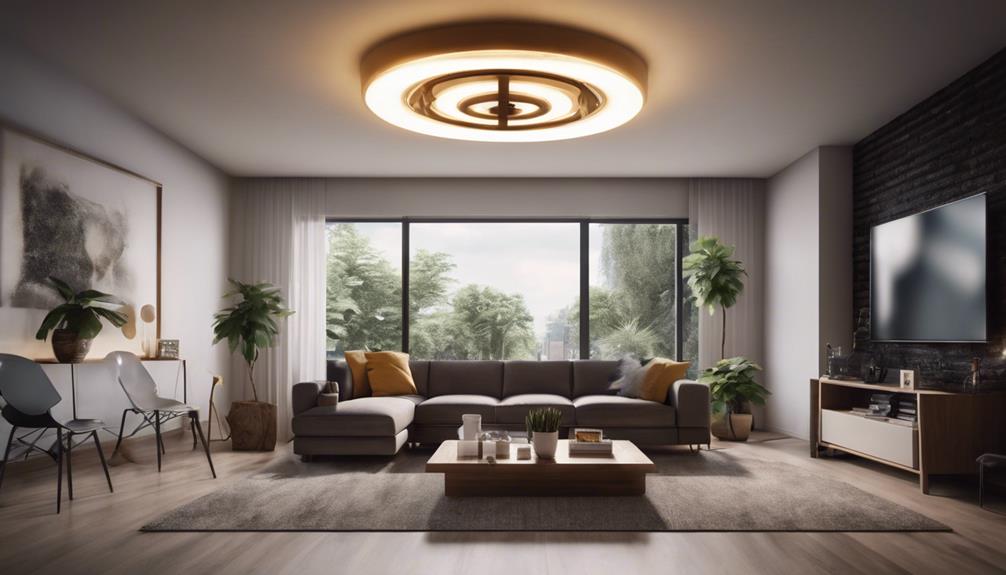

Spy camera light bulbs combine a light-bulb-style design with surveillance functions. Their discreet appearance can make them suitable for monitoring an entryway, room, office, or other permitted area, while connected features allow users to review activity remotely. However, these devices should be installed and used responsibly, with careful attention to privacy, security, and local surveillance laws.
Although capabilities vary by model, five features commonly associated with spy camera light bulbs are motion detection, two-way audio, smartphone access, night vision, and cloud storage.
1. Motion Detection and Alerts
Motion detection allows the camera to respond when movement occurs within its viewing area. Depending on the device, detected motion may trigger video recording, send an alert to a connected phone, or both. This can make it easier to focus on relevant activity instead of reviewing hours of continuous footage.
Motion detection is most useful when the camera is positioned to cover a defined area, such as an entrance or hallway. Placement matters: movement outside the intended area can create unnecessary alerts, while obstructions may limit what the camera can detect. Users should also consider who may be recorded and whether everyone in the monitored space has been appropriately informed.
2. Two-Way Audio
Built-in microphones and speakers can enable two-way communication between the person viewing the camera and someone near the device. Through the camera system, a user may be able to listen to activity and speak in real time. This can be useful for communicating with a visitor or checking on a monitored space without being physically present.
Audio recording and live listening can create additional privacy concerns beyond video surveillance. Before enabling this function, review the device settings and understand how audio is captured, transmitted, and stored. Secure account access and protected connections are important because an exposed audio feed could allow unauthorized listening.
3. Smartphone App Integration
A companion smartphone app can provide remote access to the camera. Common controls may include viewing a live feed, receiving motion notifications, changing settings, and reviewing available recordings. Some models may also offer remote camera movement or zoom controls, although these functions are not universal.
App-based access is convenient, but it adds another layer that must be secured. Use a strong, unique account password, protect the Wi-Fi network, and install available updates for the app and device firmware. Limit account access to people who genuinely need it, and check the camera’s sharing and notification settings regularly.
4. Night Vision for Low-Light Monitoring
Night vision helps the camera monitor an area when visible light is limited. Many devices use infrared illumination, which is not visible to the human eye, to help the camera produce an image in dark or dim conditions. This allows monitoring to continue after ordinary room lighting has been switched off.
Night vision performance depends on the camera’s design and the surrounding environment. Before relying on it for security, check how clearly the device captures faces, movement, and nearby objects in the actual location where it will be installed. Reflective surfaces, obstructions, and the distance between the camera and the subject can affect the result.
5. Cloud Storage for Recorded Footage
Cloud storage can let users save recordings on remote servers instead of relying only on a memory card or another local storage method. This may make footage available from multiple locations and reduce the risk of losing recordings if the physical device is damaged or removed.
Cloud storage also requires careful attention to data protection. Review how long recordings are retained, who can access them, whether storage is included or subject to additional conditions, and what security controls are available. Encryption and strong account authentication can help protect footage, but users should still choose a provider and device with clear privacy and security practices.
Use the Device Transparently and Responsibly
The discreet design of a spy camera light bulb does not remove the privacy responsibilities that apply to other surveillance equipment. Laws and expectations surrounding video and audio monitoring can vary by location and by setting. Avoid placing a camera where people reasonably expect privacy, and consider informing household members, employees, visitors, or other affected individuals when appropriate.
Before choosing a device, confirm which features it actually supports, how recordings are stored, how accounts are secured, and whether the installation complies with applicable rules. Used with clear boundaries and sensible security precautions, a camera light bulb can offer convenient monitoring without treating privacy as an afterthought.