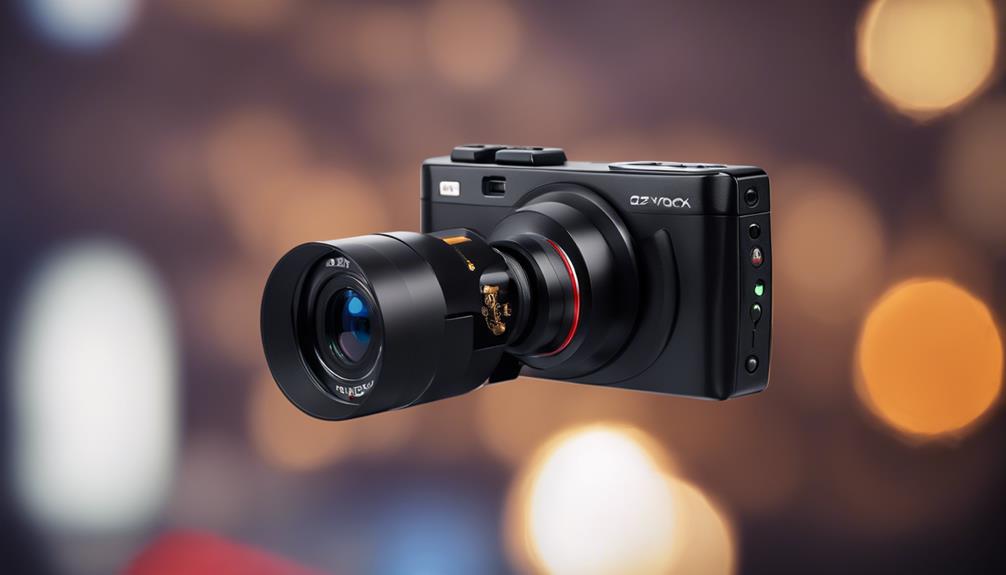

Motion-detection spy cameras are designed for situations where discreet placement and automated recording matter. Rather than recording continuously, they can begin capturing footage when movement is detected, helping focus attention on relevant events and potentially reducing unnecessary recordings. The most useful models combine a small form factor with practical controls for setup, recording, and remote access.
Compact, Discreet Design
A small camera is easier to position without attracting attention. Its compact size can help it fit on a shelf, inside a larger object designed to hold a camera, or in another suitable location with a clear view of the area being monitored.
Size should not be the only consideration, however. Check whether the lens has an unobstructed view, whether the camera can be positioned securely, and whether its controls remain accessible. A very small device may have limited battery capacity, storage, or adjustment options, so compare the design with the intended monitoring period and location.
Wireless Setup and Flexible Power
Wireless connectivity can simplify installation by reducing the need for a dedicated cable between the camera and a viewing or recording device. Once connected according to the manufacturer’s instructions, a compatible camera may be accessible through a smartphone, tablet, or computer.
Battery-powered models offer additional placement flexibility, particularly where running a power cable would be impractical. Before choosing one, review its expected operating time and charging method. Motion-triggered recording and power-saving settings may help limit unnecessary battery use, but frequent activity can still require more regular charging. For a camera intended to operate continuously, a dependable power source may be more suitable than relying solely on a rechargeable battery.
Adjustable Motion Detection
Motion detection is the central feature of this type of camera. When movement occurs within the monitored area, the device may start recording, send an alert, or do both, depending on its settings and capabilities.
Useful controls can include:
- Sensitivity adjustment: helps determine how much movement is required to trigger an event.
- Detection zones: limit monitoring to selected parts of the camera’s view.
- Alert settings: control whether notifications are sent and how often they appear.
- Recording duration: determines how long footage is captured after movement is detected.
These controls can reduce unwanted recordings caused by movement outside the area of interest. Even advanced detection systems can produce false alerts, so careful placement and testing are important. Avoid aiming the camera at busy walkways, moving curtains, or other sources of repeated background activity unless those areas are specifically relevant.
Clear Video in Different Lighting
Video resolution affects how much detail appears in recorded footage. Cameras described as supporting 1080p or higher resolution may produce clearer images than lower-resolution models, although the result also depends on the lens, lighting, storage settings, and viewing device.
For monitoring that continues after dark, look for a model with an appropriate low-light or night-vision mode. A high resolution alone does not guarantee useful nighttime footage. Check how the camera handles dim conditions and whether its placement allows the lens to capture the intended area without glare or obstruction.
Some devices also record audio. If that feature is available, remember that audio recording can be subject to separate privacy and consent requirements from video recording.
Remote Viewing and Notifications
Remote viewing allows an authorized user to check a live camera feed from a connected device rather than being physically beside the camera. This can make it easier to verify an alert, check a monitored space, or review activity while away.
When evaluating remote access, consider the setup process, app compatibility, account security, and the reliability of the network connection. Notification controls are also important: alerts should provide useful information without becoming so frequent that important events are overlooked. Use strong, unique account credentials and enable available security protections to help prevent unauthorized access.
Storage and Everyday Usability
Motion-triggered clips need somewhere to be saved. Depending on the model, footage may be stored on a memory card, a connected device, or a manufacturer-supported online service. Review storage capacity, overwrite behavior, export options, and how easily clips can be located later.
A camera is easier to manage when its controls are clear and its recordings are simple to review. Before relying on it, test motion triggers, image quality, notifications, charging, and storage in the actual installation position.
Use Discreet Cameras Responsibly
Discreet placement does not remove privacy responsibilities. Use a motion-detection camera only where you have the right to monitor, avoid private areas, and inform people when notice or consent is required. Also secure stored footage and limit access to people who genuinely need it.
With careful placement, adjustable detection, suitable video quality, dependable power, and secure remote access, a motion-detection spy camera can provide focused monitoring without recording every moment unnecessarily.