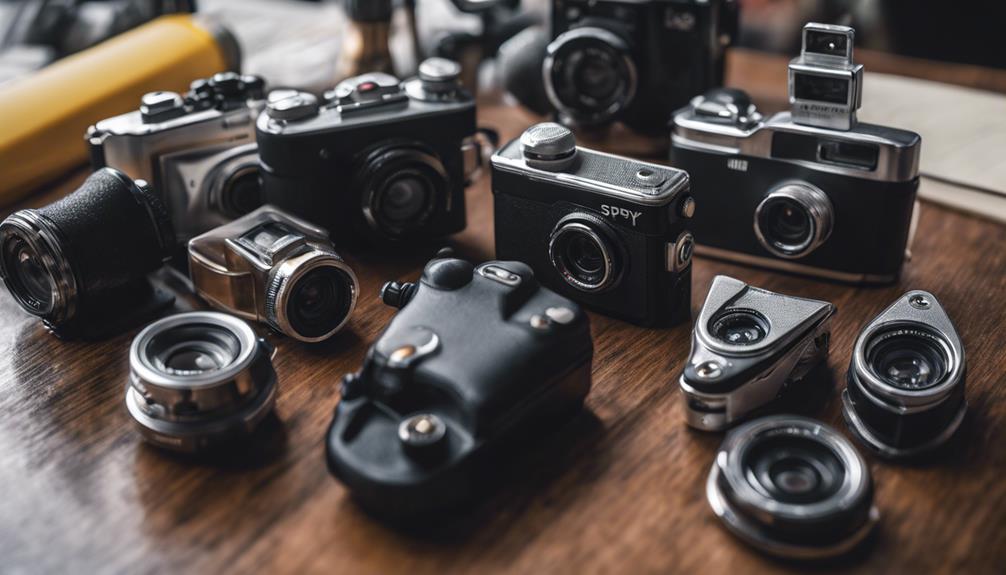

Spy cameras with audio are sold in a variety of compact formats, including mini cameras, USB devices, wireless models, and motion-activated units. Walmart listings may vary by seller, availability, specifications, and included accessories, so it is important to compare the actual product details rather than relying on the product name alone.
Audio recording adds context to video, but it also creates significant privacy and legal responsibilities. Before purchasing or using any camera with a microphone, check the laws that apply where the device will be installed. In many locations, recording private conversations without the required consent may be unlawful. Use these products only for legitimate, authorized purposes and avoid placing them where people reasonably expect privacy.
Common types of spy cameras with audio
1. Mini spy cameras
Mini cameras are designed for situations where a small footprint is important. They may include video recording, a built-in microphone, motion detection, and removable storage. Review the camera’s dimensions, battery capacity, recording resolution, and microphone performance before buying.
2. Wireless cameras
Wireless models can offer more flexible placement than cameras that require a direct connection to a recording device. Some provide remote viewing or live audio through a mobile app, while others simply transmit footage to a nearby receiver. Confirm whether the camera requires Wi-Fi, a dedicated app, or a separate storage device.
3. Motion-activated cameras
A motion-activated camera records when movement is detected, which can conserve storage space and battery power. Look for adjustable sensitivity and recording duration settings. A poorly positioned motion sensor may trigger too often or miss activity, so placement and testing are important.
4. Night-vision cameras
Night-vision models use low-light technology or infrared illumination to record in darker conditions. Check whether the listing describes usable night range, infrared recording, and whether audio continues to function in low light. Night vision does not necessarily mean the camera produces clear footage in complete darkness or through obstructions.
5. USB-style cameras
USB cameras are compact and may be powered from a computer, wall adapter, or compatible power bank. Some are intended primarily for continuous operation, while others include internal batteries. Check the power requirements and determine whether the product records locally or only operates when connected to another device.
6. Portable cameras
Portable models can be moved between authorized monitoring locations. Useful features may include rechargeable batteries, magnetic mounting, a charging indicator, and simple file transfer. Battery life can vary considerably, particularly when motion detection, Wi-Fi, or night vision is enabled.
7. High-resolution cameras
Listings may describe cameras as HD or 1080p, but resolution is only one part of image quality. Also consider the lens angle, frame rate, compression, lighting performance, and storage format. Higher resolution can create larger files, making storage capacity and file management more important.
8. Waterproof or weather-resistant cameras
A camera marketed for outdoor use should have clearly stated weather-resistance information. Do not assume that a product is suitable for rain, splashes, or submersion unless the listing specifically explains its protection rating. Waterproof construction can protect the camera, but it may not guarantee strong audio quality in windy or wet conditions.
9. Cameras with remote access
Remote-access features may allow authorized users to view a live feed, receive alerts, or review recordings from a phone or computer. Check whether the service requires an account or subscription, how recordings are stored, and what security controls are available. Use a strong unique password and enable additional account protection when offered.
10. Cameras with local storage
Some devices save recordings to a microSD card or internal memory instead of relying on cloud storage. Verify the supported card capacity, whether a card is included, and how files are exported. Local storage can reduce recurring fees, but the recordings may be lost if the camera or memory card is damaged or removed.
What to compare before buying
- Audio controls: Confirm whether the microphone can be disabled and whether the product records sound continuously or only during video events.
- Power: Compare battery life with the expected recording schedule, or choose a model designed for continuous power.
- Storage: Check internal memory, microSD compatibility, cloud requirements, and estimated recording capacity.
- Connectivity: Determine whether the camera needs Wi-Fi, Bluetooth, a receiver, or a phone app.
- Video quality: Look beyond labels such as HD and review the stated resolution, viewing angle, and low-light performance.
- Reliability: Read customer feedback for information about setup, battery performance, app stability, and recording consistency.
- Seller and returns: Marketplace products can differ in warranty coverage, shipping, and return terms, so review those details before ordering.
Use audio recording responsibly
Audio surveillance is more sensitive than video monitoring. Tell people when notice or consent is required, do not record private conversations unlawfully, and avoid bedrooms, bathrooms, changing areas, and other private spaces. For home, workplace, or caregiving uses, choose a transparent monitoring arrangement that respects the rights of everyone who may be recorded.
When browsing Walmart, compare the full specifications and seller information for each listing. The best choice is not necessarily the smallest or highest-resolution camera; it is the model whose power, storage, audio controls, connectivity, and legal use fit your authorized monitoring need.