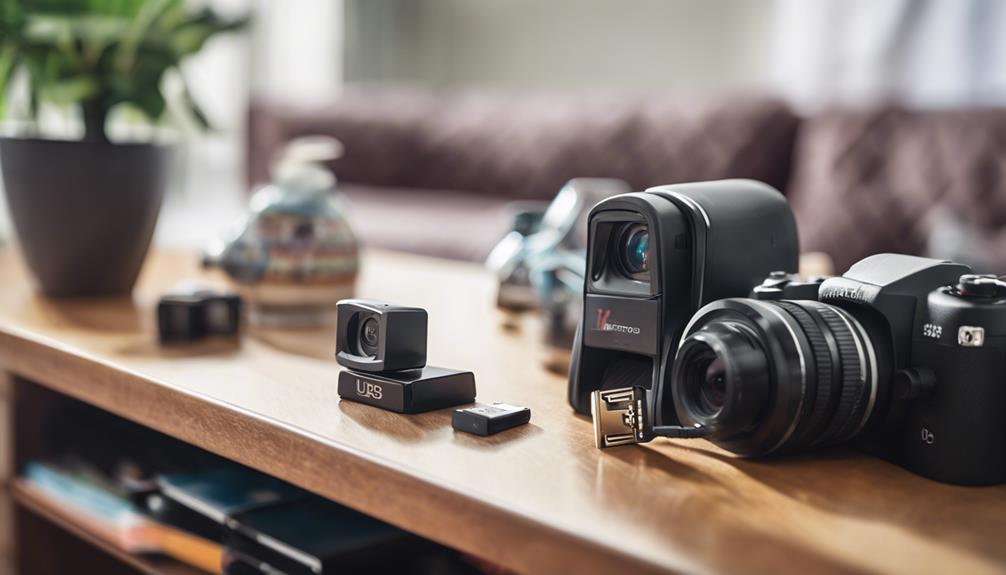

USB hidden spy cameras are compact cameras designed to resemble ordinary USB-powered devices or accessories. They may be used for legitimate security purposes in homes, offices, and other spaces, but their discreet appearance also creates important privacy and legal responsibilities. Choosing and using one properly means balancing image quality and convenience with clear limits on where and how recording takes place.
What Is a USB Hidden Spy Camera?
A USB hidden camera combines a small camera module with a familiar USB device or power source. Some models are designed as standalone recording devices, while others draw power from a USB adapter or wall charger. Depending on the model, footage may be saved to internal memory, a microSD card, or another supported storage system.
The main appeal is a compact design that can fit into an existing setup without taking up much space. However, a camera should never be placed where people reasonably expect privacy, and discreet placement does not remove the need to follow applicable laws or obtain consent when required.
Common Types of USB Cameras
USB camera products vary considerably in appearance and capability. Common formats include:
- USB pen cameras: Small camera devices built into a pen-shaped body. Their usefulness depends on recording quality, controls, and battery capacity.
- USB charger cameras: Cameras integrated into a USB power adapter or charger-style enclosure. These models may use wall power for longer operation.
- USB flash-drive-style cameras: Compact units that combine a camera with a familiar portable-device shape.
- Camera modules with USB power: Small cameras powered through USB and installed in a permitted, clearly defined location.
Product appearance should not be the only consideration. A camera that blends into its surroundings can make it harder to notice when recording is active, so responsible placement and appropriate notification are especially important.
Features to Evaluate Before Buying
Resolution and image quality
Resolution affects how clearly faces, documents, and activity appear in recorded footage. A higher resolution can improve detail, but it may also require more storage and processing power. Consider the distance between the camera and the area you need to observe, as well as lighting conditions, rather than choosing based on a resolution number alone.
Storage and recording modes
Check whether the camera uses internal storage, a removable memory card, or another recording method. Loop recording can overwrite older files when storage is full, while motion-triggered recording may reduce unnecessary footage. Review how files are transferred and whether they can be protected with a password or other access control.
Power and battery life
Battery-powered cameras are easier to position but may stop recording when the battery runs down. USB-powered models can operate for longer periods, provided the power source remains available. Confirm whether the device can record while charging and whether its power requirements match the adapter or port you plan to use.
Low-light performance and audio
Image quality can fall sharply in dim environments, so examine the camera’s low-light capability before relying on it for security. Audio recording deserves additional caution: laws governing recorded conversations can be stricter than those governing video. If audio is unnecessary, disabling it is often the more privacy-conscious choice.
Setting Up a USB Camera Responsibly
- Read the instructions and test the camera before placing it in its intended position.
- Choose a location that covers the permitted area without pointing into private spaces or neighboring property.
- Check the field of view, lighting, power connection, and storage capacity.
- Set the correct date and time so recorded files are easier to review.
- Use strong passwords and secure any app, computer, memory card, or cloud account connected to the camera.
- Make sure the camera is stable and cannot create a fire, electrical, or trip hazard.
If the camera supports remote viewing, secure the associated account and avoid sharing login details. Test access from an authorized device, then review whether remote access is genuinely necessary for your purpose.
Privacy, Consent, and Legal Boundaries
Surveillance rules vary by location, building type, relationship between the people involved, and whether video or audio is recorded. In some places, recording a conversation without the participants’ knowledge or consent may be unlawful. Rules may also apply to employees, visitors, tenants, shared housing, and areas visible from outside the property.
Do not use a hidden camera in bathrooms, changing areas, bedrooms used by others, or any location where privacy is expected. Avoid recording people for harassment, retaliation, or personal exploitation. For workplaces or shared premises, obtain appropriate permission and follow internal policies before installing any monitoring equipment.
Because local requirements can differ, seek qualified legal advice before recording other people, especially when audio, employees, tenants, children, or remote access are involved. A visible camera, clear notice, and a limited recording area may be more appropriate than a concealed device.
Responsible Use Checklist
- Define a legitimate security purpose before installing the camera.
- Record only the area and amount of footage needed for that purpose.
- Inform affected people and obtain consent where required.
- Store recordings securely and delete them when they are no longer needed.
- Restrict access to authorized users and review the device periodically.
A USB hidden spy camera can be a useful security tool when selected for the environment and used transparently and lawfully. Technical features matter, but careful placement, secure handling, and respect for privacy are just as important as resolution or battery life.