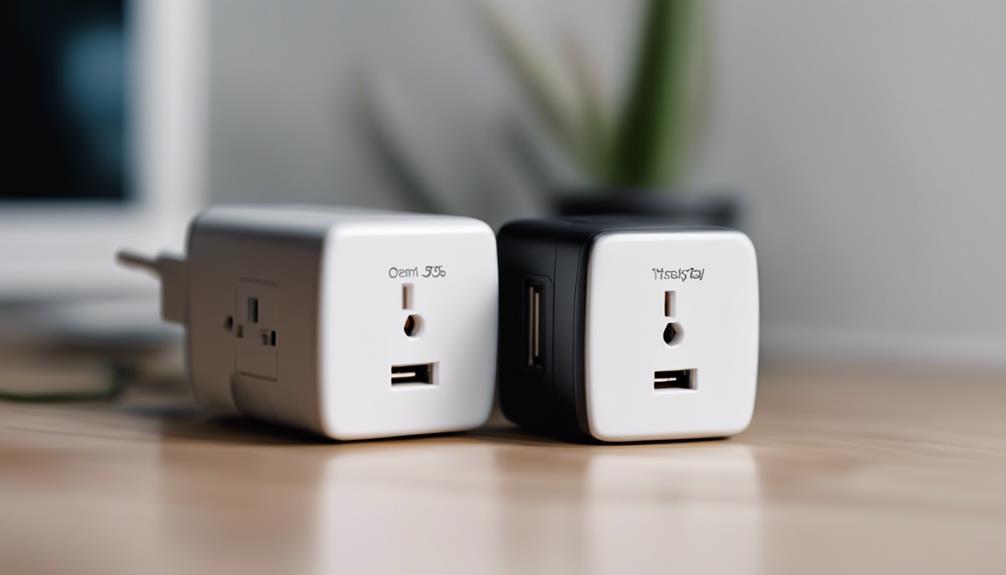

Wall-charger cameras combine a compact camera with the appearance of an ordinary plug-in charger. That design can make them convenient for monitoring a room without adding a conspicuous standalone device. However, they should be used only where surveillance is lawful and appropriate. Inform people when required, respect private spaces, and check local recording and consent rules before installing one.
The three most important areas to compare are the camera’s physical design, recording capabilities, and remote-access features. A camera that performs well in one category may have limitations in another, so consider how and where you intend to use it rather than choosing based on appearance alone.
1. Discreet, Practical Placement
A wall-charger camera is designed to fit into a standard outlet while blending with nearby furnishings. Its compact format can be useful in locations where a larger security camera would be distracting or difficult to position.
What to check
- Outlet compatibility: Confirm that the unit is suitable for the outlet style and electrical standards where it will be used.
- Camera position: Make sure the lens has a clear view and is not blocked by furniture, curtains, or other objects.
- Power behavior: Determine whether the camera records continuously while plugged in or requires a separate activation process.
- Indicator lights: Check whether status lights can be managed without interfering with lawful, clearly disclosed use.
- Heat and ventilation: Avoid covering the device or placing it where heat could build up around the outlet.
The best placement is not necessarily the most hidden one. A clear, stable view and safe installation matter more than trying to make the device invisible. For homes and workspaces, visible notice and transparent policies can help prevent privacy misunderstandings.
2. Video Recording and Motion Detection
Image quality determines whether recorded footage is useful. Look for clear video in the lighting conditions where the camera will operate, and consider the viewing angle as well as the advertised resolution. A wide view may cover more of a room, while a narrower view can provide greater detail in a specific area.
Night vision can help in low-light settings, but performance depends on the room, distance, and available illumination. Review sample footage from the exact model when possible rather than assuming that a night-vision label guarantees clear images in complete darkness.
Recording modes to compare
- Continuous recording: Captures activity throughout the selected operating period but may use more storage.
- Motion-triggered recording: Starts recording when movement is detected, helping focus storage on periods of activity.
- Scheduled recording: Operates during chosen times, which can be useful when monitoring a regularly occupied or unoccupied space.
Motion detection can reduce unnecessary footage, but sensitivity and detection zones are important. Poor settings may produce alerts from changing light, pets, or minor background movement, while overly restrictive settings can miss relevant activity. Check whether recordings are stored locally, on removable media, or through an online service, and review how long footage is retained.
3. Remote Viewing and Alerts
Some wall-charger cameras support live viewing through a phone or computer. Remote access can be useful when you need to check a monitored area while away, but it also introduces account, network, and privacy considerations.
Before relying on remote monitoring, confirm that the camera’s app or web interface supports the devices you use. A dependable setup should make it straightforward to change the password, enable available account protections, update software, and remove access for people who no longer need it.
Features worth evaluating
- Live video access from a phone or computer
- Motion notifications sent to a selected device
- Adjustable alert sensitivity and activity zones
- Secure account controls and the ability to change credentials
- Clear information about cloud storage, fees, and data retention
Choosing Among Three Wall-Charger Camera Options
When comparing three candidate cameras, create a simple checklist for placement, video quality, storage, motion detection, remote access, and security controls. Give priority to the features that match your intended use. For example, a camera used to observe a regularly lit room may not need the same low-light performance as one placed near an entrance.
Wall-charger cameras can offer convenient, unobtrusive monitoring, but no single feature replaces responsible installation. Use them in permitted areas, provide notice where required, secure remote access, and review recordings carefully. A camera that is safely positioned, clearly understood by authorized users, and matched to the lighting and storage needs of the space will generally be more useful than one selected solely for its concealed appearance.