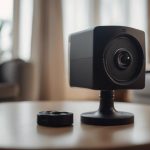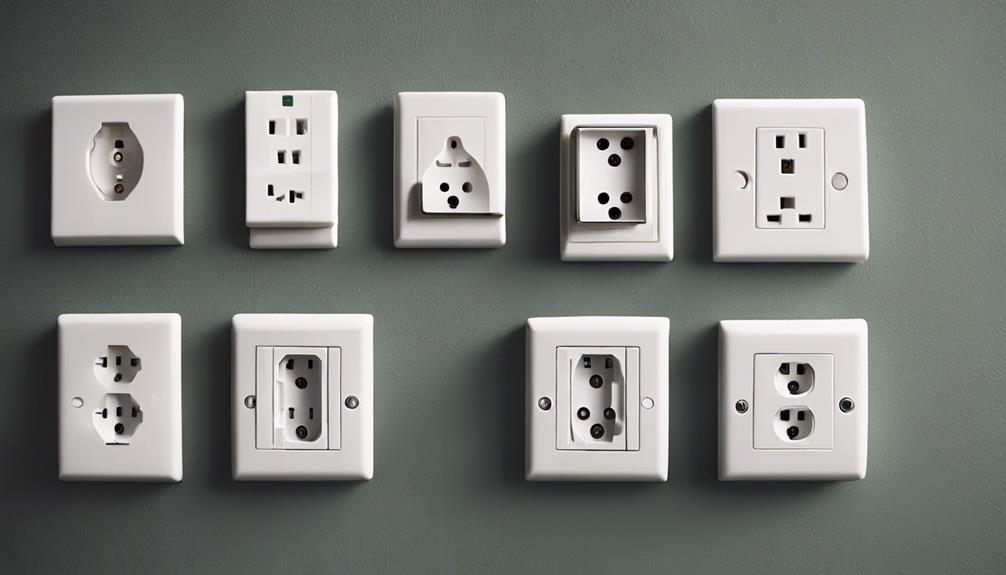

Wall-socket Wi-Fi cameras are designed to look like ordinary electrical outlets while providing connected video monitoring. Their compact form can be useful for watching an entryway, checking on a room, or monitoring a property when you are away. However, the most important choice is not simply finding the smallest camera. You should compare image quality, network security, detection controls, audio features, and the legal and privacy requirements that apply to your situation.
Use any camera openly and responsibly. Do not record people in private spaces without appropriate permission, and check local laws before using video or audio recording. A visible, clearly disclosed security camera is often a better choice than a device intended to avoid notice.
1. Video resolution and image quality
Resolution affects how clearly the camera captures faces, packages, and other details. Models described as 720p or 1080p can provide useful footage, but resolution alone does not guarantee a good image. Also consider performance in difficult lighting, colour accuracy, image compression, and whether the lens produces a sharp picture across the frame.
Before buying, identify the area you need to monitor. A camera pointed at a nearby doorway may need different capabilities from one covering a larger room. Check sample footage when it is available, particularly footage recorded indoors rather than only promotional images.
2. Viewing angle and placement
A wide-angle lens can cover more of a room and reduce blind spots, but it may also create distortion around the edges. The outlet’s height and position have a major effect on what the camera can see. Furniture, walls, and bright windows can block or wash out important parts of the image.
Plan the camera’s field of view before installation. It should cover the intended area without pointing into bedrooms, bathrooms, neighbouring property, or other spaces where people reasonably expect privacy.
3. Wi-Fi connection and remote viewing
Wi-Fi connectivity can allow you to view a live feed or receive notifications through a compatible app. Performance depends on the camera’s software, your wireless network, internet speed, and the distance between the outlet and router. A weak connection may cause delayed video, dropped streams, or incomplete recordings.
- Confirm which Wi-Fi band and network standards the camera supports.
- Check whether remote viewing requires an account or subscription.
- Find out where recordings are stored and how long they remain available.
- Review the manufacturer’s process for software and security updates.
4. Motion detection and notifications
Motion detection can notify you when activity occurs, reducing the need to watch a live feed continuously. Its usefulness depends on how well you can adjust the detection area, sensitivity, and notification schedule. Pets, shadows, changing sunlight, and passing vehicles may trigger unwanted alerts.
Look for controls that let you exclude parts of the image or define times when alerts should be disabled. Test the settings after installation so that notifications are useful rather than constant.
5. Night vision and low-light recording
If monitoring may continue after dark, check whether the camera provides infrared or another form of low-light recording. Night vision can help capture movement in dim rooms, but the result varies with distance, reflective surfaces, and the amount of available light.
Consider whether infrared illumination could be visible or distracting in the room. Also confirm that the camera’s field of view remains useful at night, rather than assuming daytime coverage will look the same in darkness.
6. Audio and recording options
Some connected cameras include a microphone, speaker, or two-way audio feature. This may support communication with someone in the room, but audio recording creates additional privacy and legal considerations. Disable the microphone if sound is not necessary, and make sure people who may be recorded are informed where required.
Storage options can include local memory, a connected recorder, or cloud storage. Compare capacity, recording limits, export options, and any recurring fees before choosing a model.
7. Electrical safety and account security
A wall-socket camera is powered continuously, so electrical safety matters. Use a properly installed outlet, follow the product’s instructions, and avoid devices that appear poorly constructed or do not provide clear electrical specifications. Do not modify household wiring to accommodate a camera.
Protect the connected account with a unique password and, where available, multi-factor authentication. Keep the camera’s firmware updated, secure your home Wi-Fi network, and remove access for accounts you no longer use. These steps help reduce the risk of unauthorised viewing.
Choosing a suitable wall-socket Wi-Fi camera
The best option is the one that provides an appropriate view, dependable connectivity, manageable alerts, and transparent storage and privacy controls. Treat discreet appearance as a secondary consideration, not a substitute for responsible placement and secure configuration. A careful setup can provide useful monitoring while respecting the people and spaces captured by the camera.