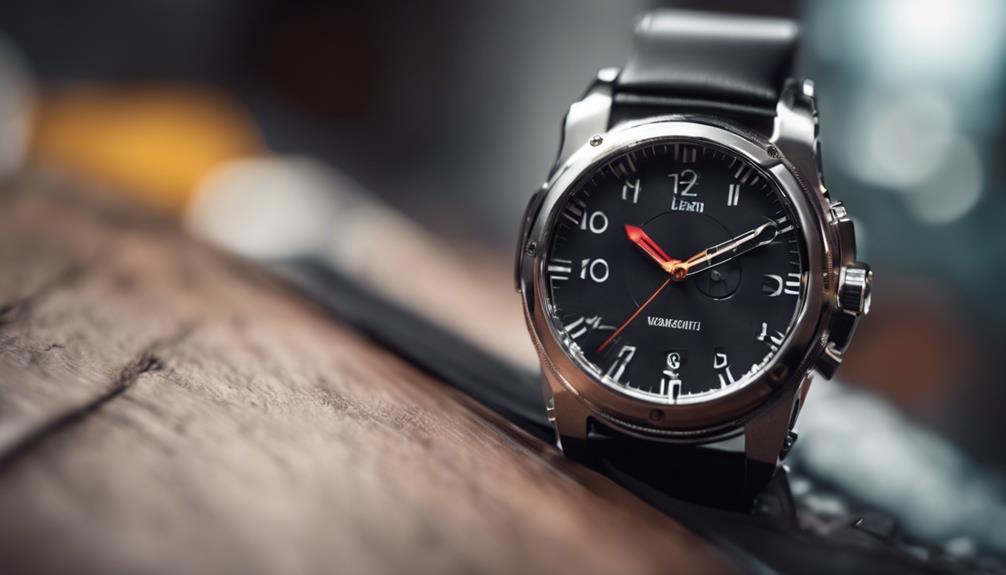

Covert watch cameras combine a wearable design with video-recording hardware, making them useful when a conventional camera would be inconvenient or too noticeable. They may support lawful personal-security documentation, hands-free recording, or authorized investigative work, but they should never be used to invade someone’s privacy or record people where they reasonably expect confidentiality.
Before choosing one, focus on practical performance rather than appearance alone. The best option depends on where you will use it, how long you need to record, how footage will be stored, and whether local law requires notice or consent.
1. Watch-style design and discreet operation
A wearable camera should look and feel natural on the wrist. A compact body, an unobtrusive lens, and simple controls can make it easier to record without handling a separate device. Comfort also matters: a watch that is bulky or difficult to position may draw attention and become tiring to wear.
Consider whether the camera can be used while worn normally, placed on a stable surface, or repositioned without accidentally covering the lens. Controls should be easy to identify by touch, while indicator lights and sounds should be clearly described in the product documentation.
2. Video quality and file detail
Resolution affects how clearly the camera records faces, documents, movement, and surrounding events. Higher resolution can preserve more detail, but it may also create larger files and use more battery or storage space.
When comparing cameras, look beyond a resolution label. Check whether the lens provides a useful field of view, whether the image remains clear during movement, and whether footage is recorded in a standard format that can be easily transferred and played back. Audio quality is another important consideration if recording sound is lawful in your location.
3. Low-light performance
If recording may take place indoors or in the evening, examine the camera’s low-light capabilities. Some models use infrared illumination or image processing to produce footage in dark conditions. The results can vary, however, and night-vision footage may appear different from ordinary color video.
Do not assume that a night-vision feature will make every scene clear. Test the camera in the lighting conditions where it will actually be used, paying attention to reflections, glare, range, and whether the lens captures enough of the surrounding area.
4. Battery life and recording limits
Battery capacity determines how long the camera can operate before it needs to be recharged. Continuous recording, high-resolution settings, wireless functions, and low-light modes can all affect operating time.
- Check the stated recording time and how it was measured.
- Find out how long a full recharge takes.
- Confirm whether the camera can record while charging, if that is important to your use.
- Look for automatic file splitting so long recordings are not lost as one oversized file.
5. Storage and file transfer
A camera is only useful if you can retrieve and review its footage. Determine whether it uses removable storage or built-in memory, and check the supported capacity before purchasing. Storage requirements will depend on resolution, frame rate, and recording length.
File transfer may be handled through a cable, a memory card, or a wireless connection. Choose the method that fits your workflow, and keep important recordings backed up in a secure location. Organize files with dates and clear descriptions so footage can be found later without confusion.
6. Wireless connectivity and security
Wireless access can make it easier to preview footage, change settings, or move files to another device. It can also introduce security and privacy risks. A camera that connects to a phone or network should use strong account protection and secure transmission wherever those features are provided.
Avoid connecting sensitive equipment to unsecured public networks. Review permissions in the companion app, update passwords, and disable wireless functions when they are not needed. Remote viewing should be treated as a convenience, not a substitute for protecting the original files.
7. Ease of use, durability, and value
Simple operation is especially important for wearable equipment. Look for clearly documented controls, dependable recording indicators, and a straightforward way to review or delete files. The lens should be easy to clean, and the casing should be suitable for the environments in which you plan to use it.
For the best value, compare the complete package rather than the purchase price alone. Consider video quality, battery performance, storage requirements, accessories, warranty terms, and the reliability of the transfer process. A less expensive camera may cost more in the long run if it produces unusable footage or has limited storage options.
Use responsibly and lawfully
Recording laws differ by location, particularly for audio and recordings made in private spaces. Obtain consent when required, respect workplace and property rules, and never use a covert camera for harassment, voyeurism, or unauthorized monitoring. Used within legal and ethical boundaries, a watch camera can be a compact tool for authorized documentation and personal safety.