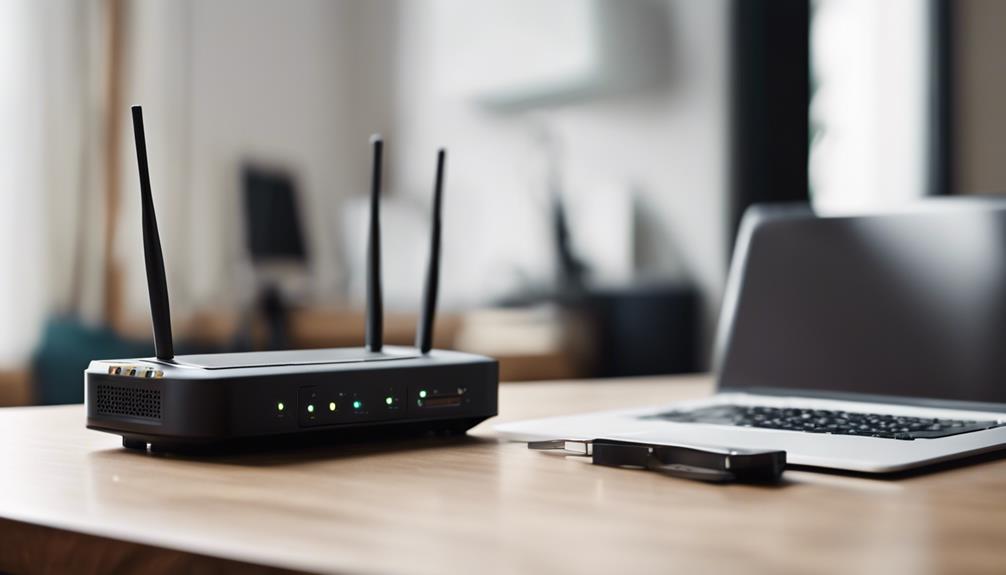

WiFi router cameras transmit video, and sometimes audio, through a wireless network so an authorized user can view a live feed remotely. They can support home or workplace security, but their discreet design also creates important privacy, security, and legal responsibilities. The safest approach is to use these devices openly where practical, inform people who may be recorded, and follow the privacy rules that apply in your area.
How WiFi router cameras work
A WiFi camera connects to a wireless router and sends captured footage across the network to an app or other authorized viewing interface. Depending on the model, the system may provide live viewing, recording, motion alerts, and access from a phone or tablet.
Video streaming uses network bandwidth. Higher-quality footage generally requires more bandwidth, and several cameras operating at once can place additional demand on the network. A stable connection between the camera and router is therefore important for smooth viewing.
Encryption helps protect footage while it is transmitted, but it does not replace good account and network security. Anyone considering one of these devices should treat the camera, its app, and the router as parts of the same connected system.
Potential benefits
- Remote visibility: An authorized user can check a monitored area while away from the property.
- Flexible placement: Wireless connectivity can reduce the need for dedicated video cabling.
- Live monitoring: A phone or tablet may provide access to a real-time feed.
- Additional security awareness: Monitoring entry points or other appropriate areas can help users identify activity that requires attention.
These benefits depend on responsible placement, a dependable network connection, and protection against unauthorized access. A camera should not be presented as a substitute for broader security measures or sound judgment.
Installation and setup
Choose an appropriate location
Place the camera where it has a clear view of the area you are permitted to monitor and where it can maintain a reliable connection to the router. Avoid spaces where people reasonably expect privacy, such as bedrooms, bathrooms, changing areas, or private workspaces. Do not position the device to capture neighboring properties or areas beyond the intended purpose.
Check network compatibility
Before installation, confirm that the camera works with your wireless network and supports the relevant router frequency, such as 2.4 GHz or 5 GHz. The camera should be close enough to the router for a consistent signal, while physical obstructions and wireless interference should be kept to a minimum.
Complete the device setup securely
Use the manufacturer’s setup process, create a unique password, and avoid leaving default login details in place. If the system supports additional authentication, enable it. Keep the camera and router firmware updated so available security fixes can be applied.
Remote access and monitoring
Remote viewing can allow an authorized user to switch between camera feeds, check a live stream, and adjust supported settings from a mobile device. This convenience also increases the consequences of a compromised account. Protect the phone, app, router, and camera with strong authentication, and restrict access to only the people who need it.
Review what the camera records and how long footage is retained. Disable audio recording when it is unnecessary, since audio may be subject to stricter consent requirements than video in some jurisdictions.
Privacy and legal responsibilities
Recording people without their knowledge or permission may violate privacy or surveillance laws, and the rules can differ by location. Audio recording can present additional legal concerns. Before using a camera, research the requirements that apply to your home, workplace, rental property, or other setting.
Consent, clear notice, and limited placement are important safeguards. Use monitoring for a defined, legitimate purpose rather than attempting to observe people secretly. In workplaces, childcare settings, shared housing, or properties occupied by guests, obtain appropriate permission and consider professional legal advice when the rules are unclear.
Security practices that reduce risk
- Use a long, unique password for the camera account and WiFi network.
- Enable two-factor authentication if the camera or associated app provides it.
- Install firmware updates for both the router and camera.
- Review account access and remove users who no longer need permission.
- Secure the phone or tablet used for remote monitoring.
- Place the camera on a trusted network and avoid sharing login credentials.
- Change settings or disable features that are not needed, especially audio.
Troubleshooting common problems
If the live feed is unstable, first check whether the camera is within reliable range of the router and whether other devices are consuming substantial bandwidth. Restarting the camera and router may resolve temporary connection problems. Confirm that both devices are running compatible, up-to-date firmware.
When problems continue, verify the camera’s network settings and review the app’s account permissions. A factory reset may help with persistent configuration errors, but it will require the device to be set up again. Recheck privacy settings after resetting the system.
Responsible use matters
WiFi router cameras can make remote monitoring convenient, but discreet operation should never be confused with permission to record. Use them in clearly justified locations, secure every connected component, and respect the privacy and legal rights of everyone who may appear in the footage.