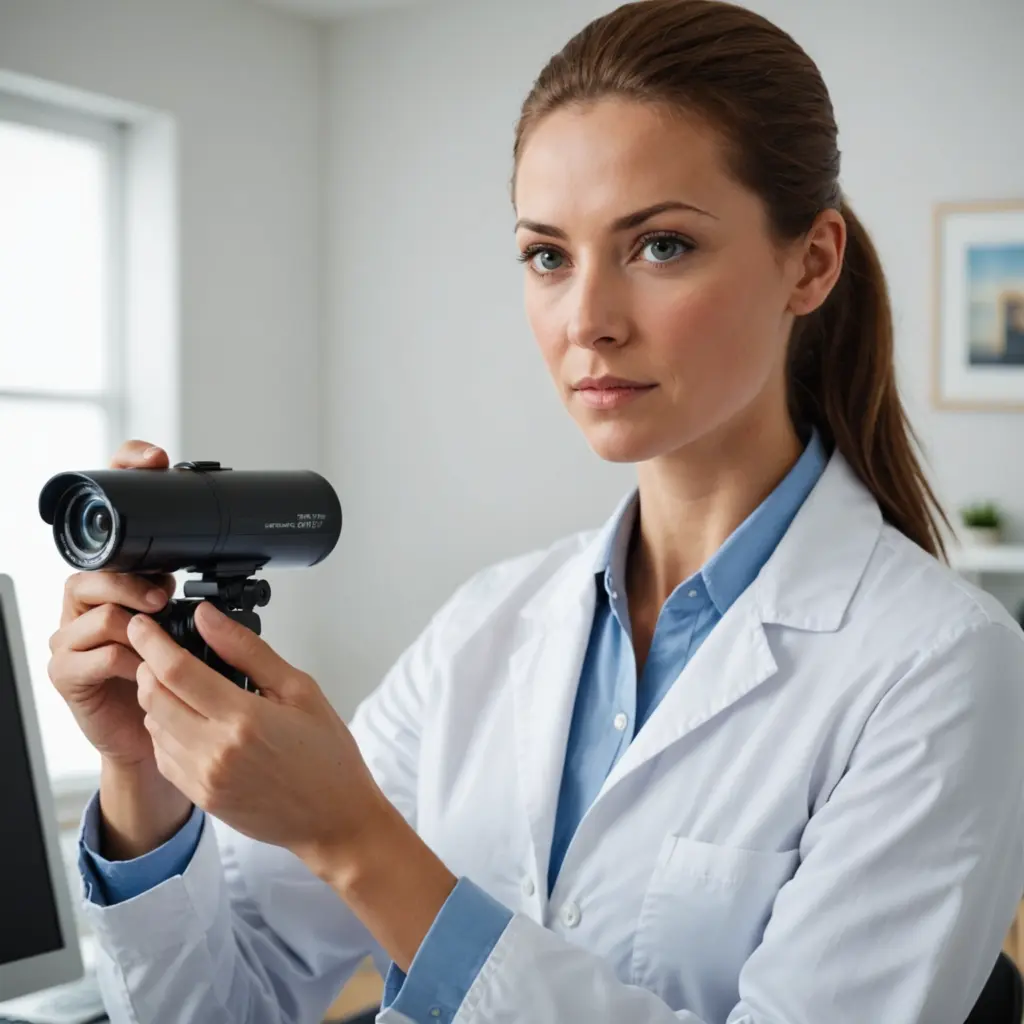

Wireless covert cameras with audio combine a compact camera, microphone, storage or network connection, and a power source in one device. They may be used for security monitoring, checking entrances, observing outdoor areas, or recording activity where a conventional camera would be impractical. Because these devices can capture both images and conversations, they should always be used lawfully, transparently where required, and only for a legitimate purpose. Explore advanced covert features to understand the technologies powering wireless covert cameras with audio recordings.
How wireless cameras with audio work
A typical unit contains an image sensor, lens, microphone, processor, and wireless transmitter. Many models connect to a Wi-Fi network so an authorised user can view a live feed on a phone. Others record to a microSD card or internal memory and operate without an internet connection. Battery-powered designs are useful for temporary monitoring, while wired units or devices built into a power outlet can support longer operating periods.
Video quality varies considerably. Higher-resolution cameras can preserve more detail, but they generally create larger files and may require more storage. Low-light models use sensitive image sensors and, in some cases, infrared illumination to record when the surrounding area is dark. If a camera will be used outdoors, weather resistance and suitable installation are more important than appearance alone.
Features worth comparing
The right specification depends on the environment, recording schedule, and monitoring goal. Before choosing a device, consider the following:
- Video resolution: Choose a level of detail appropriate for the viewing distance and the size of the area being monitored.
- Audio performance: Check whether the microphone provides clear sound in the intended location and whether the device offers noise reduction or adjustable audio settings.
- Storage: Local memory can work without Wi-Fi, while network storage or remote access may be more convenient for live monitoring. Confirm how recordings are retained and protected.
- Connectivity: Wi-Fi models may provide remote viewing, but they depend on a stable network. Devices with local recording are less dependent on internet access.
- Power: Battery operation offers placement flexibility, whereas a wired connection is better for continuous monitoring. Review expected battery life under actual recording conditions.
- Night recording: Infrared or low-light capability is important when the area is poorly lit. Test whether the resulting footage is usable at the required distance.
- Motion detection: Motion-triggered recording can reduce unnecessary footage and conserve battery and storage capacity.
- Security controls: Use strong, unique account credentials and enable available encryption or other access protections for wireless viewing.
- Durability: Outdoor installations require protection from moisture and temperature changes, along with a secure and appropriate power arrangement.
Appropriate uses and important boundaries
In lawful settings, these cameras may help monitor an entryway, driveway, package area, or other property under the user’s control. Parents or guardians may also use monitoring equipment in a home when they have the necessary authority and follow applicable rules. Businesses may use cameras for security or operational purposes, but employees, contractors, visitors, and customers may have privacy rights that require notice or consent.
Audio recording deserves particular caution. Rules differ by location, and recording a conversation can be restricted even when video surveillance is permitted. Private areas such as bedrooms, bathrooms, changing areas, and similar spaces should not be monitored without clear legal authority and informed consent. Avoid using a camera to record people secretly in situations where they reasonably expect privacy. When consent, notice, or written policies are required, put them in place before recording begins. Understanding motion sensor capabilities can clarify when wireless covert cameras activate and whether audio features are included.
Setup and configuration
Start by defining the purpose of the camera and limiting its view to the area genuinely needed. Position it so that it does not unnecessarily capture neighbouring property, private rooms, or unrelated activity. If audio is enabled, consider whether it is necessary at all; disabling audio may reduce privacy risks when sound is not essential.
Before relying on the device, test the image, microphone, motion detection, storage, and remote-access functions. Check the live view from the intended phone or account, confirm that timestamps are sensible, and verify how recordings can be exported or deleted. For battery-powered models, use motion-triggered recording or a suitable schedule where continuous recording is unnecessary. Keep firmware and companion applications updated, and restrict access to authorised users.
Choosing a suitable model
For temporary use in an area without Wi-Fi, a compact camera with local storage may be more practical than a networked model. For extended monitoring, a wired camera can avoid interruptions caused by battery depletion. If the area is dark, prioritise tested low-light performance rather than relying solely on a high resolution label. For outdoor use, check the device’s weather protection and installation requirements.
Ultimately, the best wireless covert camera with audio is not simply the smallest or highest-resolution model. It is the one whose image quality, audio settings, storage, power source, connectivity, and security controls match the environment and the lawful purpose. Use it conservatively, protect recorded material, and review local privacy and recording requirements before installation.