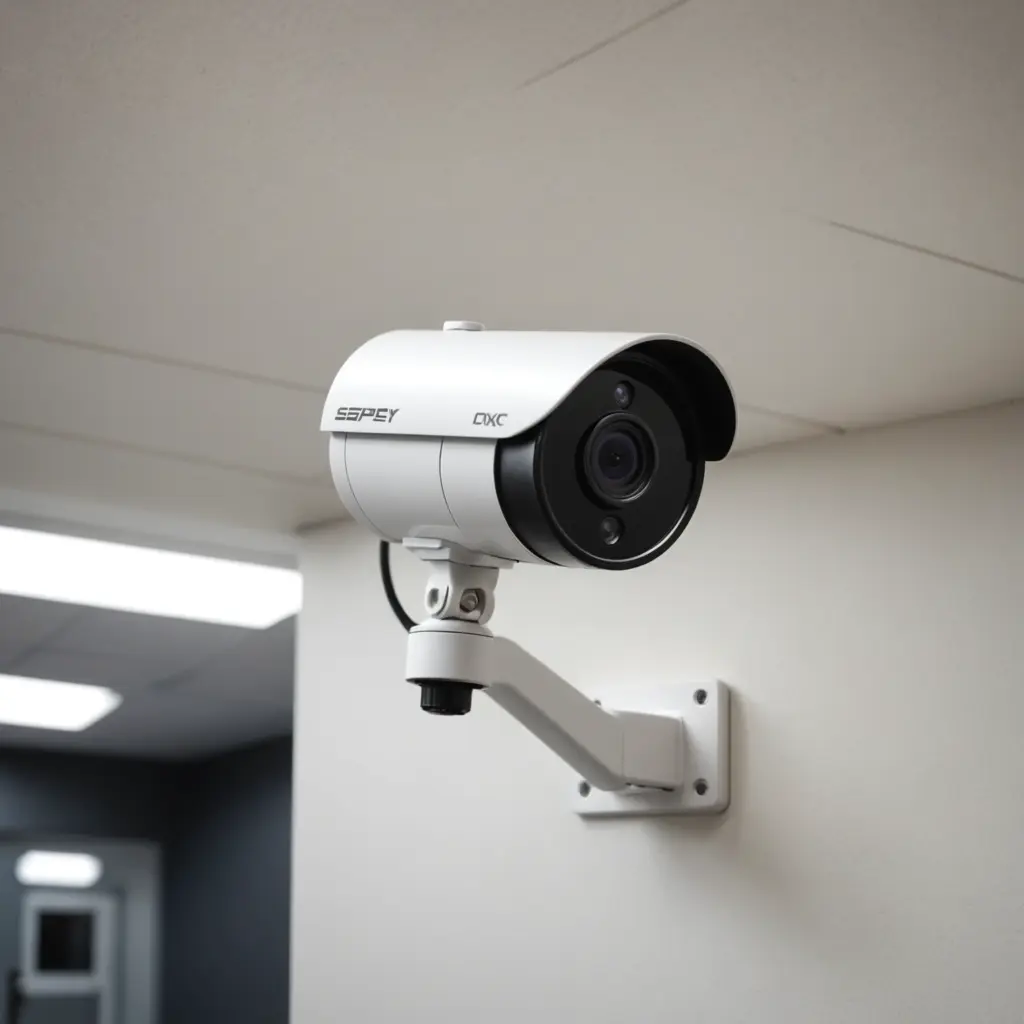

A 1080p security camera can provide a practical balance between image detail, storage requirements, network bandwidth, and price. With a resolution of 1920 by 1080 pixels, Full HD video is often clear enough to monitor entrances, rooms, driveways, retail areas, and other everyday locations. The best choice, however, depends on more than resolution alone. Sensor quality, lens design, lighting, recording methods, and privacy controls all affect how useful the footage will be. Explore how 1080P security camera resolution enhances stealthy imaging features used in compact surveillance technology.
What 1080p Really Means
1080p describes the number of pixels in each video frame, not the overall quality of the camera. A well-designed 1080p model with a capable image sensor and good optics may produce more useful footage than a poorly designed camera with a higher quoted resolution.
Pay attention to several specifications when comparing cameras:
- Frame rate: A suitable frame rate can make moving people, vehicles, and objects easier to follow.
- Image sensor: Sensor performance has a major effect on detail, colour, and low-light footage.
- Lens and viewing angle: A wide lens covers more space, while a narrower lens may provide better detail at a particular distance.
- Compression: H.264 and H.265 compression can reduce file sizes and network demands, although heavily compressed footage may lose detail.
- Dynamic range: Wide dynamic range can help when a doorway or window creates strong contrast between bright and dark areas.
Features Worth Prioritising
Night vision and low-light performance
Night vision is essential if the camera must operate after dark. Infrared LEDs can illuminate a scene without visible light, while cameras with more capable low-light sensors may produce better results when some ambient lighting is available. Check the expected range and test whether the camera provides useful detail rather than simply producing a bright but indistinct image.
Motion detection and alerts
Motion detection can reduce the amount of footage that needs to be reviewed. Depending on the model, alerts may be triggered by movement, and some systems can distinguish people from other activity such as pets. Adjustable detection zones and sensitivity settings are useful for reducing false alarms caused by roads, trees, or changing light.
Audio and remote access
Some compact surveillance cameras include microphones, speakers, or two-way audio. These features should be used only where recording or transmitting sound is lawful and appropriate. Wi-Fi models can provide live viewing through a phone or other device, but remote access should be protected with strong, unique passwords and the security options provided by the camera or recording system.
Common Uses for 1080p Cameras
Full HD cameras are suitable for many general monitoring tasks. Indoors, they can cover entrances, hallways, living areas, nurseries, or small offices. In a shop or small business, a camera positioned over an entrance, counter, or aisle can help document incidents and identify activity at ordinary viewing distances.
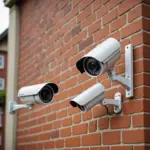
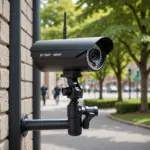
Outdoor installation is also possible when the camera has an appropriate weather-resistant housing. Driveways, gates, and building entrances may benefit from 1080p coverage, but placement matters. Avoid pointing the camera directly toward a bright light source, and select a lens that provides enough detail for the intended distance. For broader coverage, explore discreet 4K monitoring options that complement this 1080P security camera.
Small or discreet cameras may be useful where a less prominent design is needed, but discreet placement does not remove the need to respect consent, privacy, and local surveillance rules.
Wired, Wi-Fi, and Local Recording Options
A wired camera, including a Power over Ethernet setup, can provide dependable power and a stable connection for permanent installations. It may require more planning during installation but can be a strong option for continuous recording.
Wi-Fi cameras are usually easier to position and can support live viewing without running network cable to every location. Their performance depends on signal strength, network reliability, and the security of the home or business network. Before choosing one, check whether it records to a microSD card, a network video recorder, cloud storage, or a combination of these options.
Storage needs vary according to compression, frame rate, recording schedule, and how much motion occurs in the scene. Continuous recording requires substantially more space than motion-triggered recording, so plan storage around the way the camera will actually be used.
1080p Compared with 4K
A 4K camera can capture more pixels and may be preferable when detailed identification or significant digital zoom is required. It also generally creates greater demands on storage, bandwidth, and compatible recording equipment. For many homes and small businesses, 1080p offers sufficient detail at common distances with simpler storage and networking requirements. A mixed system can also be practical: use higher resolution in a critical area and 1080p for broader general coverage.
Privacy and Responsible Installation
Before installing any security camera, consider who may be recorded and whether audio is captured. Laws differ by location, but private conversations and areas where people reasonably expect privacy may be protected. Bathrooms, changing areas, and private bedrooms are especially sensitive. Workplace monitoring may also require notice or consent.
Use clear policies, limit access to recordings, secure connected devices, and avoid directing cameras into neighbouring private spaces. A carefully positioned 1080p camera can provide useful monitoring without collecting more information than necessary.