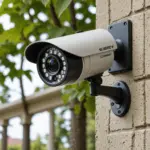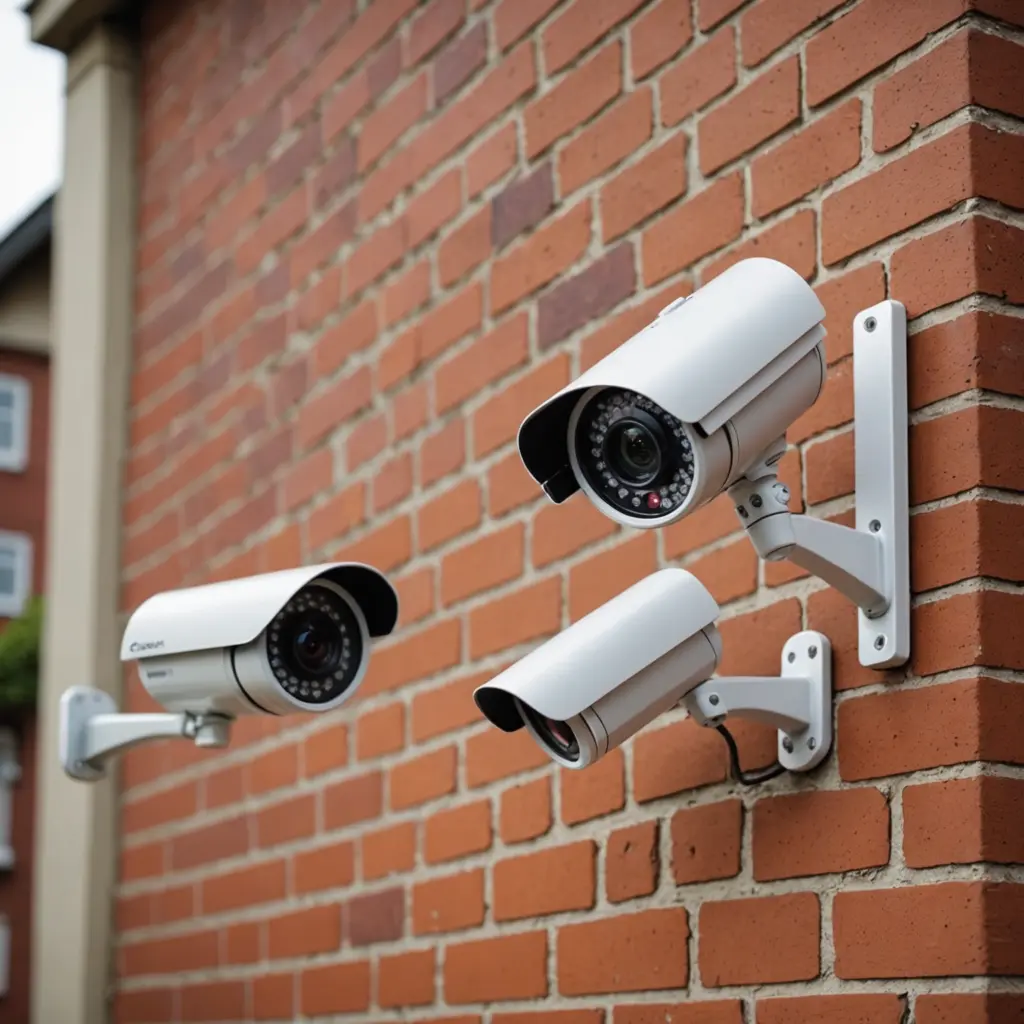

A low-cost security camera can provide useful protection without requiring a large investment. Whether you rent an apartment, manage a small shop, or want to check on pets while away, affordable cameras now commonly offer features such as live smartphone viewing, motion alerts, night vision, and two-way audio. For discreet monitoring on a budget, explore our budget-friendly surveillance options alongside these cheap security cameras.
The right choice depends less on finding the absolute cheapest model and more on matching the camera to its location, connectivity, storage needs, and privacy requirements. This guide explains what to look for when comparing cheap security cameras and affordable home camera systems.
Why consider a cheap security camera?
Budget cameras can make surveillance more accessible for renters, homeowners, and small businesses. A visible camera may help deter unwanted activity, while recorded footage can be useful after an incident. Smartphone access also lets you check a room, entryway, or outdoor area without being on site.
Many inexpensive models are designed for simple installation. They may connect to a home Wi-Fi network, stream video through a mobile app, and send notifications when motion is detected. Some also support local storage or a basic cloud-storage option, which can help reduce ongoing costs.
Decide what type of camera you need
Indoor cameras
Indoor cameras are suitable for living rooms, hallways, entryways, and other protected spaces. Common uses include checking on children or pets, monitoring deliveries after they enter a building, and viewing a room while travelling. A compact design can be useful when the camera needs to fit on a shelf or in a small area.
Outdoor cameras
Outdoor cameras need to withstand the conditions where they will be installed. Look for a model described as weather-resistant and consider whether it can provide clear footage in low light. Driveways, porches, gates, and backyards may require different viewing angles, so check the camera’s placement and coverage before buying.
Wired and wireless options
Wireless cameras are generally easier to move or install because they use Wi-Fi for connectivity. However, they still need a reliable power source unless they are designed for battery operation. Wired cameras can offer a more fixed installation, but they may require additional planning for cable routing and power.
Features worth prioritising
Instead of paying for every available feature, focus on the functions that support your intended use. Important considerations include: For affordable monitoring beyond indoor spaces, compare budget outdoor options with reliable wireless coverage.
- Video quality: A resolution of 720p or 1080p can make everyday footage easier to view and identify details.
- Motion alerts: Notifications can tell you when activity is detected, although overly sensitive settings may create unnecessary alerts.
- Night vision: This is useful for rooms, entrances, and outdoor areas that are poorly lit.
- Two-way audio: A built-in microphone and speaker can support communication with people near the camera.
- Phone access: Check whether the app provides dependable live viewing, notifications, and camera controls.
- Storage: Compare local storage, free cloud allowances, and any optional subscription costs before purchasing.
- Viewing angle: A wider view may cover more space, while a narrower view can be preferable when monitoring a specific point.
Match the camera to your situation
For a small apartment, one indoor Wi-Fi camera aimed at an entryway or main living area may be enough. A larger home may benefit from multiple cameras managed through one app. If you are securing an exterior space, prioritise weather resistance, suitable low-light performance, and access to a dependable power source.
Small businesses can use affordable cameras to monitor entrances, stock areas, or other authorised spaces. During renovations or travel, a lightweight wireless model may be convenient because it can be relocated without a permanent installation.
Check the total cost before buying
The purchase price is only one part of the cost. Confirm whether the camera requires a separate memory card, mounting equipment, paid cloud storage, or a particular hub. A cheaper camera may become less economical if essential features are locked behind a monthly plan.
Also compare the warranty, return policy, customer support, and app reviews. A camera with a slightly higher upfront price may be a better value if it is easier to configure and more dependable to use.
Installation, security, and privacy
Most budget cameras are installed by connecting the device to power, pairing it with the manufacturer’s app, and joining it to the Wi-Fi network. Before mounting the camera, test the signal at the intended location. Weak coverage can affect live viewing and notifications, and a range extender may be needed in some homes.
Protect the camera account as carefully as any other connected device. Change default login details, use a strong unique password, enable two-factor authentication when available, and install firmware updates. Place cameras thoughtfully and avoid recording areas where household members, visitors, neighbours, or passers-by may reasonably expect privacy. Local rules may also apply to recording shared or public-facing spaces.
Making a sensible budget choice
The best cheap security camera is the one that covers the right area and performs the functions you will actually use. Start with the location, then compare video quality, alerts, phone access, storage, durability, and ongoing costs. With those priorities clear, an inexpensive home camera or small multi-camera system can provide practical monitoring without unnecessary features or expense.