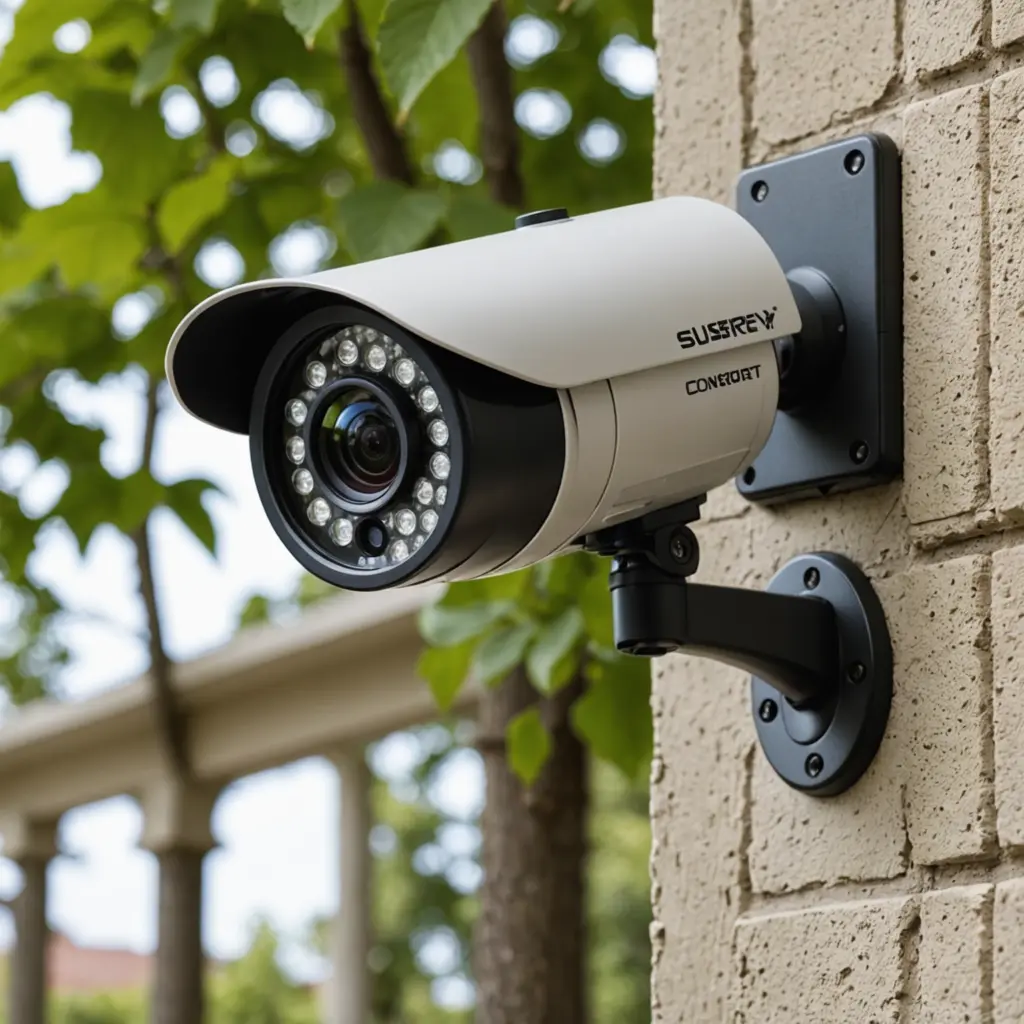

An inexpensive outdoor wireless security camera can provide useful coverage without the cost and installation work of a larger surveillance system. The right choice depends less on finding the absolute lowest price and more on balancing weather protection, image quality, power, storage, and ease of use. For less conspicuous indoor monitoring, explore budget discreet monitoring options alongside your outdoor wireless setup.
A budget camera may be suitable for monitoring a front door, driveway, garage, garden entrance, rental property, or another area where you want an additional layer of awareness. Before buying, consider what you need the camera to record, how often you can maintain it, and whether you may add more cameras later.
What to look for in an affordable outdoor camera
Weather resistance
Outdoor equipment must withstand rain, dust, temperature changes, and occasional wind. Look for a clearly stated weather-resistance rating, such as IP65 or higher, rather than assuming that a camera marketed as “outdoor” is suitable for full exposure. The mounting location also matters: a sheltered position beneath an eave can reduce the impact of heavy weather.
Useful video and night performance
Choose a resolution and viewing angle that match the area you need to cover. A camera aimed at a nearby doorway has different requirements from one monitoring a wide driveway. Night vision is particularly important for outdoor use. Infrared night vision can help produce usable monochrome footage in darkness, while strong nearby lights may create glare or washed-out images.
Motion detection and notifications
Motion alerts are among the most useful features on a low-cost camera, but sensitivity settings determine how practical they are. Customizable activity zones can help exclude roads, sidewalks, trees, or other areas that trigger unnecessary notifications. Check whether the camera allows you to adjust detection sensitivity and notification preferences through its app.
Storage and ongoing fees
Review how recordings are saved before focusing on the purchase price. Some cameras use cloud storage, while others support local recording with a memory card. Cloud plans may provide convenient access but can add recurring costs or restrict features unless you subscribe. A camera with local storage may be more economical over time, although you will need to manage the storage device yourself.
Power requirements
Battery-powered cameras are usually the simplest to install and offer more flexibility for renters or locations without a nearby outlet. Their operating time depends on factors such as motion activity and recording settings, so regular charging or battery replacement should be expected. For more budget-friendly alternatives, compare affordable models that still provide reliable outdoor wireless monitoring.
Wired cameras require more installation effort but can provide continuous power at important locations. Solar-assisted models may reduce charging interruptions when they receive suitable sunlight. Consider the climate, available power, and importance of the camera’s location before choosing between these options.
Practical placement ideas
- Front entrance: Aim toward the approach to the door so visitors and deliveries enter the useful part of the frame.
- Driveway or garage: Position the camera to capture arrivals and departures without pointing directly into bright headlights.
- Side or rear entrance: Use a narrow viewing angle if the area is confined, which can reduce unwanted activity in the frame.
- Backyard: Keep foliage, fences, and other obstructions from blocking the view of entry points.
Mount the camera high enough to discourage casual tampering while keeping faces visible. A slightly downward angle can improve the view near a door or gate. Avoid aiming directly at reflective surfaces or bright lights, since glare can reduce image quality. Also check local rules and respect household and neighbour privacy when deciding what the camera will capture.
How to compare budget wireless security cameras
Compare the complete ownership experience rather than the advertised price alone. Confirm that the camera’s app works with your phone, examine whether multiple cameras can be managed in one account, and check what happens when the internet connection is interrupted. If you plan to expand the system, selecting compatible cameras can make installation and daily management simpler.
Pay attention to alert speed and live-view responsiveness as well. A camera is less useful when notifications arrive too late or the live feed is difficult to access. Look for clear information about subscription charges, recording limits, user sharing, and any required hub or accessory.
Maintenance that protects performance
- Clean the lens and outer housing periodically to remove dirt, pollen, and water marks.
- Check mounts and cables after severe weather.
- Keep firmware and the camera app updated.
- Review motion zones and alert settings when seasons or surroundings change.
- Recharge batteries before they are completely depleted, and check solar panels for dust or shade.
- Review account access and camera-sharing permissions regularly.
Choosing the best fit for your budget
The best inexpensive outdoor wireless security camera is the one that reliably covers the area you care about and fits your maintenance routine. A wired camera may be the sensible choice for a primary entrance, while a battery model can provide flexible coverage in a secondary location. Prioritize weather protection, suitable night vision, practical storage, dependable alerts, and manageable power requirements. With those basics in place, even a small, low-cost setup can provide useful monitoring without unnecessary features or expense.