
Affordable spy cameras can provide simple, flexible monitoring without the expense of a professionally installed security system. Compact models may be useful for checking on pets, monitoring a permitted area of a home or small office, documenting activity around property, or creating a temporary setup while traveling. The best choice depends less on finding the absolute lowest price and more on matching the camera’s power, storage, connectivity, and privacy features to the job.
Why consider an affordable spy camera?
Budget cameras are accessible to renters, travelers, small-business owners, and anyone who wants to try video monitoring before investing in a larger system. Many inexpensive models provide essential features such as motion-triggered recording, smartphone viewing, night vision, and local storage.
They can also be easier to install than a full security system. A small camera may work well for short-term monitoring or for adding coverage to a location where installing permanent equipment is impractical. However, low prices often come with compromises in image quality, battery life, app support, durability, and software security.
Common types of cheap spy cameras
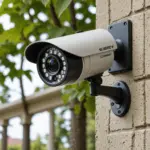
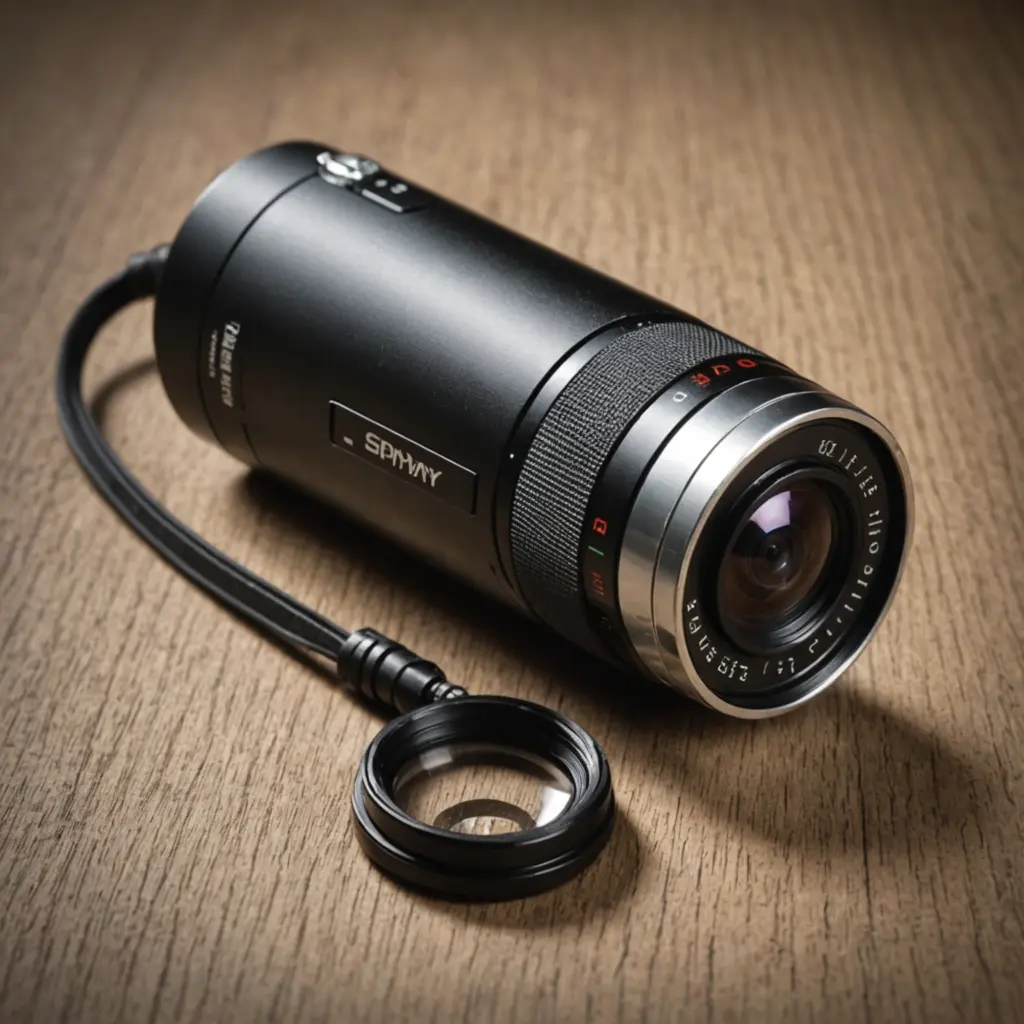
Budget models are available in several designs. A small standalone camera is usually the most flexible option because it can be placed or mounted where needed. Compact Wi-Fi cameras may connect to a home network and provide remote viewing through a mobile app. Other models are designed to resemble everyday objects, but any disguised camera should be used only where recording is lawful and appropriate.
Power arrangements vary as well:
- Battery-powered cameras: Easy to position and useful for temporary setups, but recording frequency and wireless use can reduce battery life.
- USB- or outlet-powered cameras: Better suited to continuous monitoring, although the power cable can limit placement and make the device less discreet.
- Local-storage cameras: Save recordings to a memory card, avoiding some recurring service fees but requiring storage management and physical access.
- Cloud-connected cameras: Allow remote access and off-site storage, but may require a subscription and depend on an internet connection.
Features that matter most
Start with the conditions in which the camera will operate. Resolution affects how clearly people, objects, and activity appear, while frame rate influences how smoothly movement is recorded. A higher specification is not automatically better if the camera produces unreliable footage or compresses it heavily.
- Motion detection: Helps reduce unnecessary recording and makes important clips easier to find.
- Night vision: Useful in dark rooms or outdoor areas with limited lighting, though performance varies considerably between models.
- Storage: Check whether the camera supports a memory card, cloud storage, or both, and learn how long recordings are retained.
- Live viewing: Remote access can be convenient, but it requires a stable connection and a properly secured account.
- Audio: Microphones and two-way audio may be useful, but audio recording is subject to additional privacy rules in many places.
- App and firmware support: A dependable app and regular security updates can matter more than a small difference in image resolution.
How to choose good value
Before buying, decide whether you need occasional motion clips, continuous recording, or live checking from a phone. Consider the camera’s position, access to power, expected lighting, Wi-Fi reliability, and how often recordings will need to be reviewed. If the camera must identify details at a distance, test its practical viewing angle and image clarity rather than relying only on the advertised resolution.
Read user feedback for recurring problems such as dropped connections, difficult setup, inaccurate motion alerts, poor battery performance, or an unreliable mobile app. Also calculate the total cost, including a memory card, mounting equipment, replacement batteries, and any cloud subscription. A slightly more expensive model with dependable support and secure remote access may offer better value than the cheapest device available.
Legal and ethical responsibilities
Check the laws that apply in your location before recording anyone. Rules can differ for video and audio, and some areas require consent from one or more people being recorded. Cameras should never be placed in spaces where people reasonably expect privacy, such as bathrooms, changing areas, or private sleeping accommodations. Businesses should also consider notice requirements and clear policies for employees and visitors.
Use monitoring for legitimate purposes such as protecting property, checking on dependants or pets where appropriate, or documenting a suspected incident. Avoid deceptive placement intended to intrude on another person’s private life. Keep recordings limited to what is necessary, restrict who can view them, and delete footage that no longer has a valid purpose.
Secure the camera after installation
Change the default password immediately and use a unique, strong password for the camera account. Enable two-factor authentication if it is available, keep the device and app updated, and secure the home Wi-Fi network. Review sharing permissions and avoid leaving recordings publicly accessible. If a camera is no longer supported with security updates, replacing it may be safer than continuing to connect it to the internet.
Final buying advice
An affordable spy camera can be a practical monitoring tool when its limitations are understood and its use respects privacy. Compare power, storage, night performance, motion alerts, app reliability, and ongoing costs before choosing. With lawful placement, careful account security, and regular maintenance, a budget camera can provide useful coverage without requiring a major investment.