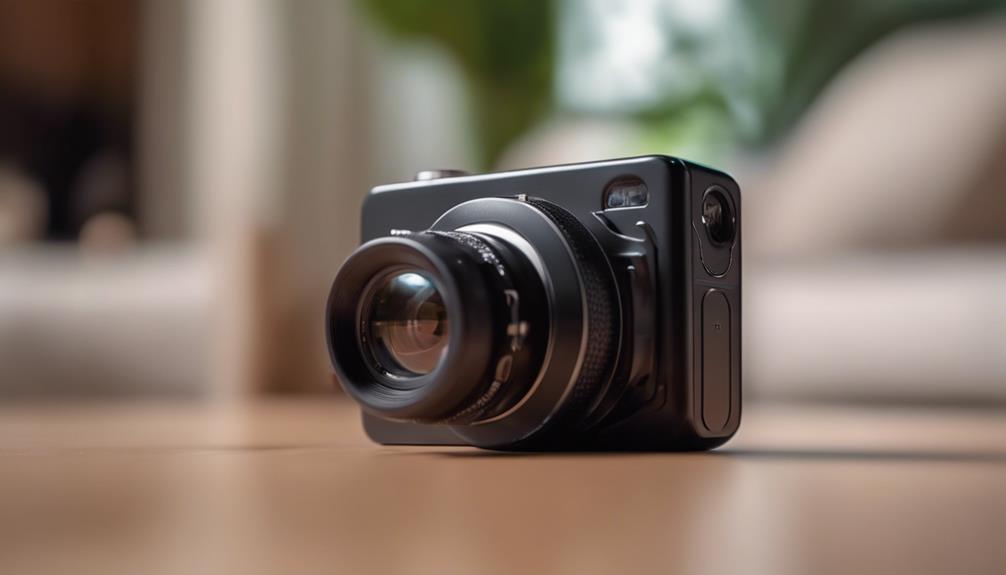

A 24-hour recording camera without Wi-Fi can be useful when you want local surveillance without connecting footage to a wireless network or cloud service. Instead of sending video over the internet, the camera usually saves recordings to internal memory or a removable memory card. This can simplify setup and reduce exposure to remote-access risks, but it also means that viewing and transferring footage generally requires physical access to the device or storage media.
Before installing any camera, check the privacy and recording laws that apply where you live. Do not place a camera in bathrooms, bedrooms, changing areas, or other places where people reasonably expect privacy. If other people may be recorded, provide notice or obtain consent when required. A discreet design should support legitimate security—not conceal unlawful surveillance.
Why Choose a Wi-Fi-Free Recording Camera?
The main advantage of a non-Wi-Fi camera is local operation. Because it does not rely on a wireless network, it can continue recording even when there is no internet connection or when you prefer not to connect the device to your home or office network.
- More control over footage: Recordings remain on the camera or its storage card rather than being uploaded automatically to an online service.
- No remote viewing: A camera without network connectivity is not designed for checking footage from another location. This can be useful when limiting access is a priority.
- Simpler installation: There is no Wi-Fi pairing or network configuration to complete.
- Flexible placement: The camera can be used in locations without reliable wireless coverage, provided it has sufficient power and storage.
These benefits come with practical trade-offs. You must manage storage, maintain the power supply, and retrieve footage directly from the camera. A Wi-Fi-free model is therefore best suited to users who value local recording over remote convenience.
Features to Compare Before Buying
Recording quality
Choose a resolution that allows you to identify relevant details in the monitored area. A higher resolution can produce clearer images, but it may also use more storage space. Consider the lighting conditions as well as the advertised resolution; a camera should perform acceptably in the environment where it will be installed.
Continuous recording and loop recording
“24-hour recording” describes the intended recording pattern, not unlimited storage. Once available space is filled, a camera may stop recording or use loop recording to overwrite the oldest files. Confirm which behavior the model supports and decide whether automatic overwriting is appropriate for your use.
Power source and battery life
A battery-powered camera is easier to position but may not record continuously for a full day without recharging or replacing the battery. A wired power source is generally more suitable for uninterrupted recording, although cables can make installation less discreet and may require additional safety precautions. Check whether the camera can record while connected to power if continuous operation is important.
Storage capacity
Look for compatible removable storage or adequate built-in memory. The amount of footage a camera can retain depends on resolution, frame rate, audio settings, and whether recording is continuous or motion-triggered. Test the storage system before relying on it, and regularly copy important files to a secure location.
Motion detection
Motion-triggered recording can reduce the number of empty scenes and make important events easier to find. It is not the same as continuous recording, however. Moving shadows, changing light, pets, or other activity may trigger recordings, while an event outside the camera’s detection range may not.
Installation and Setup
Mount the camera securely with a clear, unobstructed view of the area you are authorized to monitor. Test the angle before fixing the final position, and avoid pointing the lens directly toward strong lights or windows, which can reduce image quality.
Discreet placement can help a camera blend into an appropriate security installation, but do not hide it in a way that violates privacy expectations or local law. Keep the lens opening clear, protect cables from damage, and make sure the power connection cannot create a trip or fire hazard.
After setup, make a short test recording. Check the image, date and time settings, audio behavior, storage status, and whether the camera continues recording when external power is interrupted. If the camera uses loop recording, verify that older test files are replaced as expected.
Suitable Uses
A local, non-Wi-Fi camera may be appropriate for monitoring an authorized entrance, storage area, office equipment, workshop, or other property where recording is permitted. It can also support household security when positioned in shared spaces such as an entryway or living area. For children, pets, employees, visitors, or contractors, use clear notice or consent where required rather than relying on hidden recording.
Maintenance and Footage Management
- Clean the lens gently with a soft, lint-free cloth.
- Check the battery, cable, and power connection regularly.
- Review available storage so important recordings are not unexpectedly overwritten.
- Back up necessary footage and remove files that no longer need to be retained.
- Store the camera and memory card in a cool, dry place when not in use.
- Handle memory cards carefully and follow the manufacturer’s instructions before removing them.
A 24-hour recording spy camera without Wi-Fi can provide straightforward local surveillance, but its effectiveness depends on realistic expectations. Match the camera to the available power, storage, lighting, and legal requirements, then test the complete setup before depending on it for security.