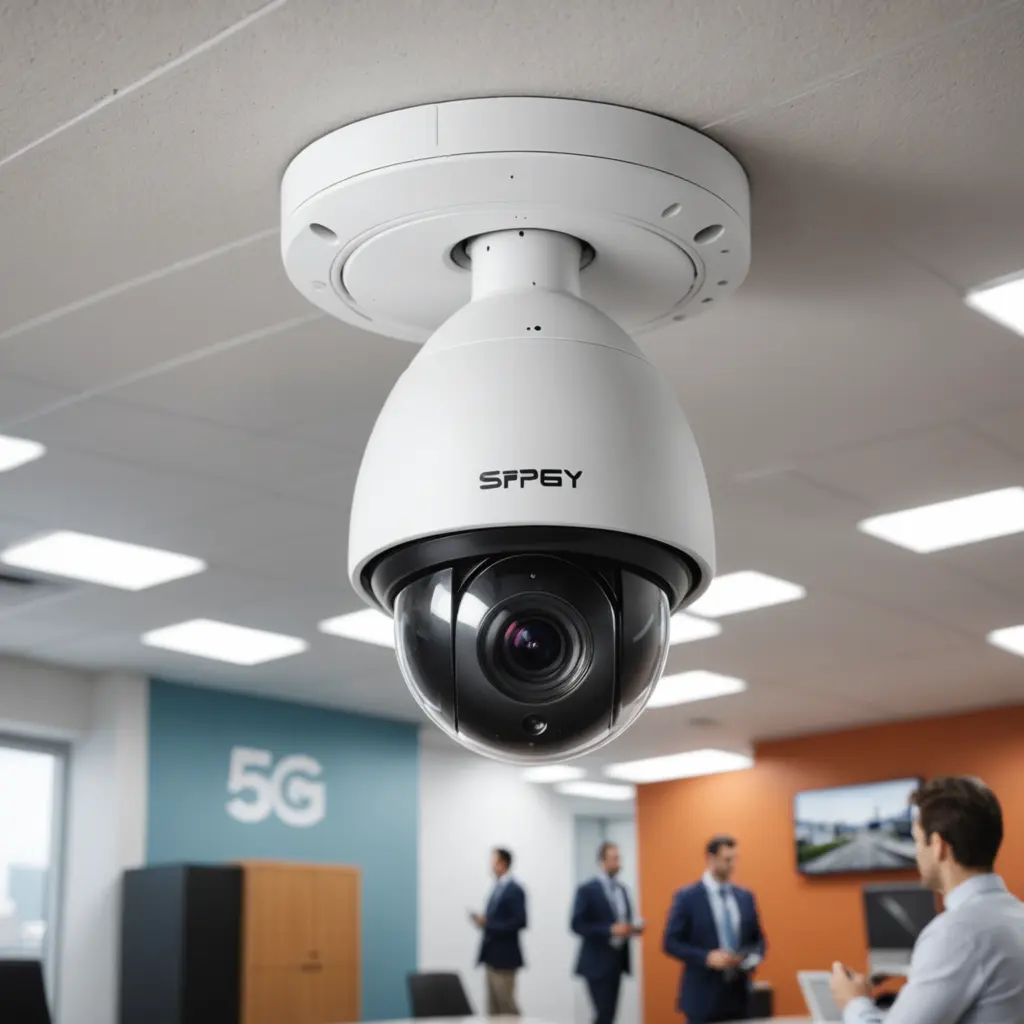

A “5G security camera” can mean one of two very different things: a camera that connects to a cellular 5G network, or a camera that connects to a local Wi‑Fi network using the 5GHz band. Although both can support responsive remote viewing and high-quality video, they differ significantly in coverage, installation, operating costs, and network requirements. 5G security cameras unlock wireless surveillance features that enable discreet recording, AI detection, and remote viewing.
Cellular 5G and 5GHz Wi‑Fi: What is the difference?
A cellular 5G camera connects directly to a compatible mobile network. It does not need a nearby home or business Wi‑Fi network, making it useful for locations where wired broadband or local internet is unavailable. Depending on the model and service plan, it may require a SIM or eSIM and a separate cellular data subscription.
A 5GHz Wi‑Fi security camera connects to a local router or access point. The 5GHz band generally offers higher throughput and less congestion than 2.4GHz Wi‑Fi, but its signal usually covers a shorter distance and is more easily weakened by walls and other obstacles. Many cameras support both Wi‑Fi bands, allowing the device to use the most suitable connection for its location.
Why connectivity matters for camera performance
Higher network capacity can make live viewing more responsive and help cameras upload event footage more quickly. It can also support higher-resolution video, remote pan-tilt-zoom controls, and two-way audio with less delay. These benefits depend on the camera’s hardware, the available signal, the network’s upload speed, and the settings used for resolution and frame rate.
Fast connections can also support features such as motion alerts, people detection, object classification, and cloud backups. Some processing may take place on the camera itself, while other functions depend on a cloud service. Event-based recording is particularly useful when you want alerts and short clips without continuously uploading every minute of video.
Where each type works best
Cellular 5G cameras
A cellular camera can be a practical choice for remote properties, temporary work areas, rural locations, vehicles, or other sites without dependable local Wi‑Fi. Installation may be simpler because there is no need to extend a home or business network to the camera. However, the device must have adequate cellular coverage, and regular video uploads can consume significant data. For portable footage beyond fixed surveillance, GoPro action footage offers a complementary perspective to 5G wireless monitoring.
5GHz Wi‑Fi cameras
A 5GHz Wi‑Fi camera is often better suited to homes, offices, and other locations with a reliable nearby router or access point. It can avoid cellular data fees and work well for high-quality local streaming, but placement is important. A camera installed too far from the access point may experience dropped connections or reduced video quality.
Features to compare before buying
- Connectivity: Confirm whether the camera uses cellular 5G, 5GHz Wi‑Fi, or both. Cellular models should be checked for supported bands and carrier compatibility.
- Resolution and frame rate: Higher settings can provide clearer footage but require more storage, bandwidth, and power.
- Video compression: Efficient compression, such as H.265 where supported, can reduce storage and data requirements.
- Storage: Look for the combination of cloud storage, local memory, removable storage, or network recording that fits your needs.
- Power: Wired, battery, and solar-assisted options each involve different installation and maintenance requirements.
- Outdoor protection: For exterior use, check weather resistance, operating conditions, night vision, and protection against tampering.
- Security and privacy: Prioritise strong account authentication, encrypted connections, secure firmware updates, and clear control over who can view recordings.
Installation and network planning
For 5GHz Wi‑Fi cameras, place the router or access point as close as reasonably possible to the camera. Fewer walls, a clearer line of sight, and suitable elevation can improve reliability. Large properties may need additional access points or an outdoor-rated networking solution. If several cameras stream simultaneously, confirm that the network has enough capacity for their combined upload and download demands.
For cellular 5G cameras, check signal strength at the intended mounting location before final installation. Antenna position can affect performance, and weak coverage may require a different placement or compatible signal-improvement equipment. Also consider how often the camera records and uploads video, since continuous high-resolution streaming can increase data costs.
Making the right choice
Choose a cellular 5G wireless security camera when the site lacks dependable Wi‑Fi or needs a more independent connection. Choose a 5GHz Wi‑Fi camera when a strong local network is already available and avoiding cellular service charges is important. In either case, evaluate coverage, power, storage, privacy, data usage, and the distance between the camera and its network connection.
For monitoring people or property, use cameras lawfully and respect reasonable privacy expectations. The best system is not necessarily the one with the fastest connection; it is the one that delivers dependable footage and alerts within the practical limits of the location.