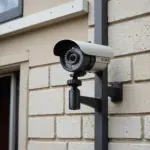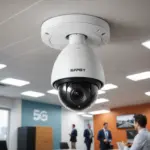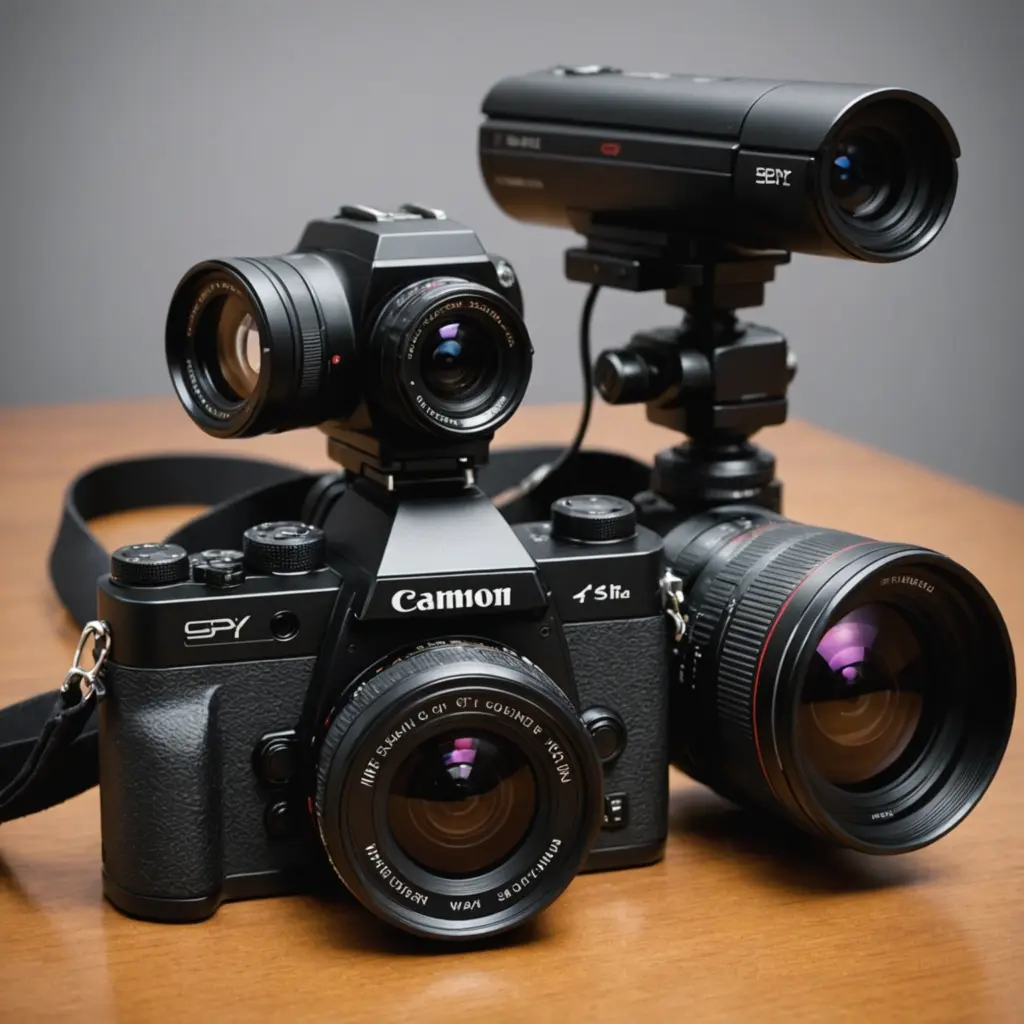

An add-on camera is a supplementary camera installed alongside an existing surveillance system. Rather than replacing the main cameras, it helps address a specific need: covering a blind spot, capturing more detail at an entrance, monitoring a separate area, or adding features such as night vision and intelligent motion detection. Explore how add-on imaging modules enhance surveillance with advanced covert features and sensor technology.
This approach can be useful for homes, offices, shops, and other properties where the current system provides broad coverage but leaves important gaps. A carefully selected additional camera can improve visibility and response without requiring a complete redesign.
What an add-on camera can do
Primary cameras are often positioned to provide general awareness across a room, driveway, sales floor, or entrance. An additional camera can then focus on a narrower area where detail matters most. For example, a wide-angle camera may show that someone approached a doorway, while a nearby add-on unit provides a clearer view of the person, package, or interaction.
Depending on the model and the wider system, an add-on camera may provide:
- Extra coverage for entrances, side passages, garages, or storage areas
- A closer view of high-value equipment, counters, or access points
- Infrared or other low-light recording capabilities
- Motion detection and event-based recording
- Two-way audio where supported and appropriate
- Integration with a recorder, hub, mobile app, or cloud platform
- Smart notifications based on detected movement or other supported events
Important features to compare
Compatibility and connection
Compatibility should be checked before image quality or advanced features. Determine whether the camera works with your existing DVR, NVR, hub, application, or cloud service. Connection methods may include Wi-Fi, Power over Ethernet, or a manufacturer-specific wireless standard. A camera that cannot communicate with the rest of the system may require separate viewing and recording, reducing its usefulness.
Resolution and field of view
Choose resolution according to the camera’s purpose. A focused camera at a doorway may need enough detail to distinguish faces or packages, while a unit covering a large outdoor area may benefit from higher resolution or a wider viewing angle. A wide field of view covers more space, but a narrower view can preserve greater detail at a particular location.
Night performance and lighting
Test or review how the camera performs in the lighting conditions where it will be installed. Infrared night vision can support recording in darkness, while wide dynamic range can help when bright outdoor light and shadow appear in the same scene. Lighting from windows, reflective surfaces, and nearby lamps can affect image quality, so placement matters as much as the camera’s specifications.
Detection and notification controls
Motion alerts are useful, but unrestricted notifications can quickly become distracting. Where available, features such as person detection, activity zones, line crossing, or adjustable sensitivity can help focus alerts on meaningful events. Confirm that event information from the add-on camera is recognised by the monitoring software; otherwise, advanced detection features may not work consistently across the system.
Practical uses for an additional camera
At home, an add-on camera can monitor a garage, backyard, side gate, or delivery area that is outside the view of the main units. In a shop, it can provide a closer view of a checkout or stockroom entrance. In an office, it may be used to monitor an access point or a room that is not covered by the existing installation. For added functionality, explore the GoPro companion app to control settings and manage footage more efficiently.
Because an additional unit may be easier to reposition than a permanently installed camera, it can also provide temporary coverage during building work, events, stock movements, or changes to a property layout. Any use intended to be discreet should still respect privacy, consent, and applicable recording rules.
Installation and integration guidance
Start by defining the problem the camera should solve. Avoid installing a unit simply because an empty channel or mounting location is available. Identify the blind spot or activity that needs closer observation, then test the proposed position during both daytime and nighttime conditions.
For wireless cameras, check signal strength at the final mounting point rather than near the router. For wired installations, confirm that the cable length, power requirements, and network equipment are suitable. PoE can provide a reliable connection when compatible equipment and cabling are already available.
After installation, review recorded footage rather than relying only on a live view. Check whether faces, hands, labels, and other relevant details remain visible at the expected distance. Adjust the angle to reduce glare and avoid pointing the camera toward areas that do not need to be recorded.
Privacy and responsible use
Additional surveillance creates additional responsibility. Do not place cameras in areas where people reasonably expect privacy, such as bathrooms or changing areas. Audio recording may be subject to separate requirements, so review the rules that apply to your location and situation before enabling it.
Where appropriate, inform employees, visitors, tenants, or other occupants about recording. Use privacy masks or activity zones to exclude neighbouring property, private rooms, or other sensitive areas. The goal should be focused security coverage—not unnecessary collection of personal information.
Making the upgrade worthwhile
The best add-on camera has a clear role, works with the existing system, and produces useful footage in the conditions where it will operate. Prioritise compatibility, placement, low-light performance, and practical alert controls over a long list of unused features. With careful planning, one additional camera can close a meaningful coverage gap while preserving the investment in the rest of the surveillance setup.