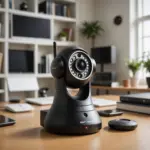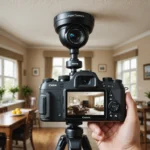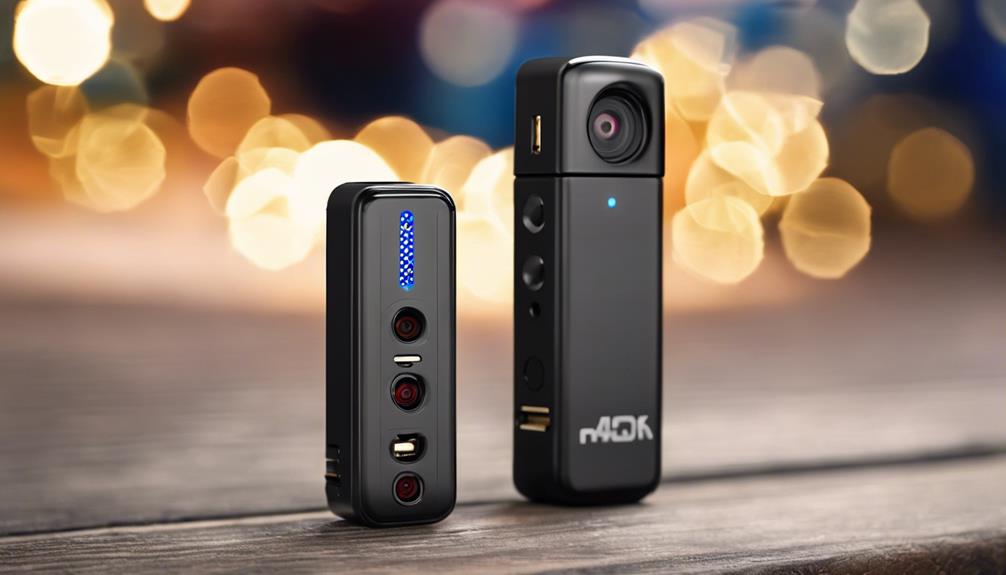

The GoPro Camera App turns a compact action camera into a practical remote-capture system. Instead of reaching for the camera every time you need to change a setting or begin recording, you can use a connected phone to frame the shot, control recording, review clips and adjust key options from a distance.
That flexibility is useful for more than action sports. Wildlife observation, documentary work, property documentation and other low-profile recording situations can all benefit from remote control. However, using a small camera discreetly does not remove the need to respect privacy, recording-consent rules and local surveillance laws.
What the GoPro Camera App lets you control
After pairing a compatible GoPro with a phone, the app provides a control layer for common recording tasks. Depending on the camera and software version, you may be able to:
- View a live preview to check framing and camera position.
- Start and stop video recording without touching the camera.
- Change resolution, frame rate, exposure and other capture settings.
- Set up time-lapse or interval-based recording.
- Browse, download and review recorded clips on the phone.
- Install available firmware updates and manage the camera connection.
Remote control is particularly helpful when the camera is mounted in a difficult-to-reach location, positioned near wildlife or being used for a fixed documentary shot. It also reduces the chance of disturbing a scene by repeatedly approaching the camera.
Remote recording and low-profile setups
A GoPro can be placed in a discreet position for legitimate observation or documentation, but concealment should never be used to record people where they reasonably expect privacy. Before leaving the camera unattended, check the framing through the app and confirm that the mount is stable, the lens is unobstructed and the recording plan complies with applicable rules.
For longer sessions, balance image quality against storage capacity and battery life. High-resolution recording can produce clearer footage, but it may fill the memory card more quickly and require more frequent charging. Time-lapse and interval modes can reduce the amount of continuous video when the goal is to document gradual activity rather than capture every moment.
Stabilization and image quality
Stabilization is important when a camera is body-mounted, handheld or attached to a surface that experiences vibration. GoPro’s HyperSmooth stabilization options, where supported by the camera, can reduce visible shake and make footage easier to watch or review.
Stabilization settings can involve trade-offs, including additional cropping or increased processing demands. Test the selected mode before beginning a long recording session. A stable mount may deliver better results than relying on electronic stabilization alone, especially when the camera is fixed in one location.
Using the app with Android phones
The GoPro camera app for Android supports the same general workflow of pairing, live preview, remote recording and clip management, subject to compatibility between the phone, app and camera. A connected Android device can act as a mobile monitor, allowing you to check the scene without removing the camera from its mount.
Downloading clips to the phone can also speed up review and backup. For important recordings, keep an additional copy in a secure location rather than relying on a single camera or phone. Wireless transfers may take time when files are large, so plan storage and battery use before starting the shoot.
Practical mounting and audio tips
A reliable setup begins with the mount. Use a secure attachment point, avoid placing the lens directly toward reflective surfaces and protect the camera from conditions it is not designed to withstand. Neutral equipment can draw less attention, but it should not be used to bypass consent or conceal unlawful recording.
- Check the angle and field of view using the live preview.
- Test the mount for movement, vibration and accidental obstruction.
- Choose settings that provide enough detail without exhausting storage or power.
- Test microphone performance, especially in wind or near traffic.
- Make a short trial recording and review it before the main session.
For interviews or scenes where sound matters, microphone placement can be as important as image quality. Wind reduction and an appropriate external microphone may help when supported by the equipment, but always test the complete setup first.
Privacy and security essentials
Remote access introduces security considerations. Keep the camera firmware and app updated, use secure wireless settings and avoid transferring sensitive footage over untrusted public networks. Do not leave unnecessary wireless features active when they are not needed, and protect the phone or account used to access the recordings.
Before recording in a public, workplace or residential setting, determine whether notice or consent is required. Be especially careful with audio, which may be governed by different rules from video. For wildlife, property or documentary projects, define the purpose of the recording, limit the area captured and retain footage only as long as necessary.
A flexible tool when used responsibly
The GoPro Camera App makes remote capture easier by combining live framing, wireless control and mobile clip management. Stabilization, time-lapse tools and Android support can make the system useful for field documentation, wildlife observation and low-profile filmmaking. The best results come from careful planning: secure the camera, test the settings, protect the footage and make privacy and legal compliance part of the setup from the beginning.