
WiFi-enabled compact cameras can make it easier to check on a room, entrance, child, pet, or property remotely. However, a camera should be used only for a legitimate purpose and in a way that respects other people’s privacy. Before installing any recording device, review the laws that apply in your location and avoid recording areas where people reasonably expect privacy.
What to Look for in a WiFi Camera
The right camera depends on where it will be installed and what you need to monitor. Rather than choosing solely by size or appearance, compare the following features:
- Remote viewing: A companion app may let you view a live feed from a phone, tablet, or computer when the camera is connected to the internet.
- Video quality: Higher resolution can make faces, movement, and objects easier to distinguish, although performance also depends on lighting and the camera’s position.
- Motion detection: Motion-triggered recording can reduce unnecessary footage and make important events easier to find.
- Low-light performance: Night vision or infrared illumination can help the camera capture footage when visible lighting is limited.
- Storage options: Check whether recordings are saved locally, to removable storage, or through a subscription-based cloud service. Also review how long footage is retained.
- Power and connectivity: Battery-powered models are flexible to install but require charging. Wired cameras may provide more consistent operation, while WiFi reliability depends on the network and location.
Compact Cameras for Discreet, Permission-Based Monitoring
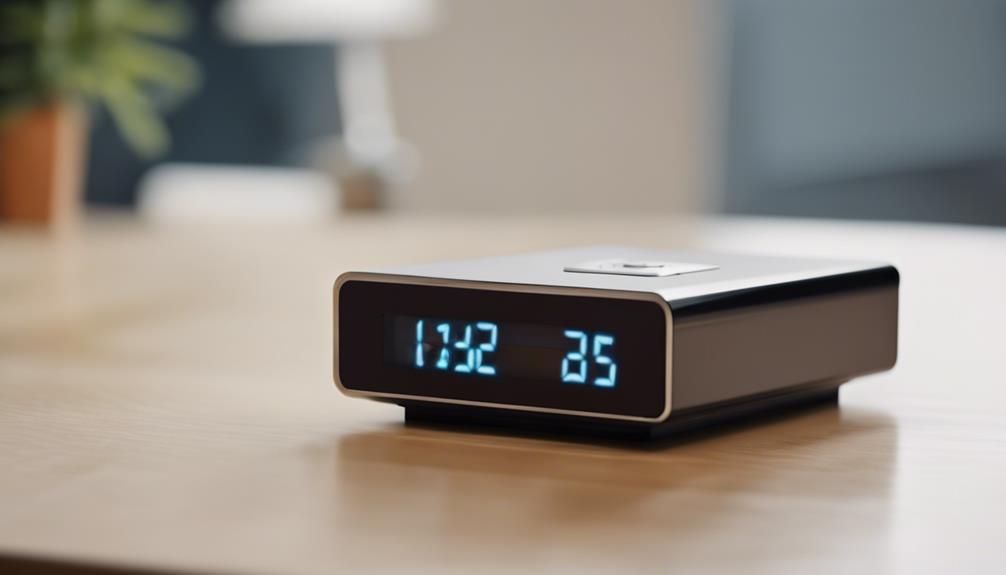
Small cameras are useful when a full-size security camera would be impractical or visually distracting. They can be placed in an appropriate, openly disclosed location to monitor a doorway, hallway, office entrance, or another area where recording is lawful.
Compact size should not be confused with unlimited flexibility. A small camera may have a narrower field of view, a smaller battery, or fewer controls than a larger model. Check the viewing angle, mounting options, power requirements, and app controls before installation. The camera should be positioned so that it records only the area necessary for the stated purpose.
Night Vision and Low-Light Recording
Night vision is helpful for monitoring spaces after dark, but specifications should be considered carefully. Useful questions include how far the camera can see in darkness, whether infrared lights are visible, and whether the image remains clear when a person is moving.
Even a camera with infrared capability may produce limited detail in a large or cluttered room. Test the camera at night from its intended position, and adjust lighting or placement if the footage does not provide enough information.
Motion-Activated Recording
Motion detection is a practical choice for entrances, storage areas, and other locations that are normally quiet. It can alert you when activity occurs and reduce the amount of video that must be reviewed.
Look for adjustable detection zones or sensitivity settings if they are available. Without adjustment, a camera may react to passing traffic, changing shadows, pets, or other harmless movement. Confirm how alerts are delivered and whether recording continues after motion is detected.
Pan, Tilt, and Zoom Features
Pan-tilt-zoom, or PTZ, cameras can be adjusted remotely to change the viewing direction or enlarge part of the image. This can be useful when one camera needs to cover a wider room or when you want to check different angles without physically moving the device.
PTZ functions do not replace careful placement. A camera that can turn toward private areas may create unnecessary privacy risks. Use viewing limits, privacy masks, or fixed positioning where possible, and make sure everyone who may be recorded has been properly informed when required.
Privacy and Security Checklist
WiFi cameras can expose sensitive footage if their accounts or networks are poorly protected. Before relying on one, take basic security precautions:
- Change the default password and use a unique, strong account password.
- Enable multi-factor authentication when the camera service supports it.
- Keep the camera, app, and home router software updated.
- Use a secure WiFi network rather than an open public connection.
- Limit who can view recordings or receive alerts.
- Delete footage that is no longer needed and understand the provider’s storage practices.
Choosing the Right Camera
For lawful home or property monitoring, prioritize reliable connectivity, clear footage, appropriate night performance, motion alerts, and secure storage. A discreet design may help a camera fit naturally into a room, but it should never be used to secretly record people in private settings. The best WiFi camera is the one that meets the monitoring need while using the smallest practical field of view, the shortest necessary retention period, and clear notice or consent where required.