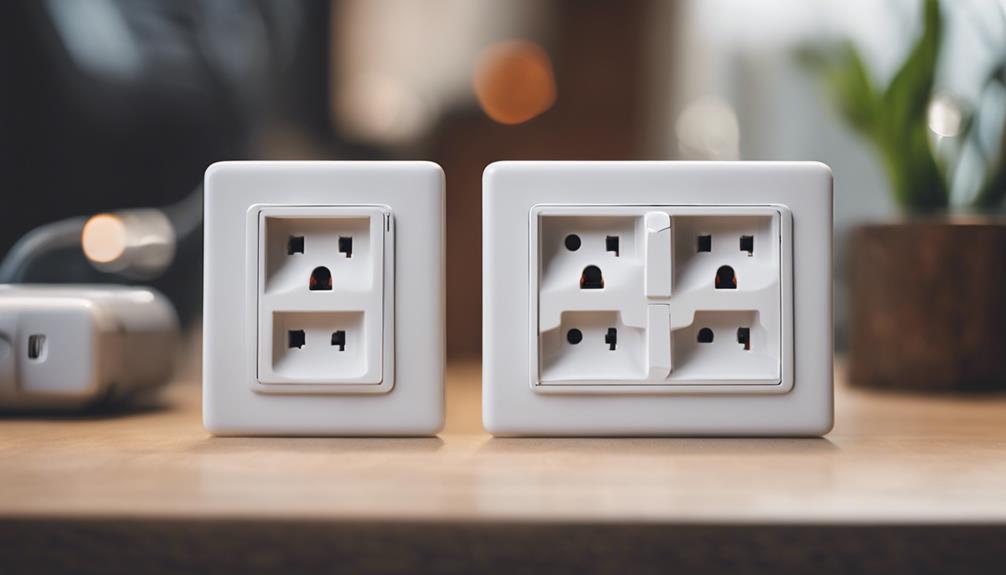

Power-socket cameras combine a compact camera with a device designed to plug into a standard electrical outlet. They can be useful for monitoring an entryway, living area, or another permitted space without adding a separate camera stand or wall-mounted unit. The best choice depends on whether your priority is image detail, recording efficiency, or remote access.
Before installing any camera, consider privacy and local law. Do not record people in spaces where they reasonably expect privacy, such as bedrooms or bathrooms. If other household members, guests, tenants, or workers may be recorded, provide appropriate notice and obtain consent where required.
1. High-Resolution Power-Socket Camera
A high-resolution model is designed for situations where identifying details in the footage matter. Sharper video can make it easier to review activity around a doorway, hallway, or other selected area, although image quality will still depend on lighting, camera placement, and the device’s recording settings.
What to look for
- Clear video during the lighting conditions in the intended location.
- A viewing angle that covers the area without pointing into private spaces.
- Reliable recording and a straightforward way to review saved footage.
- Remote viewing, if checking the camera while away from home is important.
The main advantage of this type is detail. It may be a practical fit for monitoring an entrance or keeping an eye on a shared household area. However, higher resolution can require more storage and network capacity, so confirm how recordings are saved before choosing a model.
2. Motion-Activated Power-Socket Camera
A motion-activated camera begins recording when movement is detected rather than capturing continuously. This can reduce the amount of footage you need to review and may help conserve available storage.
Motion recording is particularly useful in areas that are normally quiet, such as an entryway or room that is unoccupied for long periods. It can make unusual activity easier to locate because recordings are organised around detected movement instead of hours of uneventful video.
Important limitations
- Movement detection may not capture every event, especially if a person moves outside the detection area.
- Pets, changing light, or other activity may trigger recordings that are not security incidents.
- The camera may need careful positioning to avoid monitoring areas unnecessarily.
- Check whether the device allows you to adjust detection sensitivity or recording duration.
This option suits users who want event-based footage rather than a continuous record. It is also worth checking whether the camera can continue recording for a short period after motion is detected, since activity may continue after the initial trigger.
3. Wi-Fi Power-Socket Camera for Remote Monitoring
A Wi-Fi-enabled socket camera connects to a home network and can provide access to live video or saved recordings through a compatible phone, tablet, or computer. This makes it useful when you want to check a permitted area while away from the property.
Remote access should be treated as a convenience, not a guarantee of uninterrupted monitoring. Performance depends on the camera’s connection, the strength of the home network, and whether the device or network is available when you need it. Some Wi-Fi models also include motion alerts, allowing the camera to notify you when movement is detected.
Security checks before connecting
- Use a strong, unique account password and enable additional account protection when available.
- Install firmware or app updates supplied for the device.
- Review who can access the live feed or recordings.
- Understand whether footage is stored locally, on a memory card, or through an online service.
How to choose the right type
Choose a high-resolution camera when image detail is the primary concern. Select motion activation when you want shorter, event-focused recordings. A Wi-Fi model is the better fit when remote viewing or alerts are central to your setup. Some devices combine these features, but combining capabilities does not remove the need to check storage, connectivity, privacy controls, and recording reliability.
Responsible installation
Place the camera so it covers only the area you intend to monitor, and test the view during both daytime and nighttime conditions. Make sure the outlet and plug remain secure and that the device does not create an electrical or trip hazard. Clearly communicate the presence of monitoring where appropriate. Used carefully and lawfully, a power-socket camera can supplement—not replace—good locks, lighting, access control, and other sensible home-security measures.