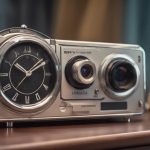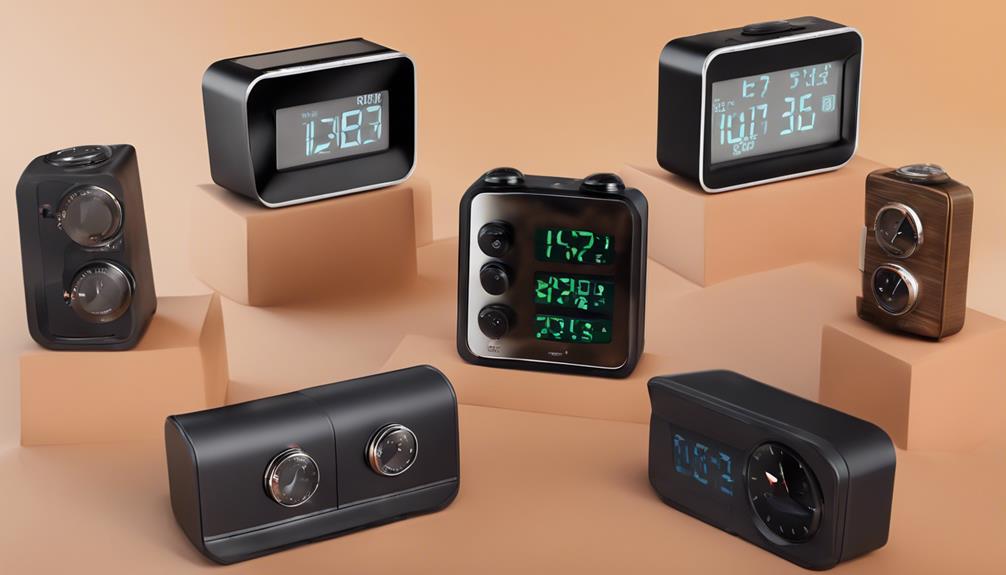

An alarm clock camera can look like an ordinary bedside or desk clock while adding video monitoring to a room. That discreet design may be useful for checking an entryway, home office, or another area you are responsible for securing. However, appearance should not be the main factor when choosing one. Video quality, remote access, storage, privacy controls, and lawful use all deserve equal attention.
Rather than choosing a device based only on a product name or its hidden-camera design, compare these seven features before adding an alarm clock camera to your security setup.
1. Discreet design with clear video
The clock should blend naturally with its surroundings without obstructing the camera lens or making everyday use difficult. A well-designed device can fit on a nightstand, shelf, or desk while keeping the camera directed toward the area you need to monitor.
Discretion should not come at the expense of useful footage. Look for a camera that produces clear images and allows you to check the lens position before relying on it. A wide field of view can be helpful in small rooms, but the best choice depends on the space and the distance between the camera and the subject.
2. Wireless access for remote monitoring
Wireless connectivity can let you view a live feed or review saved recordings from a phone or other approved device. Remote access is particularly useful when you are away from home and want to check a room without being physically present.
Convenience must be balanced with network security. Use a strong, unique password for the camera account and connect the device to a secured Wi-Fi network. If the manufacturer provides firmware updates, install them through the official app or support channel. Review account permissions and disable remote access if you do not need it.
3. Motion detection and night vision
Motion detection can reduce the amount of uneventful footage you need to review by starting a recording or sending an alert when movement is identified. Check whether the sensitivity can be adjusted, since overly sensitive detection may create unnecessary alerts from pets, curtains, or changing light.
Night vision is another important consideration for a camera used after dark. Infrared imaging can help the device record in low-light conditions, but performance depends on the room, the camera position, and the available infrared range. Test the camera at night before depending on it for security monitoring.
4. Audio recording that can be disabled
Some alarm clock cameras include a microphone for recorded or live audio. Audio can provide additional context, but it also creates greater privacy and legal risks than video alone. Rules about recording conversations vary by location, and recording people without the required consent may be unlawful.
Before using this feature, check the laws that apply where the camera is installed. Choose a model with a clear audio-off setting, and keep audio disabled unless you have a legitimate reason and the necessary permission. Avoid placing any camera or microphone in areas where people reasonably expect privacy.
5. Adjustable viewing angle
A camera with a movable lens, rotation, or a broad viewing angle can cover more of a room and reduce blind spots. Adjustability is useful when the clock must sit in a particular location because of a power outlet or furniture arrangement.
More coverage is not always better. Aim the lens only at the area you need to protect, and avoid bedrooms, bathrooms, changing areas, or other private spaces used by guests and household members. If the app includes a privacy mode or lens-cover option, learn how to use it.
6. A reliable, easy-to-use app
The companion app should make basic tasks straightforward, including pairing the camera, viewing live video, changing settings, receiving motion alerts, and downloading recordings. Complicated controls can make a security device frustrating to use, especially when you need to respond quickly to an alert.
Review the app’s privacy and account-security options. Useful protections may include strong authentication, access notifications, encryption, and separate user permissions. Also consider how frequently the camera communicates with the app and whether continuous remote viewing could affect the battery or data usage of connected devices.
7. Image quality and practical storage
Choose a camera that records enough detail for the room and viewing distance. A higher stated resolution does not guarantee better footage, so pay attention to clarity in both daylight and darkness. If possible, test sample recordings rather than judging image quality from a product description alone.
Storage may be provided through a memory card, a connected device, or an online service, depending on the camera. Check the recording limits, overwrite behavior, download process, and any account requirements before installation. Protect saved footage with a strong password and remove recordings that you no longer need.
Use an alarm clock camera responsibly
A disguised camera should be treated as a security tool, not a way to secretly monitor people. Tell household members, guests, workers, or other affected individuals when disclosure or consent is required. Confirm local rules for video and audio recording before activating the device, and position it so that it monitors only an appropriate area.
The most suitable alarm clock camera is the one that provides usable footage, secure access, dependable storage, and clear privacy controls. Comparing these seven features can help you build a more responsible and effective home monitoring setup without relying on appearance alone.